How to Ship Halloween Emails That Actually Work — Fast (Using Migma.ai)
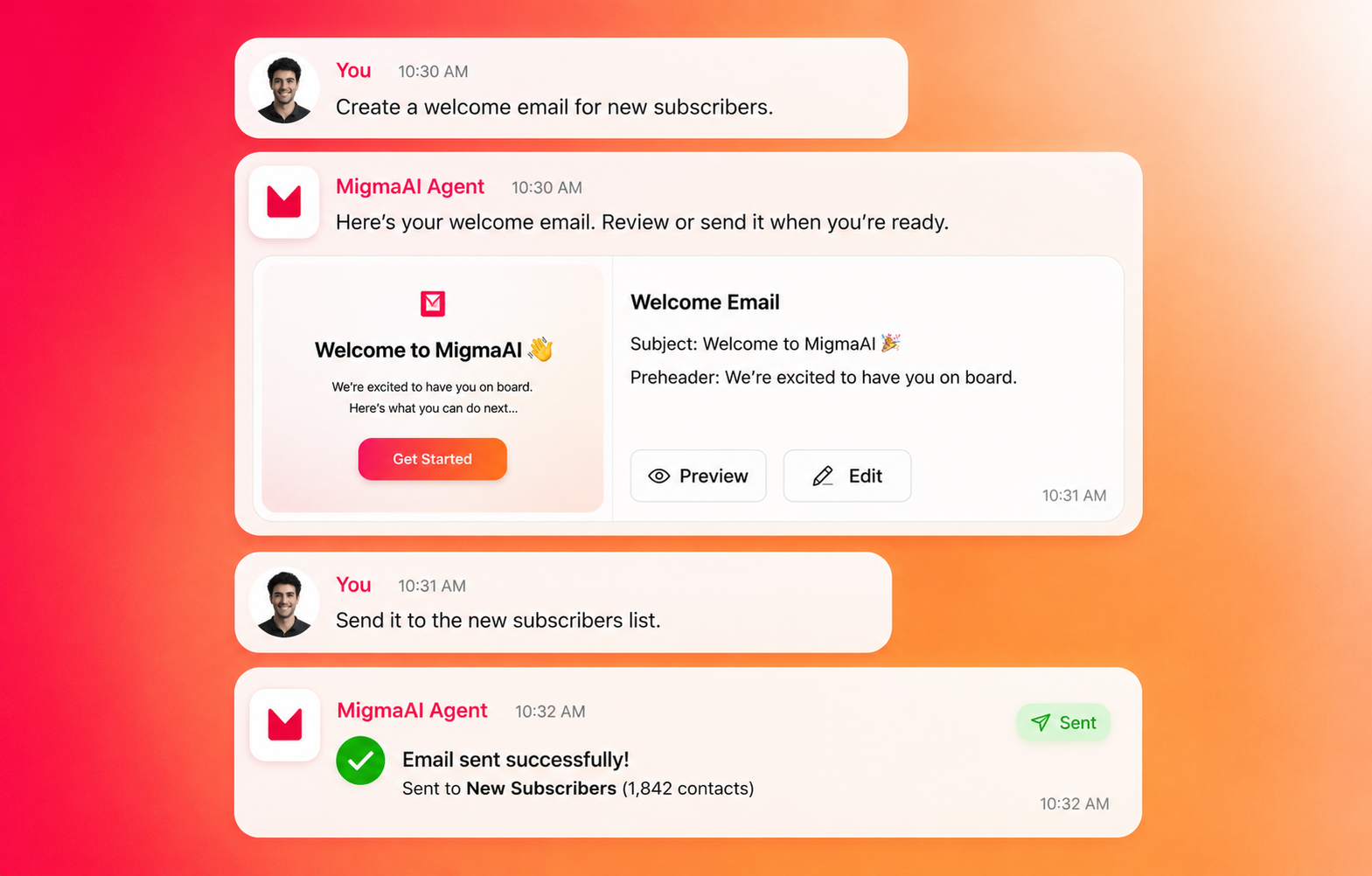
Halloween is a good test of marketing: you have one shot to be playful, urgent, and brand-safe all at once. If you haven’t sent your spooky campaigns yet, that’s okay — the trick is not to start from scratch. With Migma.ai you can go from brief to inbox-ready in minutes: a coral-accented logo, a vibrant orange “TRICK OR TREAT” banner, spooky icons, and templates that keep rendering issues and brand drift out of the picture.
Below is a practical playbook for founders, marketers, and engineers who need to produce high-volume, polished Halloween email campaigns on a tight schedule.
Why Halloween needs a fast, controlled workflow
There are three things Halloween campaigns demand:
- Speed — seasonal moments are short-lived.
- Visual risk — decorative elements (animations, dark themes) can break across clients.
- Voice consistency — a playful tone should still feel like your brand.
Migma is built for exactly this: prompt-based generation, brand memory, email preflight checks, and visual editing — so you don’t trade speed for quality.
Quick start: 5 steps to a Halloween email in minutes
- Pick a template or paste an existing email
- Use a ready-to-remix Halloween template (candy graphics, costume contest, dark deals, anti-design collage).
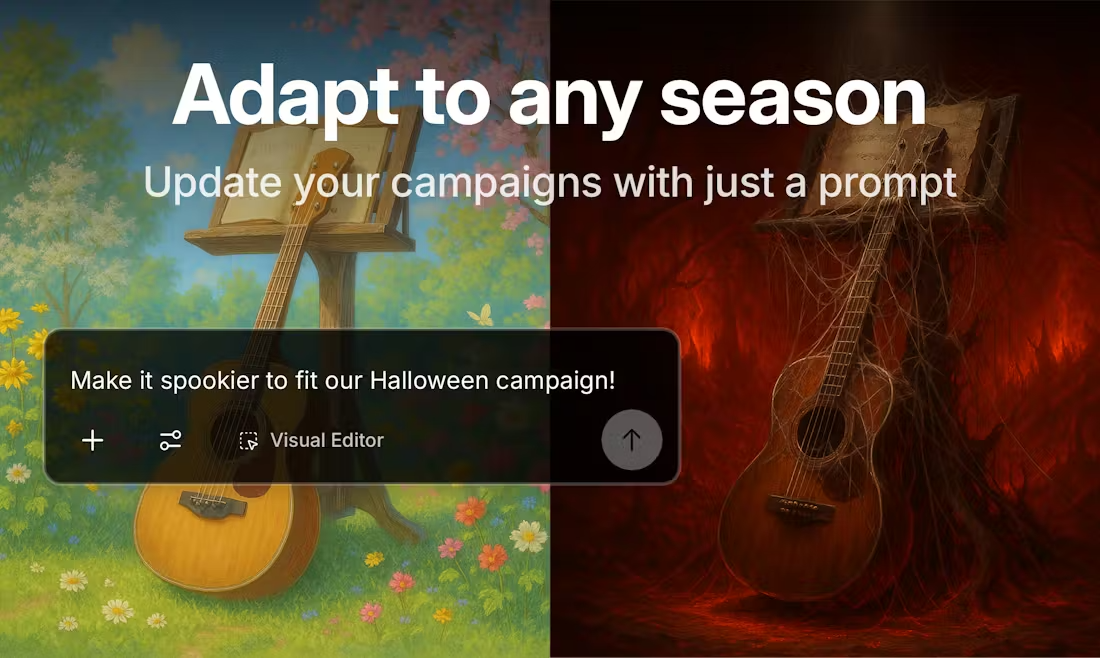
- Or paste your current campaign into Migma and say “Make it Halloween-ready.” The AI will transform colors, swap images, and add themed icons.
- Import your brand
- One-click Brand Import from your site captures logo, palette, and fonts. Coral accents? Done. Horizontal logo variants are auto-detected.
- Prompt for the creative
- Example prompt: “Create a short promotional email with a vibrant orange TRICK OR TREAT banner, witch hat and pumpkin icons, a 48-hour limited offer with countdown, and a CTA: ‘Claim Candy’.”
- Regenerate lines until the voice matches your brand memory.
- Visual polish and QA
- Use the Visual Editor to adjust spacing, swap images, or edit inline copy.
- Run Email Preflight: compatibility across 40+ clients, brand voice guard, and link validator.
- Export and send
- Export to Klaviyo, Shopify, or your ESP. Or send directly via integrated providers like SendGrid or SES.
- Schedule and segment (e.g., loyal customers vs. lapsed buyers) with urgency-driven CTAs.
Template ideas that convert (with examples)
Here are four proven formats and how to use them.
- Candy Promotion (bright orange + black)
- Visuals: candy illustrations, orange banner “TRICK OR TREAT”
- Copy idea: “Sweet deals — 25% off treats through Halloween. Ends in 48 hours.”
- Feature: countdown timer image to increase urgency.
- CTA examples: “Grab Candy,” “Treat Yourself”
- Costume Contest (UGC-driven)
- Visuals: Halloween background, bats, pumpkins, user submission form
- Copy idea: “Submit your costume. Win $500 and be featured.”
- Feature: image upload or link to submission page via Shopify/Forms integration.
- CTA examples: “Enter the Contest,” “Submit Your Look”
- Spooky Limited Deals (dark theme, glowing CTAs)
- Visuals: dark background, ghost accents, neon CTA
- Copy idea: “Flash sale through midnight — spooky savings await.”
- Feature: responsive fallback for older email clients (ensures glow remains legible).
- CTA examples: “Shop the Haunt,” “Scare Up Savings”
- Anti-Design Collage (chaotic, bold)
- Visuals: overlapping shapes, bold colors, unexpected layout
- Copy idea: “Design chaos unleashed — limited-run products.”
- Feature: quick A/B between chaotic and clean layouts to measure creative lift.
- CTA examples: “See the Drop,” “Get It Before It Vanishes”
Include a clear preview screenshot in the editor and run compatibility checks — anti-design is the most likely to render differently across clients.
Practical tips to avoid common Halloween pitfalls
- Don’t rely only on GIFs. Many clients mute animations. Export a static fallback.
- Use CDN-hosted assets from Migma to reduce broken images.
- Keep CTAs clear and action-oriented. Seasonal copy is fun; CTA should be direct.
- Test subject lines: use previews with and without emoji. Good subjects:
- “TRICK OR TREAT: 48-Hour Candy Sale 🎃”
- “Last Chance: Your Halloween Discount Vanishes Tonight”
- Run the Brand Voice Guard to catch tone drift. Halloween quips should still match your voice.
- Localize offers. Migma supports multi-language and RTL; translate subject lines and countdowns.
Automation, personalization, and integrations that save hours
- Dynamic content: Use product sync (Shopify connector) to auto-fill featured items.
- Personalization: Insert user-first-name + past purchases to surface relevant costume ideas.
- Programmatic generation: Automate variants by segment (VIPs get early access, new users get a discount).
- Preflight on every send: compatibility, links, and brand voice checks are automated so one person can sanity-check thousands of variants.
Example workflow for a developer/engineer:
- Trigger Migma API to generate 3 variants per segment.
- Run Compatibility Checker via the API to get screenshots.
- Approve and push to ESP via one-click Klaviyo export or SMTP delivery.
Example quick prompts to get a usable draft instantly
- “Design an email with a horizontal Migma logo (coral accent), a TRICK OR TREAT banner in orange with white text, icons: witch hat, pumpkin, bat. Include a 48-hour countdown and a CTA ‘Claim Candy’.”
- “Turn this product promotion into a spooky limited-time offer with ghost icons and a dark theme. Keep copy under 120 words.”
- “Paste my email and make it Halloween-ready: change colors, add icons, keep brand voice.”
Try these in the Migma editor and use the regenerate feature to iterate until it feels right.
Checklist before hitting send
- Brand import confirmed (logo, palette, font).
- Visual preview on mobile and desktop.
- Preflight errors resolved (links, rendering issues).
- Accessibility check: alt text for images, readable contrast.
- Segmentation assigned and send scheduled.
- A/B test defined if you want to compare subject lines or creative.
Conclusion — next steps
Halloween is a small window that rewards speed with quality. If you’re scrambling, start with a template, import your brand, ask Migma to “make it spooky,” and run a preflight check. The platform stitches copy, design, and compatibility together so your seasonal campaigns hit the mark without late-night rebuilds.
Next actions:
- Open Migma.ai and paste an existing email to “Make it Halloween-ready.”
- Pick one template (Candy Promotion or Costume Contest) and customize the CTA.
- Run a preflight check and schedule your send 24–48 hours before Halloween to catch last-minute opens.