Pricing plans for AI email creation


Compare all features
79 features
| Features | Premium | Business | Enterprise |
|---|---|---|---|
| Usage & limits | |||
Monthly email sendsCampaign and transactional sends share this monthly allowance. Daily limits and sending-domain safeguards also apply. | 200,000 | 3,000,000 | Custom |
Monthly AI creditsAI creation and editing draw from your monthly credits. Credits used depend on the model and action. | 350 | 1,500 | Custom |
Brand kitsKeep each brand’s logo, colors, fonts, guidelines and email work together. | 16 | 100 | Custom |
No Migma watermarkPaid plans can export and send without Migma branding in the email. | Included | Included | Included |
| Create & design | |||
AI email designDescribe your goal. Migma creates the copy and email layout around your brand. | Included | Included | Included |
AI email localizationPrepare and review translations in 20+ languages, including right-to-left layouts. Send one campaign: Migma selects the matching version using each subscriber’s language or country, with a default-language fallback. | Included | Included | Included |
Visual email editorEdit text, images, buttons and spacing directly on the email canvas. | Included | Included | Included |
AI image generationCreate product, lifestyle and campaign images from a prompt, using your brand’s image style and references. | Included | Included | Included |
AI image editingDescribe changes to an existing image without leaving the email editor. Generation and edits use AI credits. | Included | Included | Included |
AI image expansionExtend an image’s background to fit a wider hero or a different aspect ratio while keeping the original subject. | Included | Included | Included |
Background removalRemove an image background for product cutouts and email compositions. | Included | Included | Included |
Stock photos & GIFsFind stock photography and existing GIFs from the media picker. Source licensing and attribution requirements still apply. | Included | Included | Included |
CDN & image hostingImages and GIFs saved in Migma are hosted for use in your emails. Use hosted asset URLs without running a separate image server. | Included | Included | Included |
AI countdown timersAsk Migma to add a live countdown to your email. Set a real deadline or duration, then adjust its style in the visual editor. | Included | Included | Included |
AI GIF generationGenerate animated visuals for your emails. Generation uses your AI allowance. | Included | Included | Included |
Multi-email sequencesCreate several related emails from one brief and review each email on the canvas. Schedule or connect them through your sending workflow. | Included | Included | Included |
Brand guidelines & memorySave your brand’s voice, visual identity and lasting preferences for future drafts. | Included | Included | Included |
Figma to emailImport a Figma frame into an editable email, then refine it in the Migma canvas. | Included | Included | Included |
Screenshot to emailUpload a screenshot or mockup as a design reference and turn it into an editable email. | Included | Included | Included |
HTML to editable emailImport existing email HTML to continue editing and publishing it in Migma. | Included | Included | Included |
| Included | Included | Included |
Classic Outlook supportThe email engine emits supported fallbacks for older Outlook renderers, including a solid-color fallback for gradient text in Outlook 2003. Styling can simplify in older clients; review inbox previews. | Included | Included | Included |
Light & dark mode supportExplicit colors and color-scheme metadata help preserve readable email text and logos in supported clients. Review previews; inbox behavior varies. | Included | Included | Included |
Email compatibility checksReview email preflight and rendering checks before publishing. Results are checks, not a guarantee for every inbox. | Included | Included | Included |
Desktop & mobile previewsReview your email at desktop and mobile sizes, then inspect supported inbox previews before sending. | Included | Included | Included |
Spelling & grammar checksPreflight checks email copy for spelling and grammar issues. Review suggested corrections before publishing. | Included | Included | Included |
Competitor email trackingFollow competitors’ public newsletters in your email library. Browse their campaigns, save references and remix layouts for your own brand. | Included | Included | Included |
Website-to-brand importImport a brand from its website, then review its colors, fonts, logos, voice and guidelines. | Included | Included | Included |
Brand image librarySave and reuse brand images while creating emails. Add a saved image to the current chat as a reference. | Included | Included | Included |
Email inspiration & remixBrowse email inspiration, save favorites and remix an existing design for your brand. | Included | Included | Included |
| Audience & campaigns | |||
Contact importsImport a CSV, or contacts from a connected Mailchimp, Klaviyo or HubSpot audience. Consent is preserved. | Included | Included | Included |
Lists & dynamic segmentsOrganize contacts in lists and build segments that update as matching contact data changes. | Included | Included | Included |
AI segmentationDescribe the audience you want. Review the suggested segment rules before saving. | Included | Included | Included |
Engagement filtersFind contacts based on recorded email delivery, open and click activity. | Included | Included | Included |
Personalization variablesUse recipient fields and reviewed content variables to personalize an email. | Included | Included | Included |
Campaign schedulingPrepare a campaign, review its audience and sender, then send now or schedule it. | Included | Included | Included |
A/B/C testingCompare subject lines and email content across two to five variants. Review results and choose a winner for the remaining audience. | Included | Included | Included |
Smart sendingCalendar recommendations use past campaign results to suggest future timing. Human clicks guide recommendations when enough data is available; you review and schedule the send. | Included | Included | Included |
Branded preference centerLet subscribers choose topics through a branded preference center without creating an account. | Included | Included | Included |
One-click unsubscribeMarketing sends include one-click unsubscribe headers, with recipient opt-outs preserved by the sending workflow. | Included | Included | Included |
Suppression listsBlock unsubscribed, bounced and complained contacts from future marketing sends. | Included | Included | Included |
Signup formsNative signup forms are planned. Coming soon; not available or included today. | Coming soon | Coming soon | Coming soon |
Automated flowsNative event-triggered automation flows are planned. Drafting a sequence does not activate a flow. Coming soon; not available or included today. | Coming soon | Coming soon | Coming soon |
Marketing calendarPlan email moments and suggested timing in your brand calendar, then review and schedule campaigns. | Included | Included | Included |
Prepared email draftsMigma can prepare drafts for upcoming calendar moments. You review each email before scheduling or sending it. | Included | Included | Included |
| AI & chat apps | |||
| Included | Included | Included |
| Included | Included | Included |
| Via MCP | Via MCP | Via MCP |
| Included | Included | Included |
| Beta | Beta | Beta |
| Beta | Beta | Beta |
Connected MCP toolsConnect supported tools to a brand so the email workflow can use their approved data and actions. Each connection requires its own access approval. | Included | Included | Included |
| Reporting & integrations | |||
Email reportingReview accepted delivery and recorded engagement for campaigns and individual emails. | Included | Included | Included |
Human click mapsSee which links and buttons earned recorded human clicks. Bot, scanner and system actions are excluded. | Included | Included | Included |
Detailed sending logsInspect individual sends and their recorded delivery and engagement status in Sending Activity. | Included | Included | Included |
Bounce logsInspect hard and soft bounces, recorded SMTP responses and recipient-level diagnostics when the receiving server provides them. | Included | Included | Included |
Delayed delivery logsSee recorded delivery delays and grouped receiving-server reasons, with guidance on what to change. | Included | Included | Included |
Audience insightsExplore recorded engagement by country, device and email client. | Included | Included | Included |
Shareable campaign reportsCreate a campaign report link for clients or teammates, with an optional password. Links can be turned off. | Included | Included | Included |
Marketing & transactional emailSend campaigns to opted-in audiences and transactional emails through the developer workflow. | Included | Included | Included |
HTML, PDF & PNG exportDownload your reviewed email as HTML, PDF or a PNG image. | Included | Included | Included |
Email platform exportsExport a reviewed email to Mailchimp, Klaviyo, HubSpot, Omnisend or Brevo as a supported template or draft. Export alone does not send a campaign. | Included | Included | Included |
Klaviyo hybrid block exportExport supported designs as editable Klaviyo blocks with Adapt for Klaviyo editor (Beta). Some layouts need adaptation; HTML export remains available. | Beta | Beta | Beta |
More export destinationsPlanned export destinations: Braze, Constant Contact, Customer.io, Iterable, Mailjet, OneSignal, Postmark. Coming soon; no connection or export is available for these destinations today. | Coming soon | Coming soon | Coming soon |
Shopify product contextUse product photos, details and links from your connected Shopify store while creating an email. | Included | Included | Included |
Developer toolsConnect Migma to your application or developer workflow through its existing developer interfaces. | Included | Included | Included |
| Sending & deliverability | |||
Sending domains & warmupConnect a domain you own, verify its sending records and use domain warmup to build sending activity gradually. | Included | Included | Included |
SPF, DKIM & DMARC setupVerify your sending domain and configure the required authentication records through Migma’s domain setup. | Included | Included | Included |
Test emailsSend a test of the email you are reviewing before launching a campaign. Sending limits and account safeguards apply. | Included | Included | Included |
Dedicated IPsDedicated IP routing is arranged with the Migma team and requires setup and warmup. It is not automatically included with a plan; contact us for availability and terms. | Ask us | Ask us | Ask us |
Inbox placement testsGlobal Deliverability can test inbox placement through its seed-list workflow. The paid add-on is separate from your base plan. | Add-on | Add-on | Add-on |
Blocklist monitoringMonitor domain and IP blocklist signals through the optional Global Deliverability add-on. | Add-on | Add-on | Add-on |
Global DeliverabilityOptional paid add-on for inbox placement tests and domain/IP blocklist monitoring. Not included in base plan pricing. | Add-on | Add-on | Add-on |
| Team & scale | |||
Real-time team editingWork on the same email canvas with teammates and see who is there. | Not included | Included | Included |
Comments, mentions & rolesLeave anchored feedback, mention teammates and control who can edit, comment or view. | Not included | Included | Included |
Included seatsBusiness includes two edit-capable seats. Individual plans are for one account owner. | 1 | 2 | Custom |
Additional seatsBusiness can add paid seats through People & access for $99 per month each. | Not included | $99/month each | Custom |
Multiple Klaviyo accounts per brandBusiness and Business Annual can connect additional Klaviyo accounts to one brand. The first connection remains available on other paid plans. | Not included | Included | Ask us |
| Learn & improve | |||
Automated learningSaved brand preferences and campaign results feed future drafts and calendar recommendations. Human clicks are the main performance signal; opens are directional. Migma prepares suggestions and drafts for your review. | Included | Included | Included |




Global Deliverability and domain purchases cost extra. Dedicated IPs require a separate arrangement.
Why Choose Migma?
Your brand, already built in
Connect your store and tools
Create a whole email sequence
Works with your existing emails
Build emails together with your team
Send the same email in every language
Your emails look perfect in every inbox
Build audience segments in any language
Send from your own domain
Learn from every send
Create emails from ChatGPT, Claude, or Slack
Browse thousands of emails
Logo, colors, fonts and voice. Migma brings them into every email and learns what you like as you work.
This isn't just AI. It's marketing intelligence.
Increase in revenue
average open rate improvement
time saved on email
emails generated
See what others have created
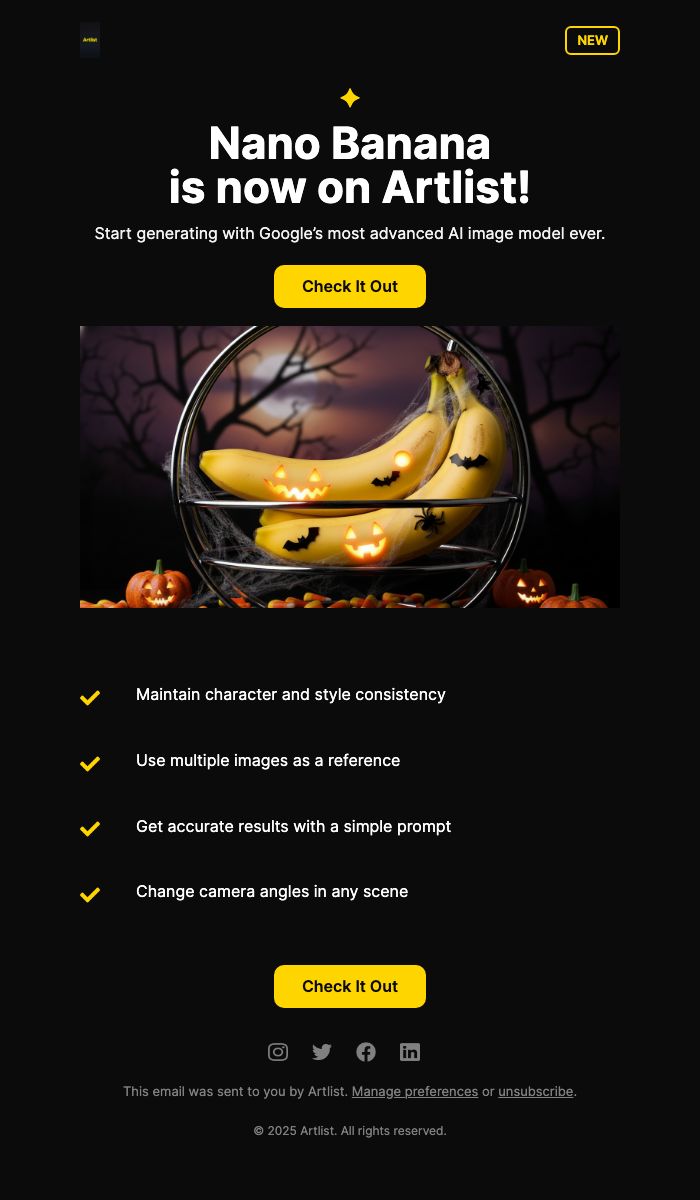
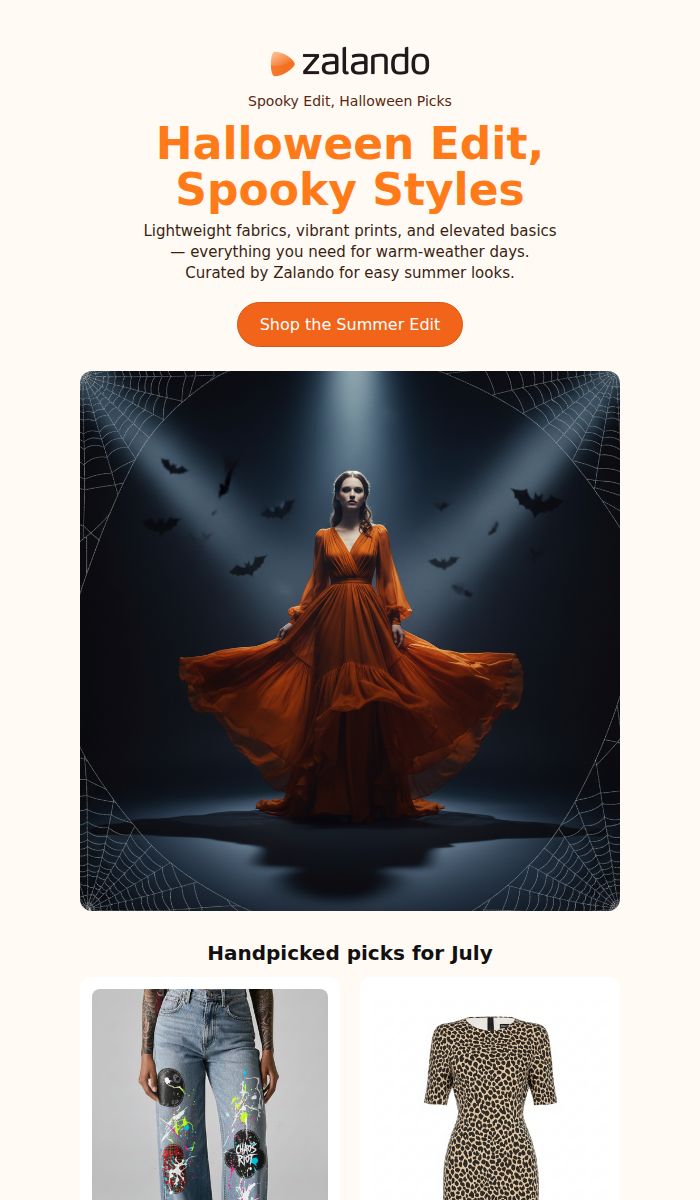
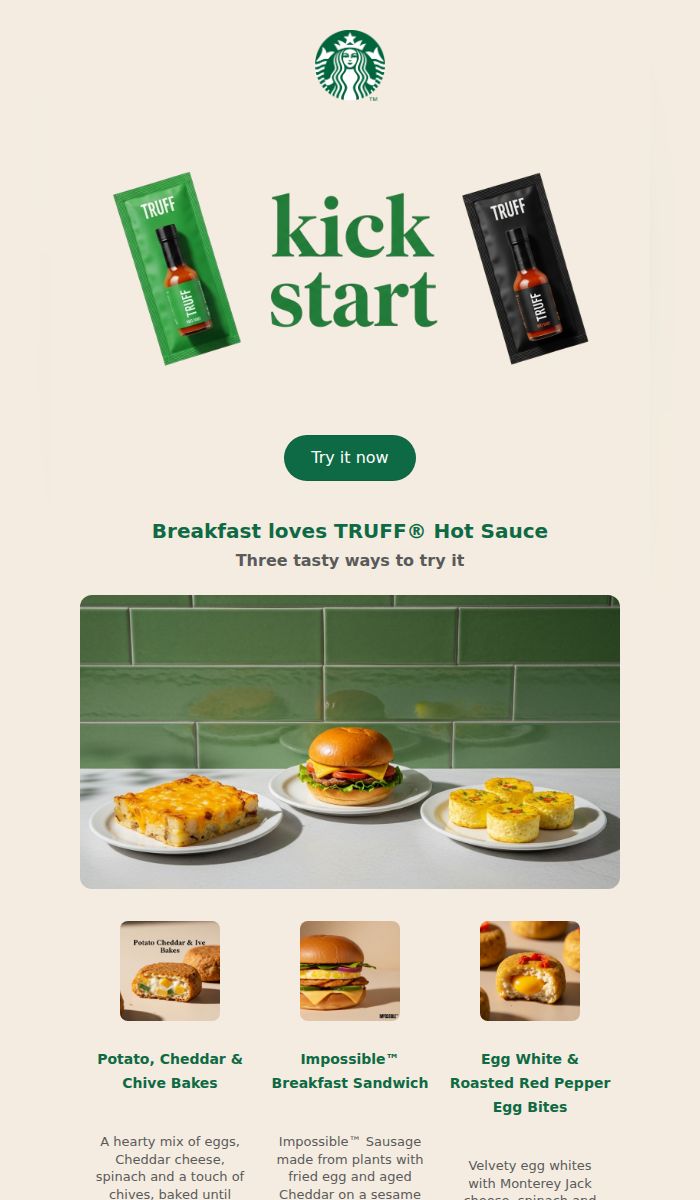
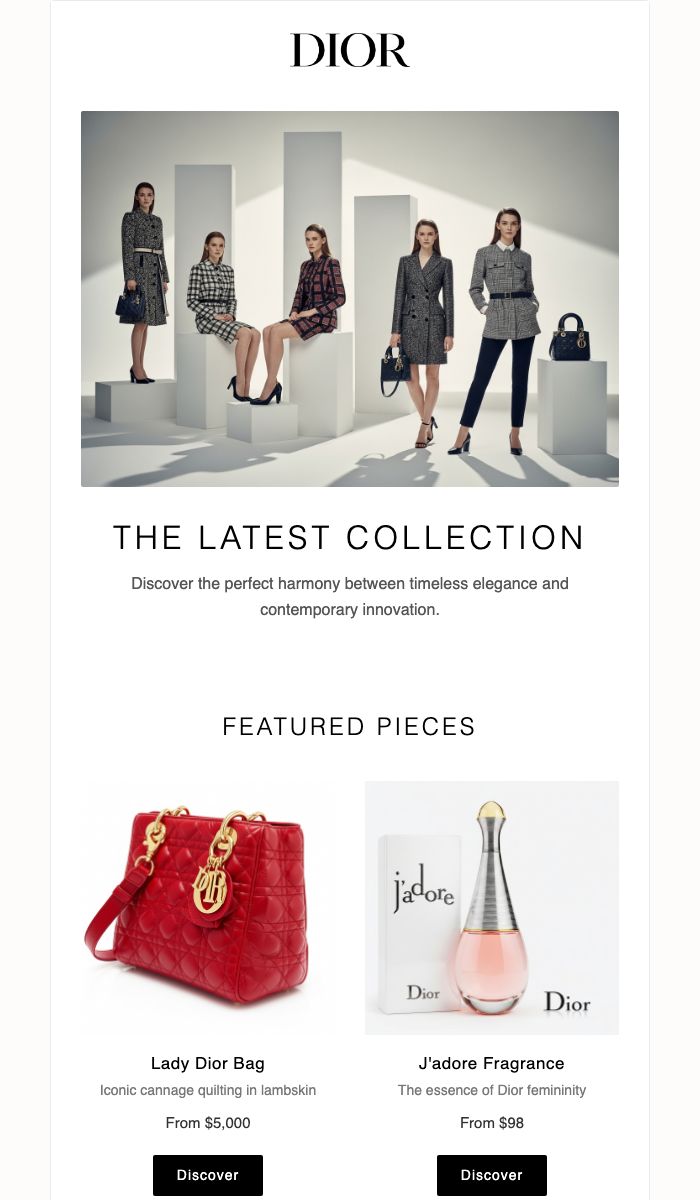
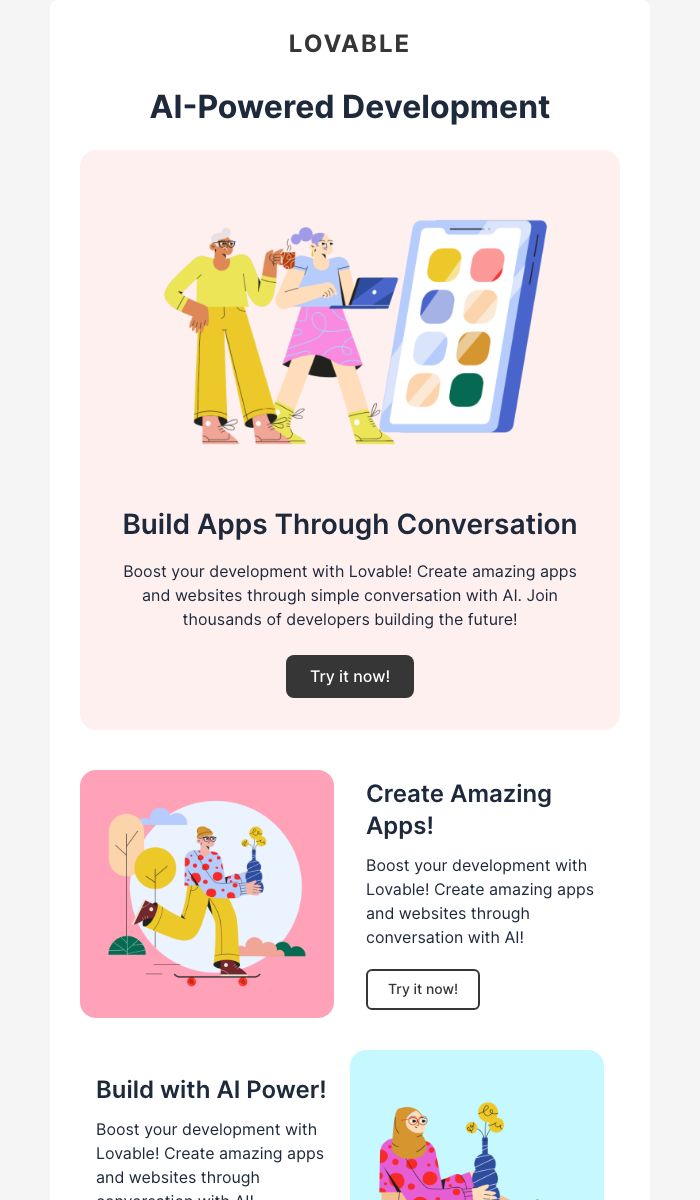
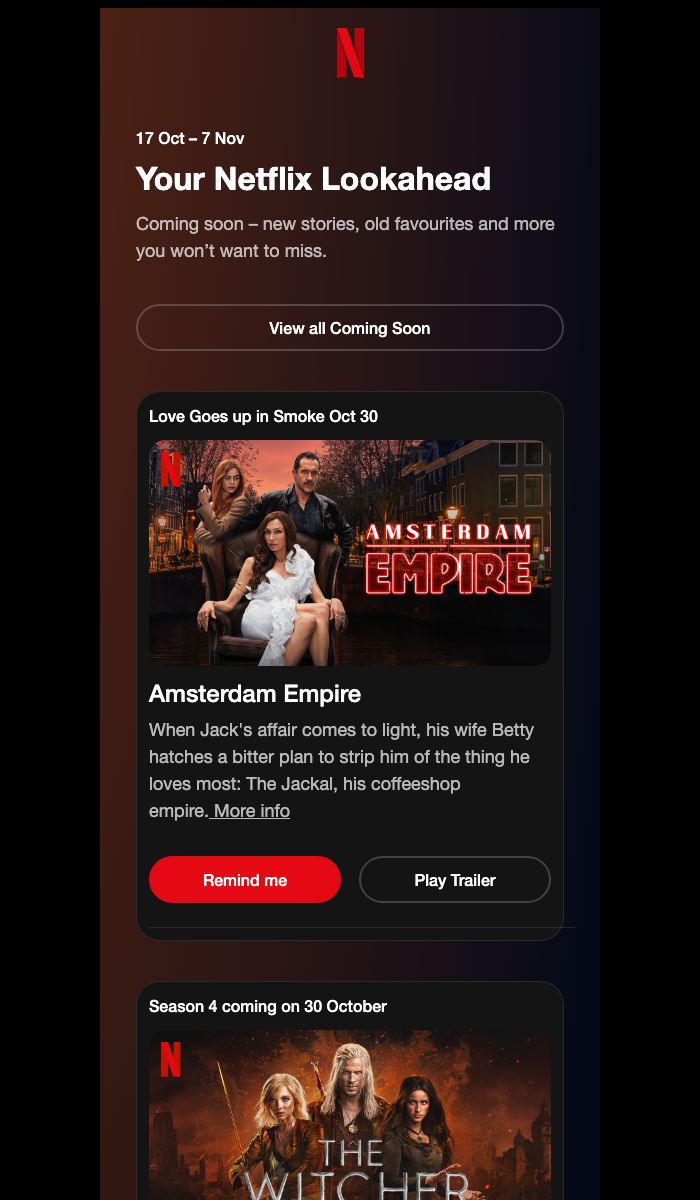
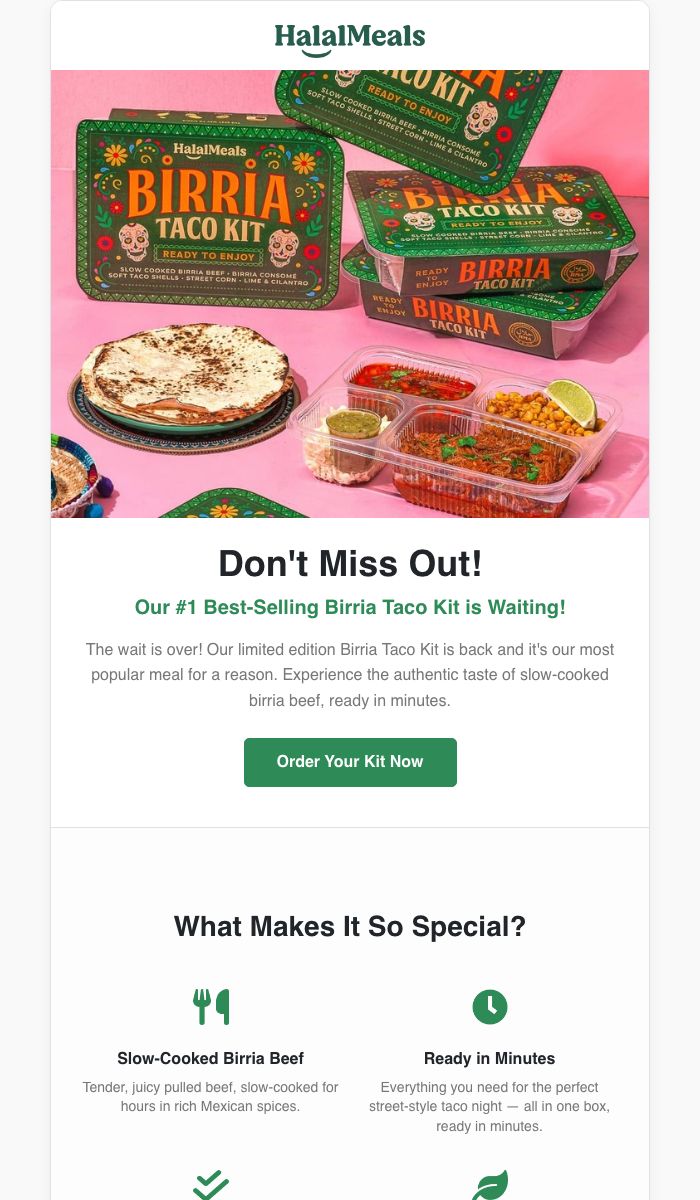
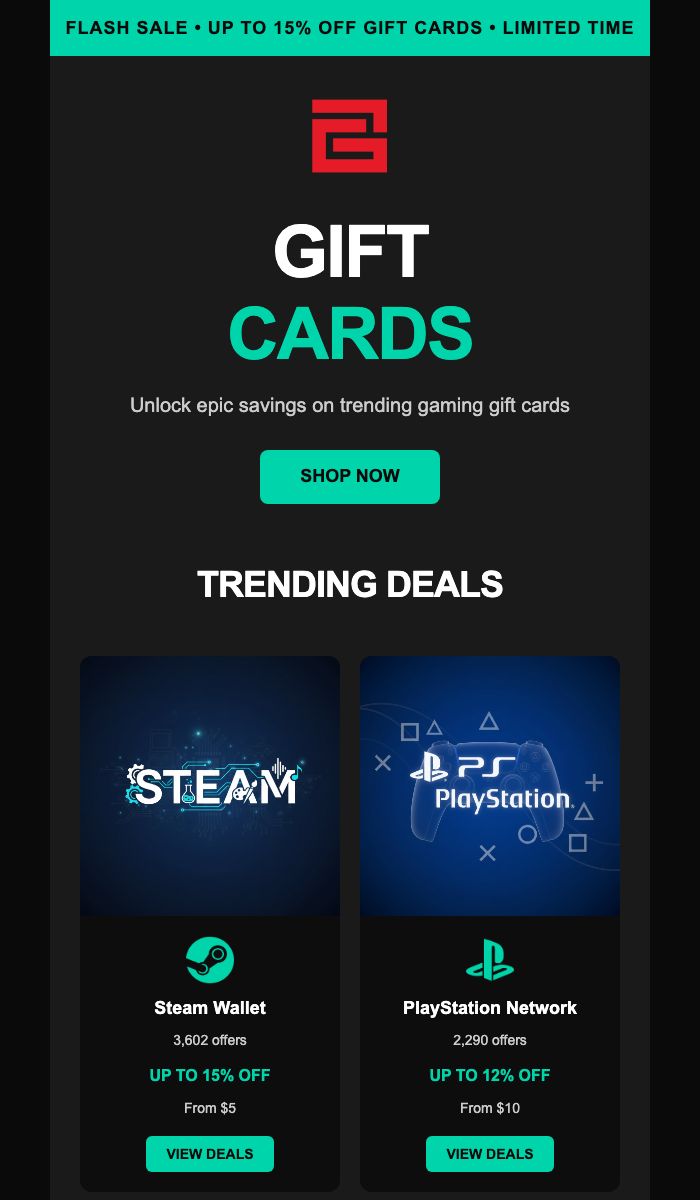
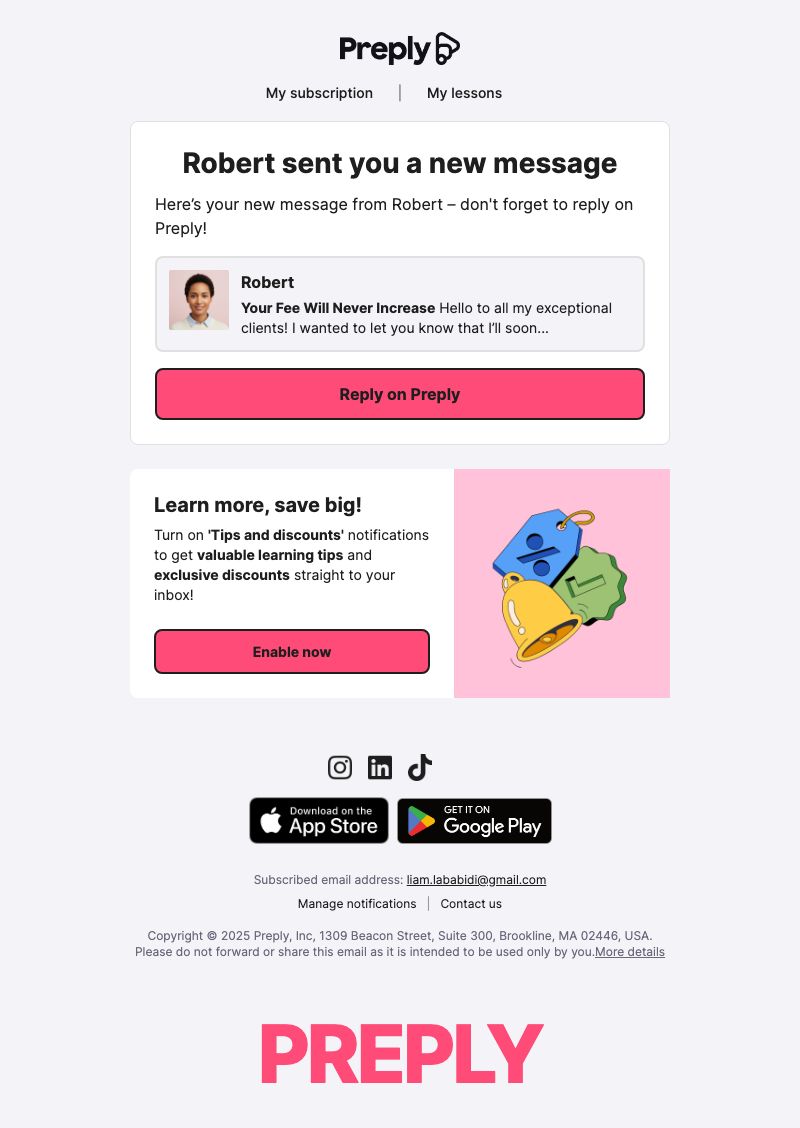
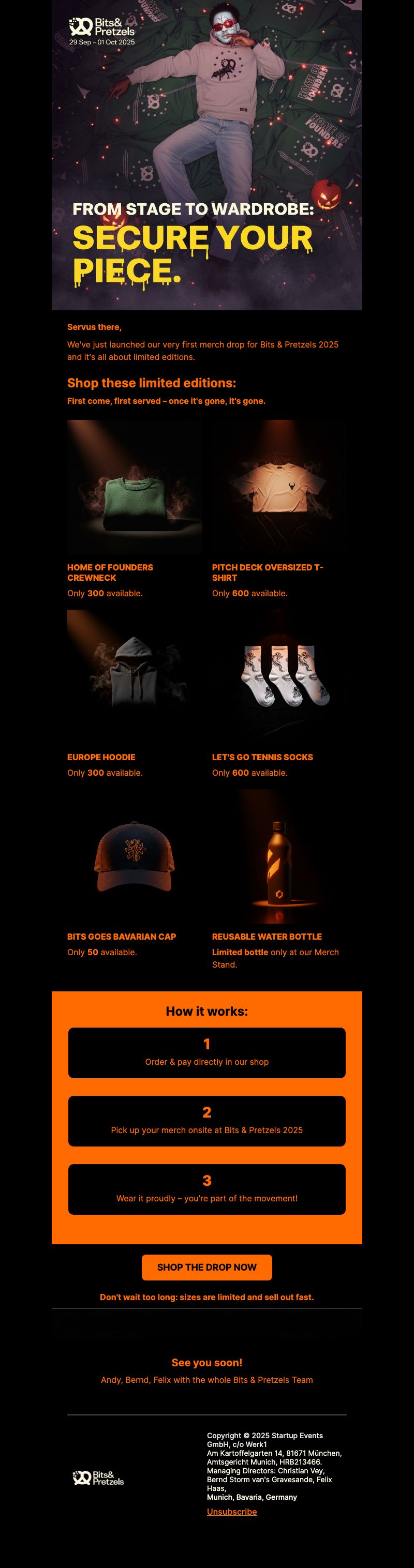

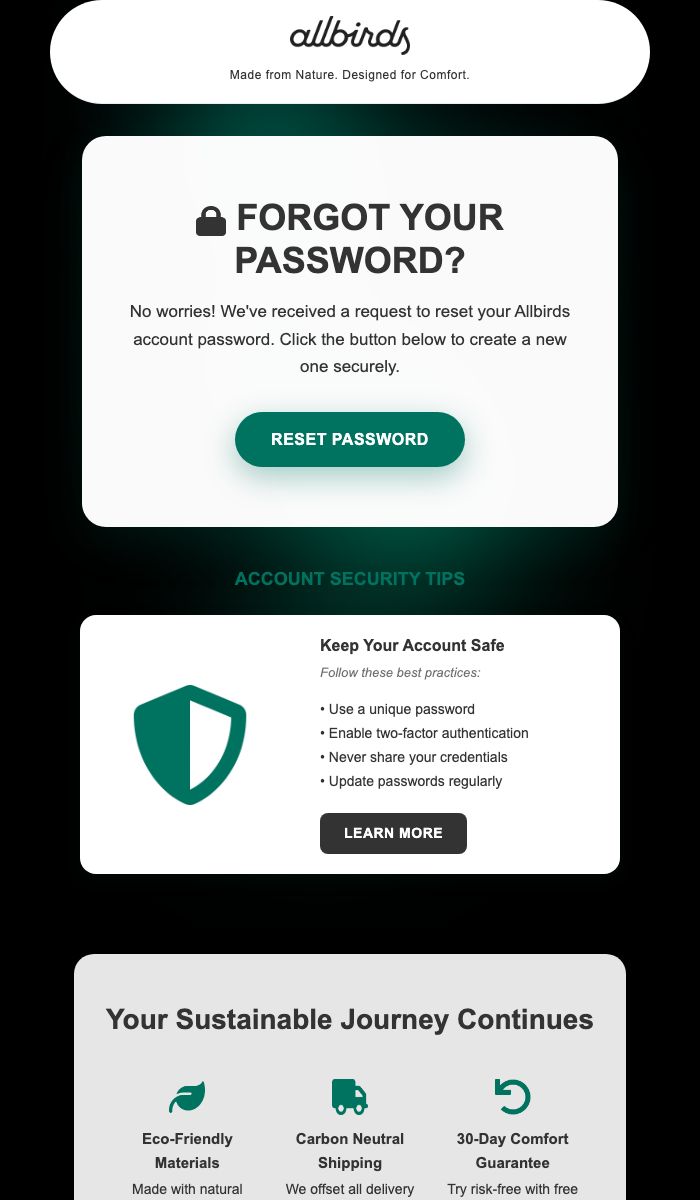
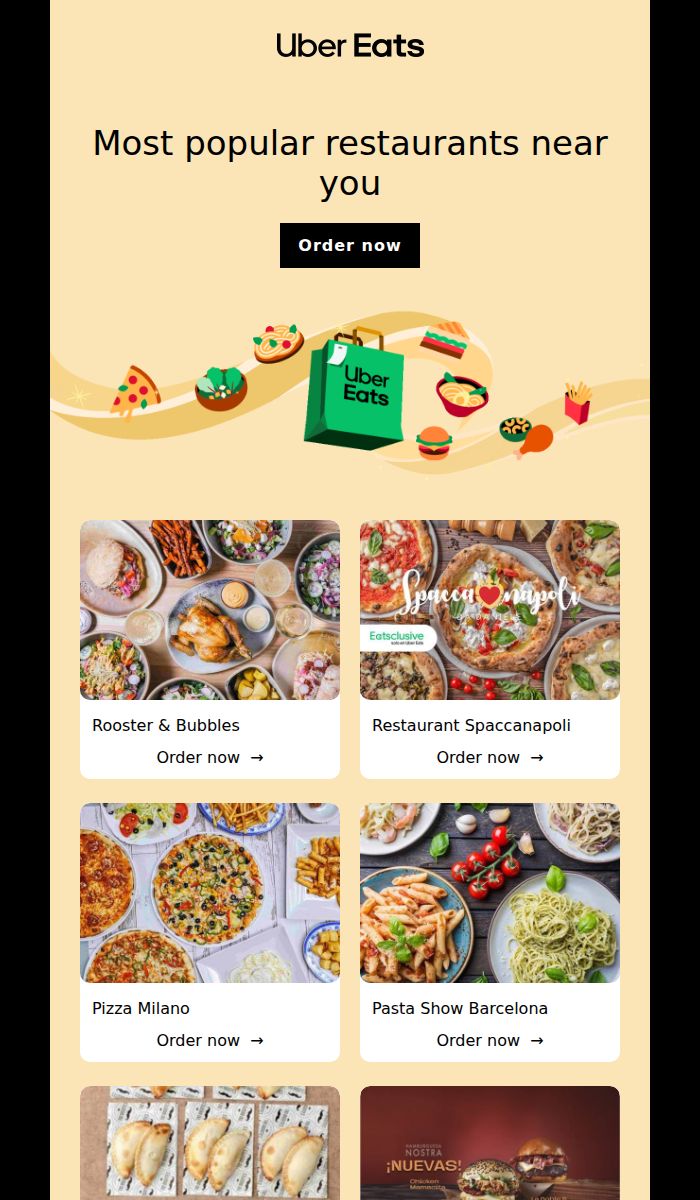
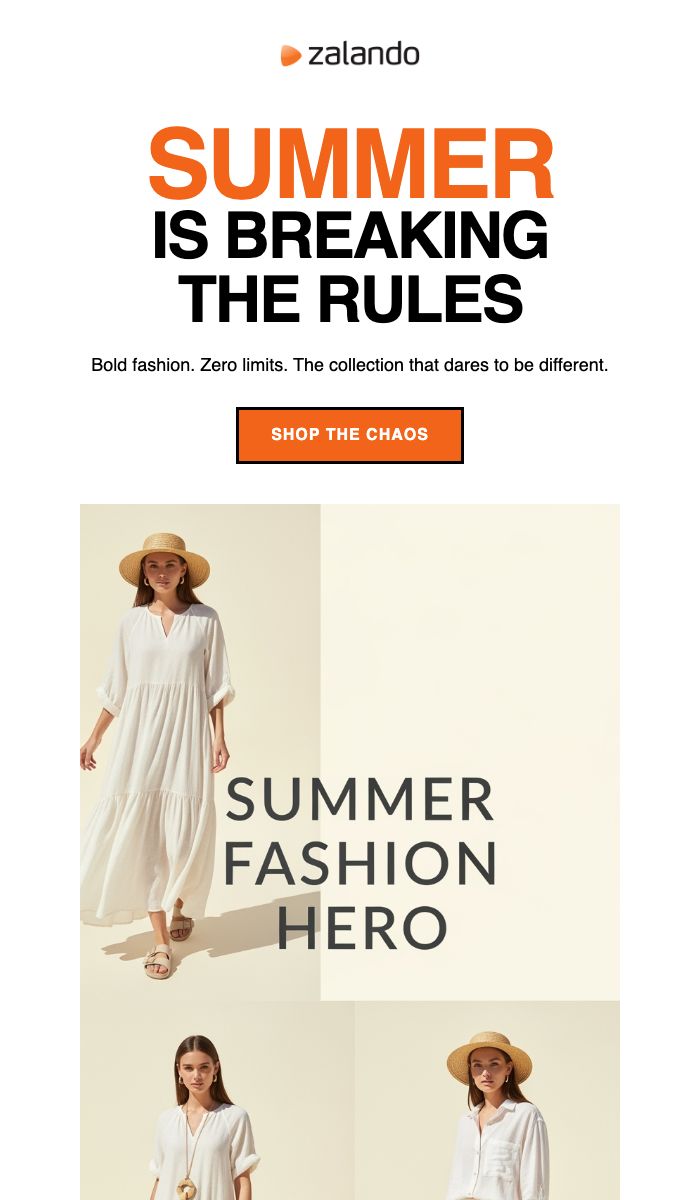


Our Customers Are Always Right





Works Seamlessly With Your Favorite Tools


Frequently Asked Questions
What merge tags can I use when sending directly from Migma?
Use {{email}} for each recipient's email address, including inside links such as https://example.com/offer?email={{email}}. Migma fills it automatically when sending directly, without Mailchimp. Other recipient tags include {{firstName}} and {{lastName}}. Ask Migma to add a tag or edit the link in Visual Editor. Recipient personalization and Migma's click tracking serve different purposes. Exported emails use the destination platform's merge tags.
What if I'm not satisfied?
We offer a 30-day money-back guarantee. If Migma doesn't save you time and money, we'll refund you completely - no questions asked.
Can I cancel anytime?
Yes, absolutely. No contracts or commitments. If Premium isn't right for you, cancel anytime and continue on Free when paid access ends.
How is this different from Mailchimp or Klaviyo?
Migma creates the emails, while Mailchimp/Klaviyo send them. We generate personalized emails in seconds using AI - no drag-and-drop needed. Then export to any sending platform or send directly through Migma.
Do I need technical skills?
Not at all. Just describe the email you want in plain English: "Create an email about our trending products." Migma handles everything - design, copy, images, compatibility.
Do I need a credit card for Free?
No. Free includes 5 AI credits each month (a new email uses one, a change uses half), 10 AI images, 2 brand kits and up to 2,000 email sends per month, with a 100-per-day sending limit. Exports require a paid plan.
Can I send transactional emails?
Yes. Migma supports marketing campaigns and transactional email. Every plan includes API, SDK and MCP access, with sending counted against your plan's limits.
Still have more questions? Please contact us.