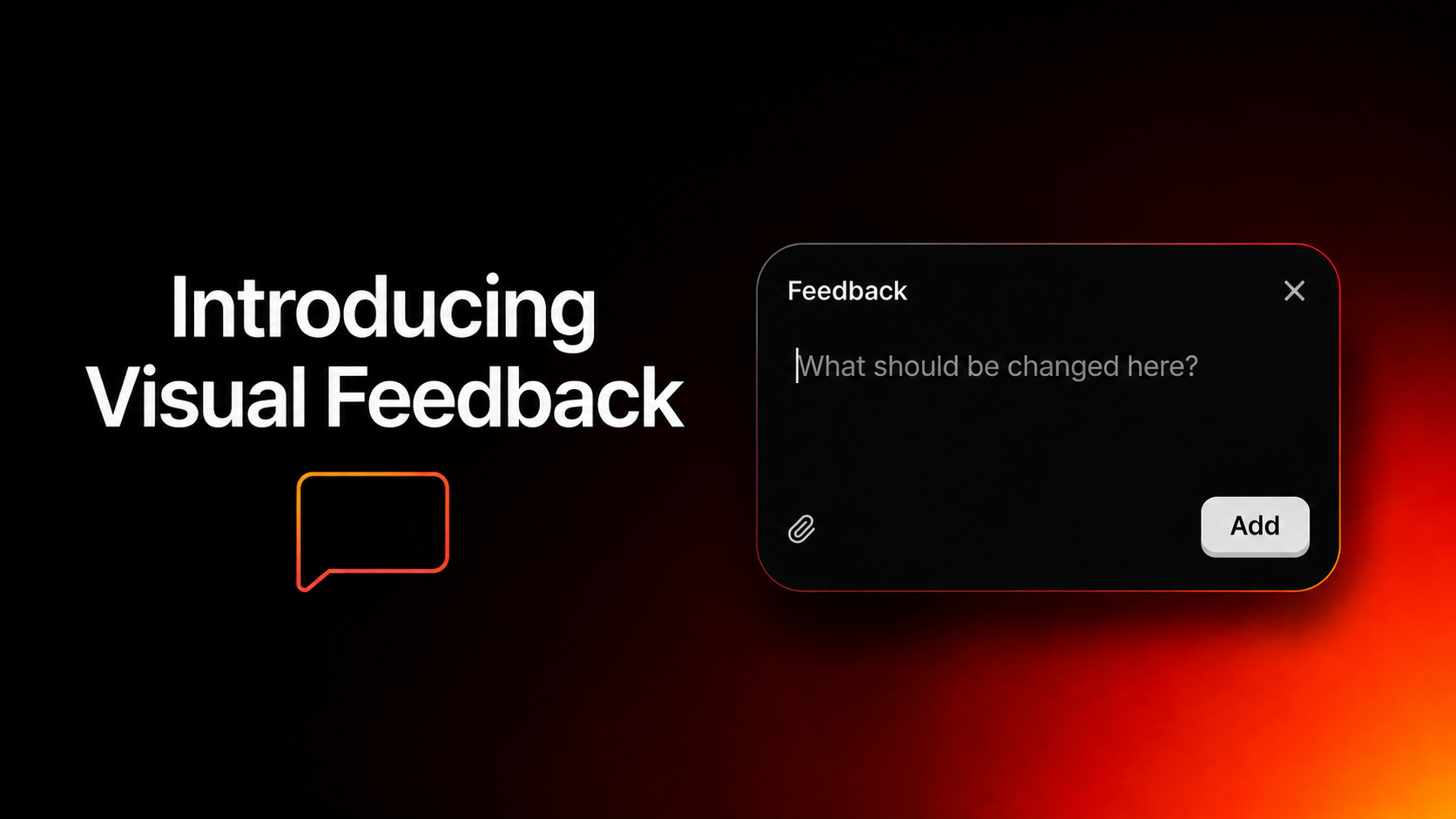

Editing should be as fast as thinking. But for most teams, it isn't. You know exactly what you want to change, a headline that feels off, a section that needs a different angle, a CTA that isn't landing right. The problem was never knowing what to fix. It was the steps it took to get there. Rewriting prompts. Re-explaining context. Waiting for something that should have taken seconds. Today, that changes. Introducing Visual Feedback.
TL;DR- Click Any Section: Point directly at what you want to change.
- Describe the Update: Tell MigmaAI what you need in plain language.
- See It Instantly: Updates happen immediately, no re-prompting, no lost context.
- Review & Apply: Leave feedback across your entire email and apply everything at once.
What's New
Click. Describe. Update.
Visual Feedback collapses three frustrating steps into one fluid interaction. Instead of switching back to the chat window and reconstructing your intent from scratch, you click directly on the section you want to change, describe what you need, and watch MigmaAI update it immediately.
It understands the context of what you've selected, so you don't have to re-explain the full email every time you want to tweak one part of it. Just point and refine.
Visual Feedback:
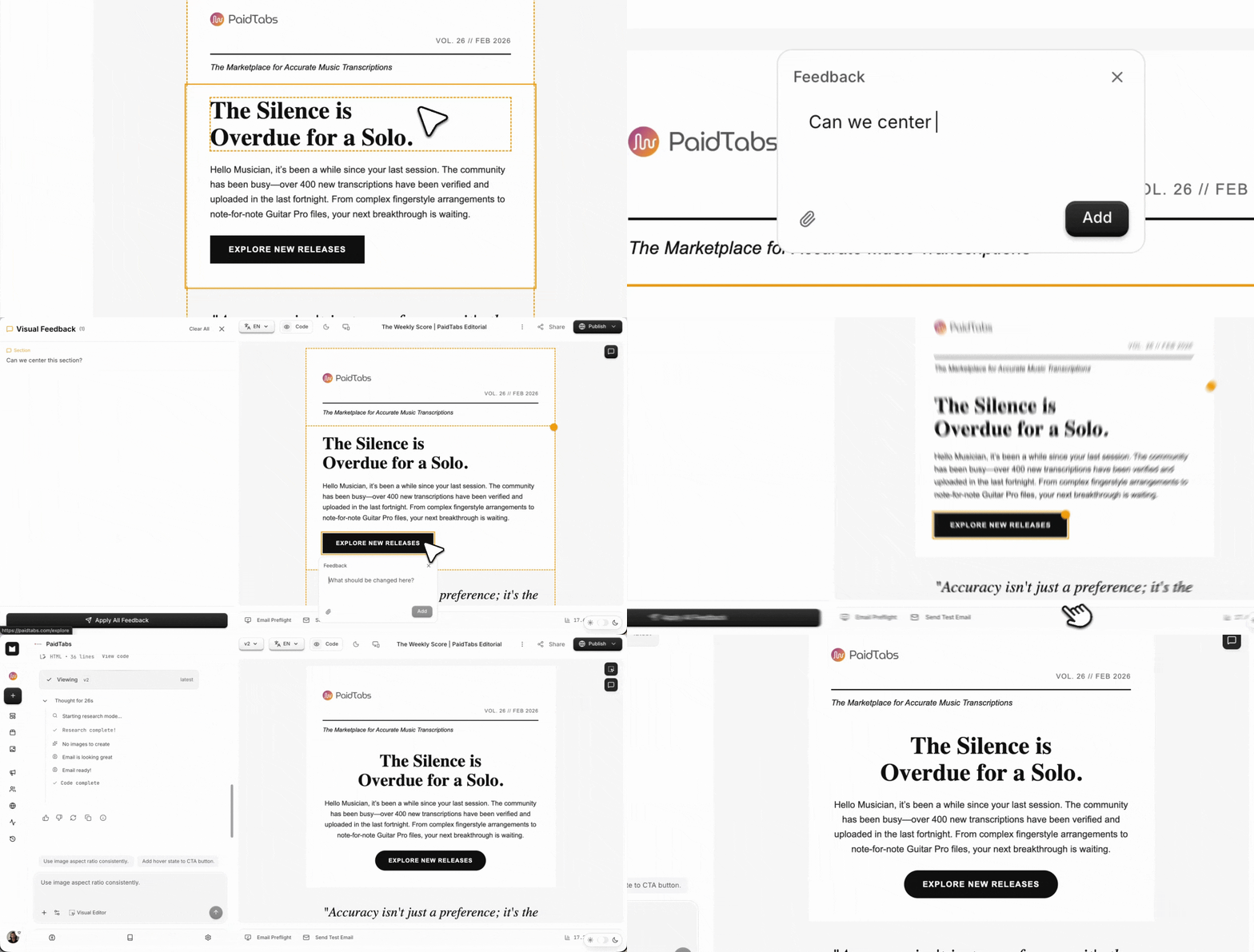
Click any section, describe the change, and watch MigmaAI update it instantly, no re-prompting, no lost context.
Review Everything. Apply Everything.
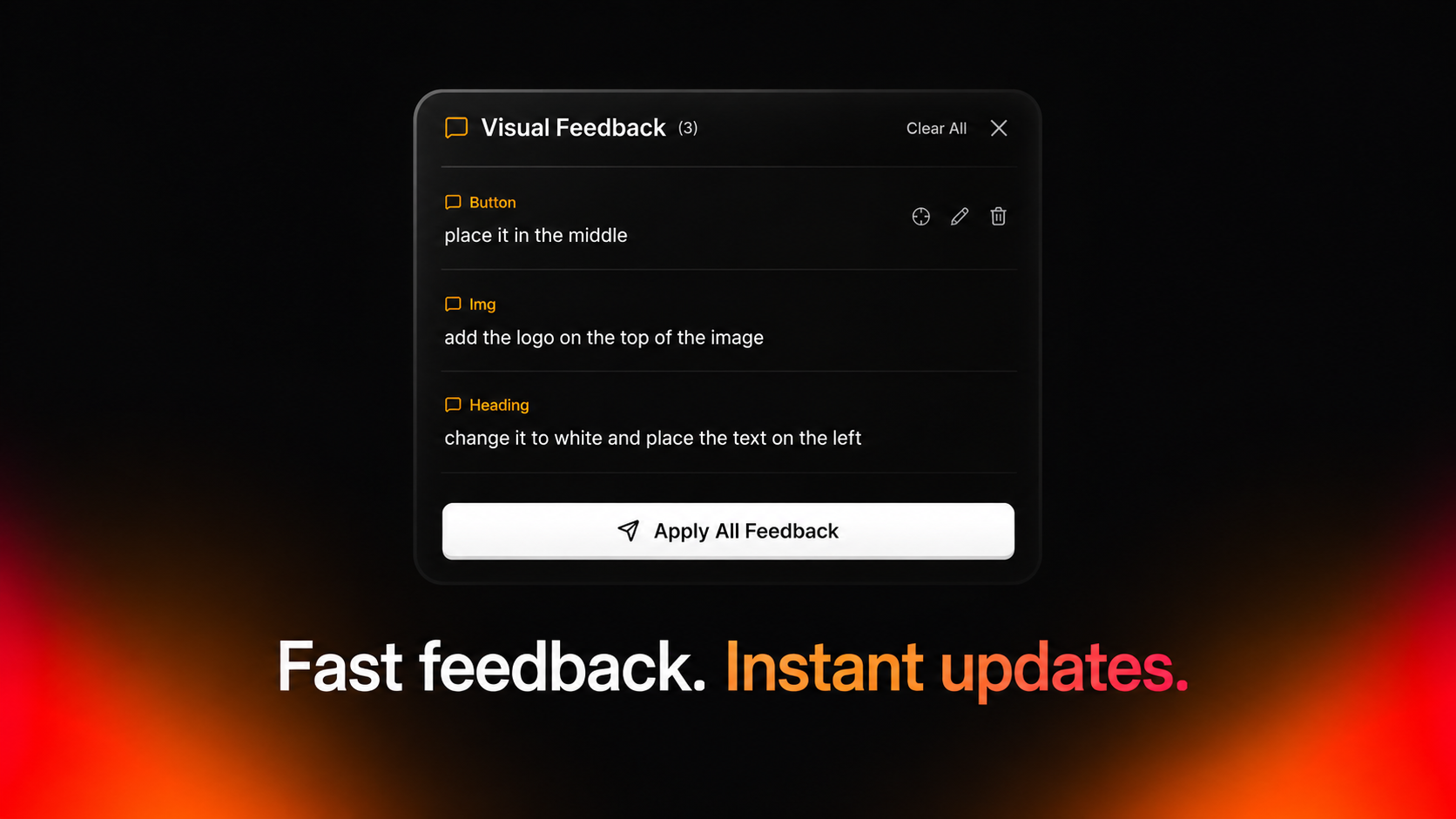
Instead of editing one element at a time, you can now move through your entire email like a real design review. Click on any section, leave your feedback, and keep going, button placement, headline copy, image swaps, spacing fixes, all in a single pass.
When you're done, hit Apply All Feedback and every change lands at once.
No waiting between edits. No restarting the process after every update. No losing your train of thought mid-review. Just a faster, more natural way to go from first draft to final email.
What You Can Do Now
- Click any section and describe the change, MigmaAI understands the context and updates it immediately
- Leave feedback across multiple sections and apply everything at once
- Move through your email without losing flow, from first draft to final send in a single pass
Built for How You Actually Work
Whether you are a designer, a marketer, or simply someone with an idea, Visual Feedback brings a new level of flexibility to email editing. It's a key step toward our broader vision of making email refinement as fast and intuitive as the ideas behind them.
MigmaAI was built to make email creation fast through AI, but we knew that re-prompting your way through every small adjustment wasn't the right experience for everyone. Visual Feedback is our answer to that. It meets you where you are, already looking at your email, and lets you act on what you see, whether through a single click or a full design review pass.
Conclusion
Visual Feedback marks an important milestone for MigmaAI. Now, you can generate emails quickly with AI and refine them visually, no switching tools, no interrupting your workflow. The gap between what you see and what you can change just closed.
Ready to try it? Open MigmaAI and start making changes the simple way.