Migma Conversational AI: Image to Email & Social Posts

Written by

Migma Team

Published

Migma Conversational AI: Image to Email & Social Posts

Migma Now Talks Back: Conversational AI, Social Media Generation, and 10x Better Conversion.

Migma Now Talks Back
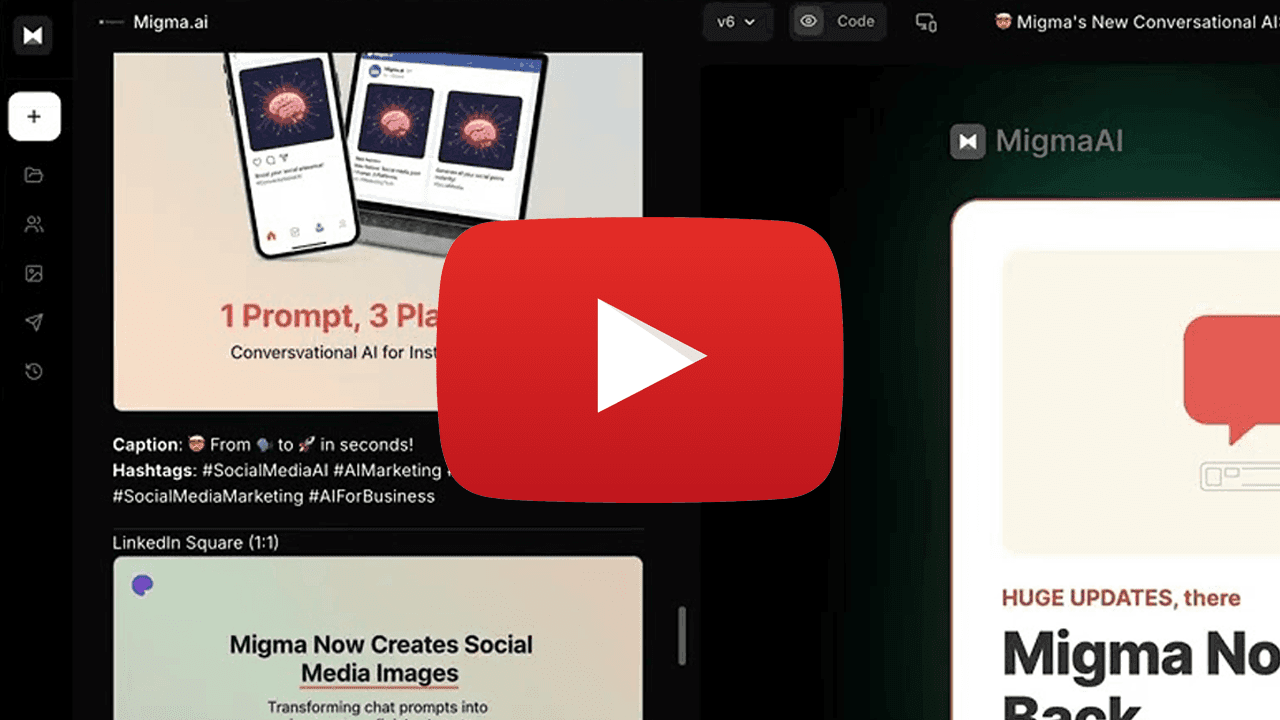
Minimalist illustration: a single coral-colored chat bubble (#c15f3d) with three animated dots inside, positioned above a simplified keyboard icon rendered in soft grey lines on a warm off-white background (#f5f5f0); clean geometric shapes with generous whitespace, representing conversational AI interaction

Ask questions about your business, brainstorm campaigns, write blog posts, Migma's your new AI bestie who actually gets it.

Start Chatting | Watch Video


Convert your emails to social media posts and blog articles.

Minimalist illustration on soft off-white background (#f5f5f0): three social media platform icons arranged horizontally—Instagram square icon (left), LinkedIn square icon (center), Facebook landscape icon (right)—all rendered in brand coral (#c15f3d) with subtle grey wireframe skeleton UI boxes beneath each icon suggesting content placeholders; clean geometric design with generous whitespace

Just ask Migma to create social media posts and it will create on-brand images.

Generate Posts | Watch Video


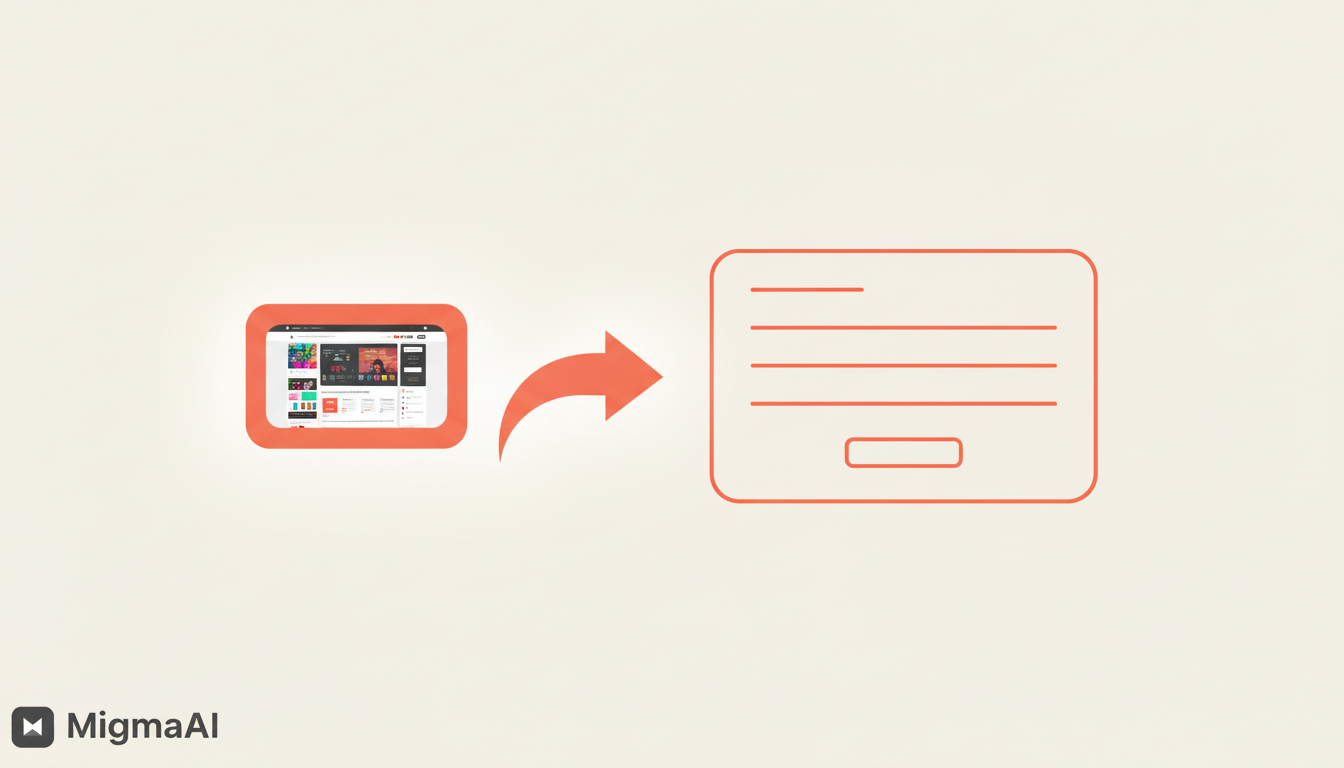
Any Image to Email in 30 Seconds

Minimalist transformation illustration on soft off-white background (#f5f5f0): left side shows a simplified smartphone or screenshot icon with a camera/image symbol inside, rendered in brand coral (#c15f3d) outline; bold curved arrow in coral points rightward; right side displays a clean email template wireframe with header bar, text lines, and button outline—all in coral; emphasizes one-click conversion from any image to production-ready email code with minimal geometric design and generous whitespace

Screenshot, Figma, or Sketch, drop any image and Migma converts it to pixel-perfect, on-brand email code. No coding, no hassle, just magic.

Try Image Upload | Watch 30s Demo


Figma Conversion, Perfected

Clean technical illustration on soft off-white background (#f5f5f0): prominent Figma logo icon in brand coral (#c15f3d) positioned left with three stacked rectangular wireframe boxes below representing design frames; bold curved arrow in coral points rightward; right side features code brackets symbol '</>' in coral above clean horizontal lines suggesting responsive email structure; minimal geometric design emphasizing design-to-code workflow

Copy Figma frames, paste into Migma. Complex styles, custom fonts, responsive layouts, all preserved perfectly.

Convert from Figma | Watch Demo


Remix Your Best Emails
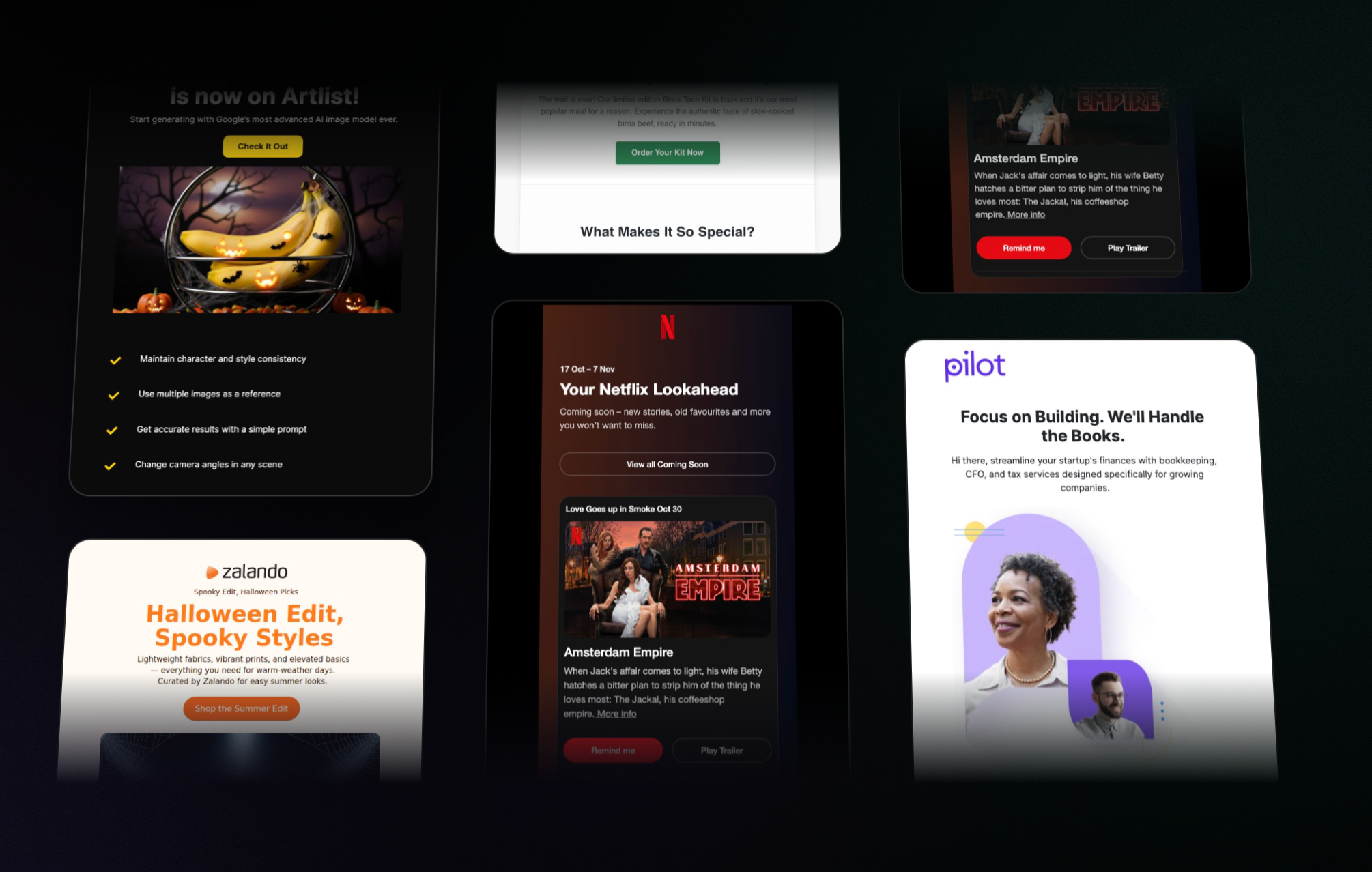
Minimalist grid illustration on soft off-white background (#f5f5f0): 2×2 grid layout of four email template thumbnails rendered as simple wireframe rectangles with internal horizontal lines, all in brand coral (#c15f3d); circular refresh/remix icon in coral positioned at center overlapping grid; clean geometric pattern with generous whitespace emphasizing template library and reusability concept

Found an email that worked? Remix it with new content, different vibes, or seasonal themes.

Browse Templates


All These Updates, Zero Extra Cost

Same Migma you know, now with superpowers. Try the new features today.

Explore New Features

Frequently Asked Questions

What can I do with Migma's new conversational AI?

Migma's conversational AI allows you to ask questions about your business, brainstorm marketing campaigns, and write blog posts. It functions as an AI assistant that understands your brand's specific needs.

How do I convert an image into email code using Migma?

You can drop any image—such as a screenshot, Figma design, or Sketch file—into Migma, and it will convert it into pixel-perfect, on-brand email code in approximately 30 seconds without requiring any manual coding.

Can I turn my emails into social media posts?

Yes. You can ask Migma to convert your emails into social media posts and blog articles. The platform will also generate on-brand images to accompany your social media content.

How does the Figma to email conversion work?

You can simply copy your Figma frames and paste them directly into Migma. The tool preserves complex styles, custom fonts, and responsive layouts to ensure the design remains perfect during the conversion.

What is the Remix feature in Migma?

The Remix feature allows you to take an email that performed well and update it with new content, different vibes, or seasonal themes, making it easy to reuse successful templates.

Do these new features cost extra?

No. All of these updates and new features are available at no extra cost to current Migma users.
The author

Migma Team
Migma Team

Content Team

The MigmaAI team writes from hands-on work building AI-assisted email creation, rendering, preflight, and marketing automation workflows.

From idea to inbox in seconds

Create professional, personalized emails with AI.

Start for free