How Migma generates on‑brand emails automatically
There are three simple ideas behind Migma’s approach:
- Use AI agents to generate copy and layouts from a prompt or a URL.
- Use a brand memory and asset library to ensure tone, visuals, and spacing stay consistent.
- Run automated preflight checks (compatibility, links, voice) before you send.
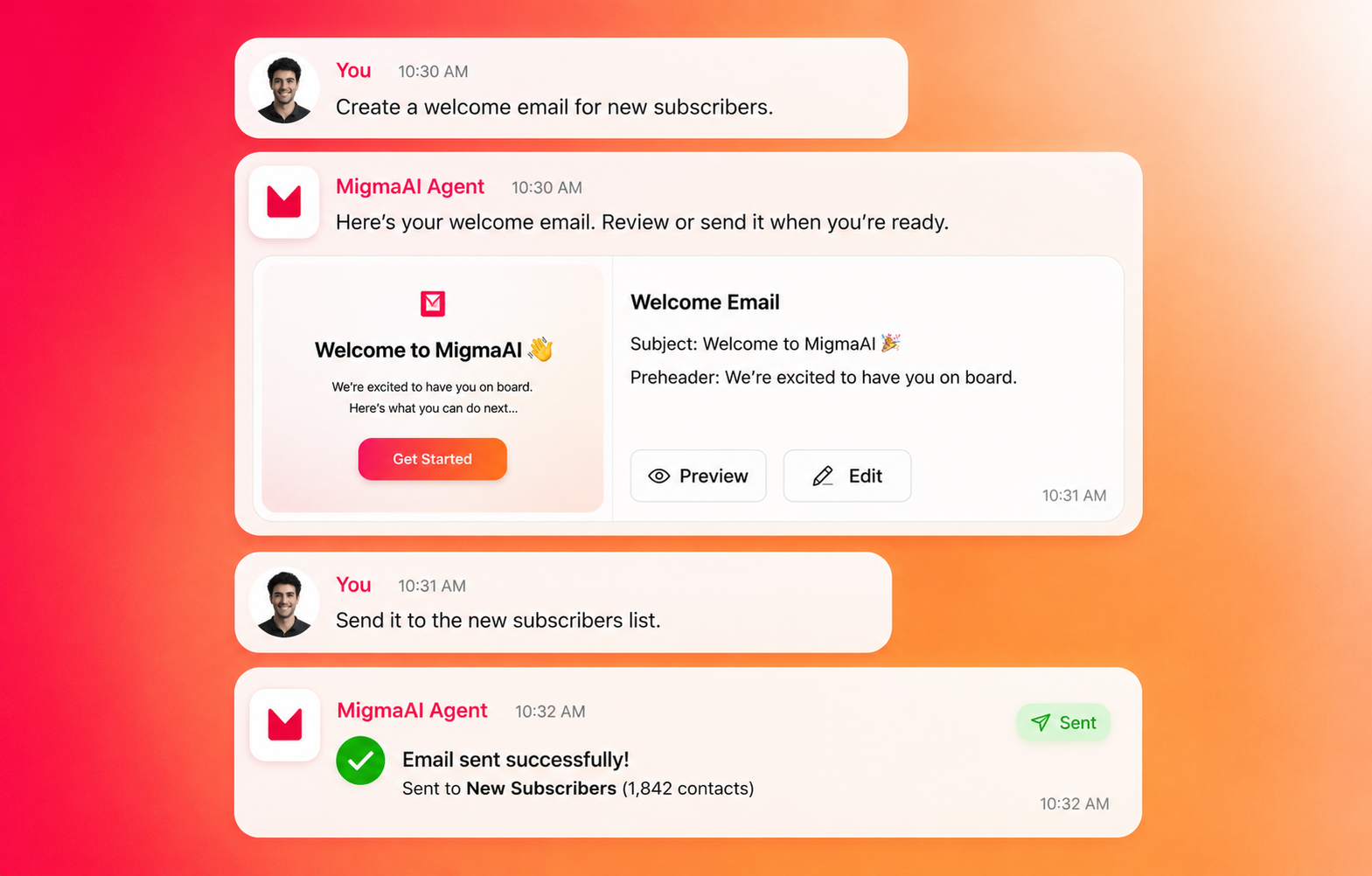
In practice that means you can paste a URL, a brief prompt, or a previous email and get a ready-to-edit campaign in roughly 30 seconds. The AI doesn’t just write words — it produces email‑ready HTML, selects or generates images, and highlights rendering fallbacks for older clients.
Core capabilities teams care about
Migma bundles generation, design, QA, and sending in one workflow. Here are the features that matter:
- Email Creator
- Prompt → perfect: iterative generation and regenerations from conversational prompts.
- URL import: pull branding and content from any webpage automatically.
- Import HTML, Figma, or images and convert them into email-ready code.
- Localization and RTL support for global campaigns.
- Visual Editor & Builder
- Drag‑and‑drop templates with pixel-level control.
- Mobile-first responsive layouts and visual hierarchy tools.
- Inline editing and live previews so marketers and designers collaborate without handoffs.
- Brand & Creative Studio
- One‑click brand import (logo, palette, fonts) and a brand asset library.
- AI image generation and editing optimized for email (retina exports, background removal).
- Brand Memory: the AI learns your voice and style over time.
- Email Preflight & Quality
- Brand Voice Guard checks tone and phrasing for on‑brand consistency.
- Compatibility checker across 40+ email clients (Gmail, Outlook, Apple Mail, etc.) with screenshots and fixes.
- Link validator scans for 200/404 statuses and slow responses.
- Integrations & Delivery
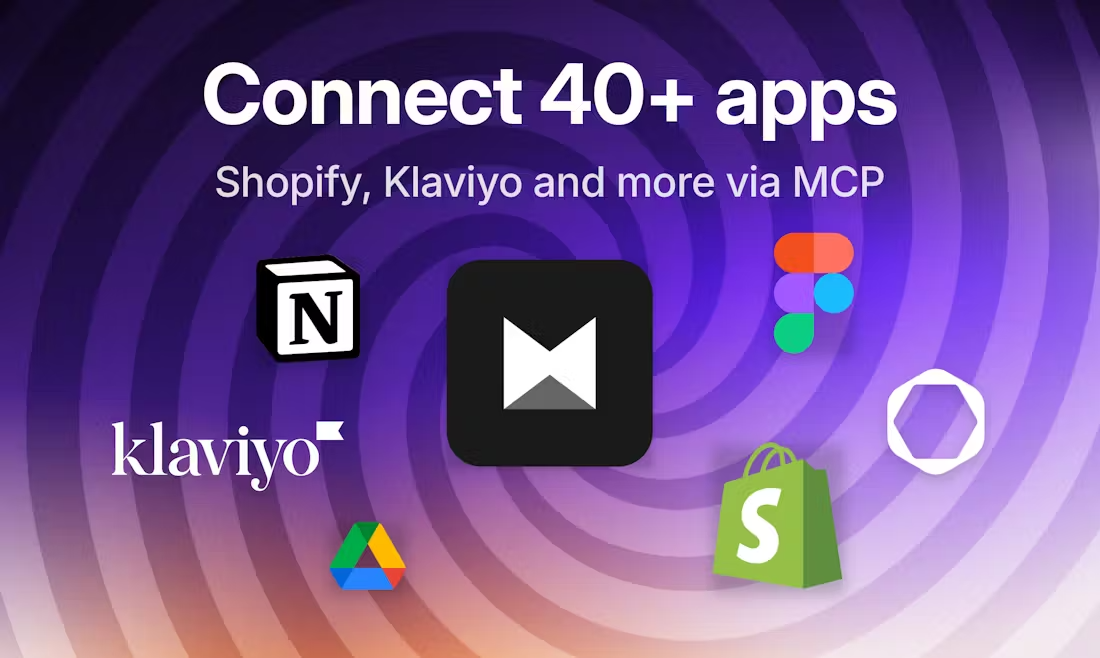
- Shopify and Klaviyo connectors, 40+ integrations (Notion, Google Drive).
- ESP exports and direct sending via SES, SendGrid, Resend, etc.
- API, webhooks, and automation endpoints for programmatic workflows.
Quick examples (real workflows you can try now)
Example 1 — SaaS onboarding email in 60 seconds
- Paste your product URL into Migma.
- Ask: “Create a three-step onboarding email sequence, friendly tone, two CTAs.”
- Get: subject lines, three email drafts, hero image suggestions, and HTML ready for preview.
- Run preflight → fix Outlook button fallback automatically → export to Klaviyo.
Example 2 — E‑commerce product drop
- Connect your Shopify collection.
- Generate a promotional email with product cards and dynamic pricing.
- Migma pulls images, generates retina-optimized assets, and ensures rendering across clients.
- Schedule the campaign and let send-time optimization pick the best window.
Example 3 — Localization & personalization
- Create a master English message.
- Use Migma’s localization to translate to French and Arabic (RTL), keeping brand voice checks active.
- Personalize subject lines and CTAs per segment automatically.
Why this matters for founders, marketers, and engineers
- Founders: speed matters. Migma turns days of back-and-forth into hours or minutes. Faster iteration = faster learning.
- Marketers: consistency and deliverability are the bottlenecks. Preflight reduces rendering surprises and protects brand voice.
- Engineers: use the API/webhooks for programmatic generation and integrate templates directly into your workflow without maintaining rendering pipelines.
Tangible benefits:
- Create an initial draft in ~30 seconds.
- Reduce QA cycles by catching client-specific rendering issues early.
- Keep creative assets centralized with CDN hosting for reliable images.
Technical and compliance considerations
Migma is built for production use:
- Rendering: uses a custom email compiler and responsive fallbacks to support older clients.
- Security: GDPR and SOC 2 compliance for handling customer data.
- Extensibility: API v1, webhooks, and connectors for Klaviyo, Shopify, and major ESPs.
- Performance: CDN-hosted assets and optimized images to avoid slow-loading emails.
If you rely on programmatic generation (e.g., on‑the‑fly personalization or large catalogs), Migma’s automation endpoints and memory system let you generate at scale while keeping safety and brand constraints in place.
How to get started in 5 minutes
- Sign up at migma.ai and create a workspace.
- Import your brand by pasting your website URL (one click).
- Create a new email: paste a prompt or a sample email.
- Edit visually in the builder, swap images from the asset library, and preview.
- Run Preflight, fix any compatibility or link issues, then export or send.
A short, practical example:
- Prompt: “Promote our new feature to trial users; tone: helpful, 3 lines, primary CTA: Upgrade.”
- Migma returns subject lines, three variants of the email, hero image suggestions, and compatibility flags.
- Pick a variant, run preflight, and schedule via your ESP.
When not to use AI-only generation
AI is a multiplier, not a replacement for strategy. Use Migma for:
- Rapid iteration and A/B testing.
- Producing consistent brand-level content.
- Automating repetitive campaigns.
Don’t rely solely on AI when:
- You need complex legal copy that requires human signoff.
- The messaging must pass compliance checks beyond automated rules (e.g., regulated industries).
In those cases, Migma still speeds draft production and manages versioning, but add the required human approvals.
Conclusion — next steps
If you want to produce professional, on‑brand emails automatically and at scale, Migma is designed for that workflow: generation, visual editing, QA, assets, and integrations all in one place. Start by importing your brand and generating a test email, then use Preflight to remove rendering surprises. Visit https://migma.ai to try it, connect one of your ESPs, and reduce the time from idea to inbox.
Next steps:
- Sign up and import your brand.
- Generate one campaign and run Preflight.
- Integrate with your ESP or Shopify connector and schedule a test send.