In the world of development, we’ve spent decades trying to solve the "email problem." We’ve wrestled with table-based layouts, inconsistent CSS support across 40+ clients, and the endless back-and-forth between design tools and code.
Today, we’re officially opening the hood. The Migma API is now generally available, turning our AI-powered email engine into a single, programmable endpoint for your stack.
Why Programmatic Email?
The traditional workflow is broken: Figma for design → ChatGPT for copy → Manual HTML coding → Testing in Litmus → Uploading to an ESP.
Migma compresses this entire lifecycle into 30 seconds. With the API, you can now:
- Generate on-brand content using project-specific brand memory.
- Automate brand imports from any URL to keep styles synced.
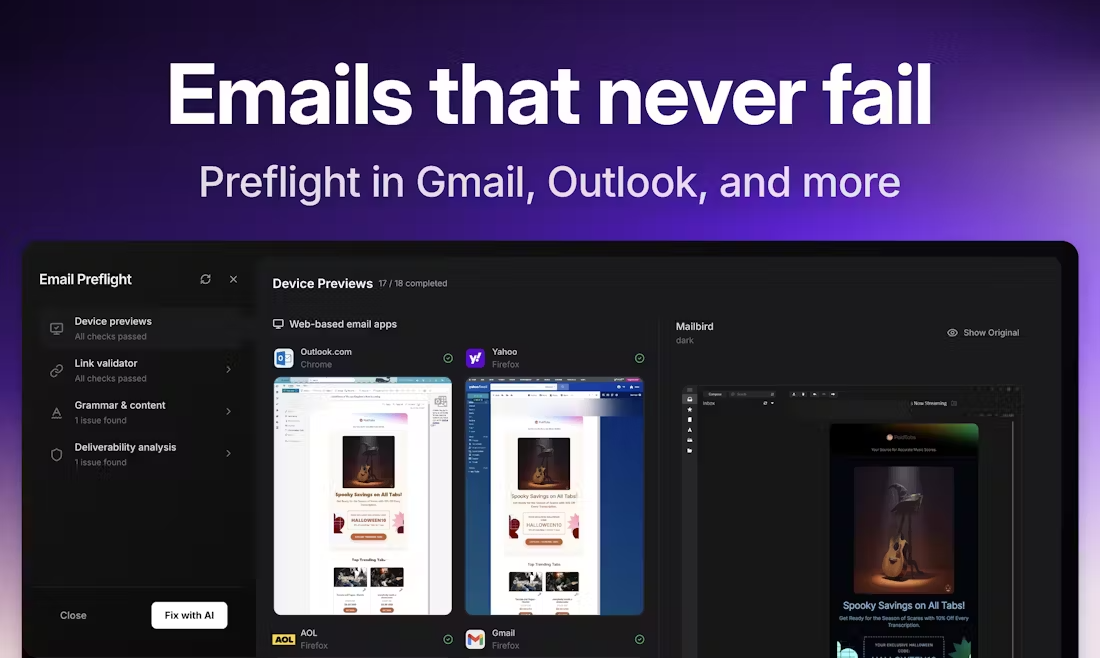
- Validate rendering across 40+ real devices automatically.
Core Endpoints for Your Stack
We’ve designed our API to be as intuitive as the platform itself. Here are the pillars of the Migma developer experience:
1. AI-Powered Generation
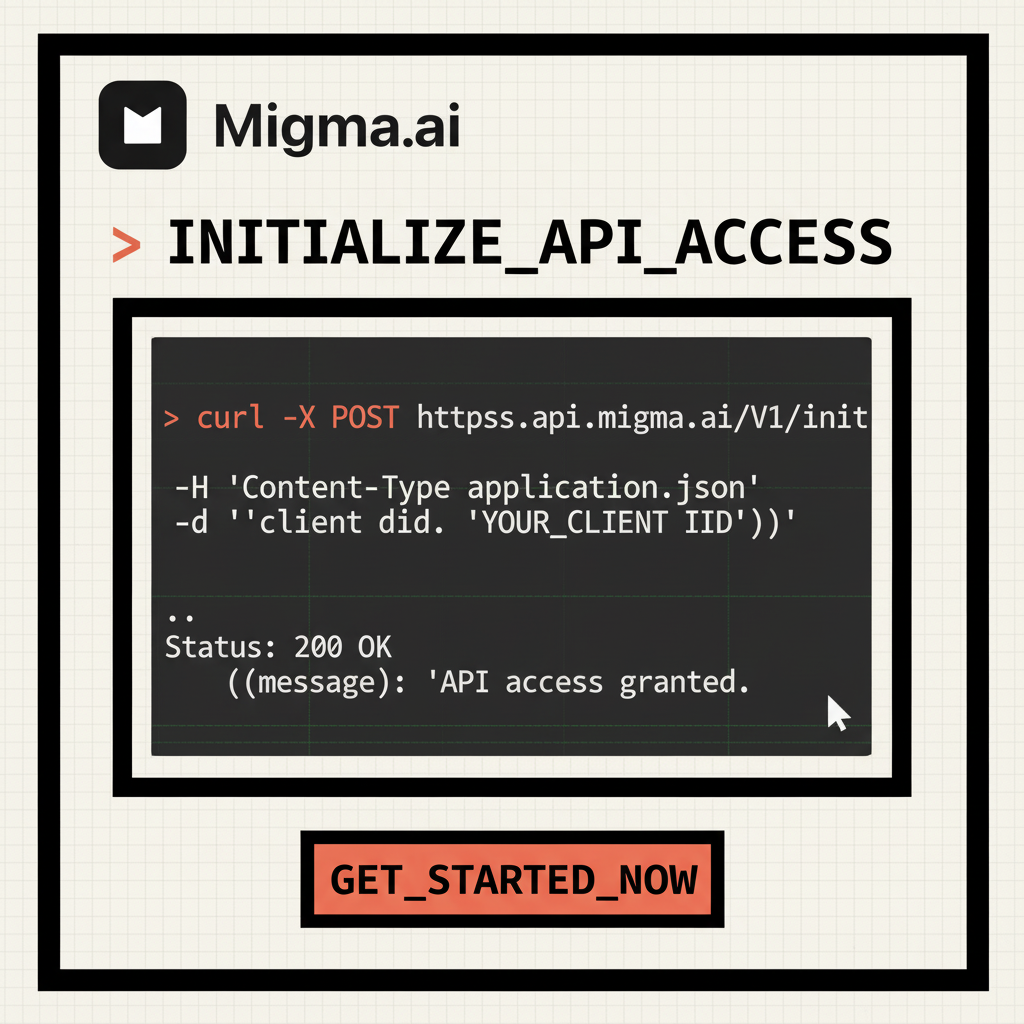
The POST /v1/projects/emails/generate endpoint is where the magic happens. It uses your stored brand context to create production-ready React Email code.
const res = await fetch('https://api.migma.ai/v1/projects/emails/generate', {
  method: 'POST',
  headers: { 'Authorization': 'Bearer API_KEY' },
  body: JSON.stringify({
    projectId: "your_project_id",
    prompt: "Create a summer sale announcement",
    webMode: true,
    languages: ["en", "es"]
  })
});
2. Real-Device Previews
Stop guessing how your code looks in Outlook 2013. Our POST /v1/emails/previews endpoint triggers automated screenshots on real hardware.
Automation Without the Code: n8n Integration
For those who prefer visual logic, our n8n integration allows you to build complex email lifecycles using drag-and-drop nodes. Whether it's syncing Shopify products or triggering abandoned cart recovery, you can automate it all without writing a single line of code.

What Can You Build?
The possibilities are limited only by your projectId.
- Marketing Automation: Scale personalized campaigns based on user behavior.
- E-commerce Sync: Connect Shopify or WooCommerce to generate dynamic product drops.
- Custom CRM Tools: Trigger high-fidelity emails directly from your internal dashboards.
Get Started in 5 Minutes
We’ve essentially taken the pain of fragmented workflows and compressed it into a single endpoint.
- Grab your key in Settings → API Integration.
- Import your brand via URL.
- Initialize your first generation.
Ready to build? Explore the full documentation and join our developer community on Discord.
Frequently Asked Questions
What is the Migma API used for?
The Migma API is a programmable endpoint that allows developers to generate on-brand email content, automate brand imports from URLs, and validate email rendering across over 40 real devices.
How does Migma handle email rendering across different devices?
Migma uses a dedicated endpoint, POST /v1/emails/previews, which triggers automated screenshots on real hardware. This allows you to validate how your email looks on over 40 different clients, including older versions like Outlook 2013.
Can I use Migma without writing code?
Yes, Migma offers an n8n integration that allows for visual logic and drag-and-drop automation. This is ideal for building complex email lifecycles, such as syncing Shopify products or triggering abandoned cart recovery, without writing code.
What kind of code does the Migma API generate?
The API uses your stored brand context and AI-powered generation to create production-ready React Email code.
How do I get started with the Migma API?
To get started, follow these three steps:
- Obtain your API key from the Settings → API Integration page.
- Import your brand styles via a URL.
- Initialize your first email generation.
Does the Migma API support multiple languages?
Yes, the generation endpoint allows you to specify multiple languages in the request body, such as English and Spanish, to create localized email content.