We Built a Feature with the Lovable CEO Watching Over Our Shoulder. In 60 Minutes.
MigmaAI x Lovable
The challenge was immense, but we accepted. We built Email Preflight—a crucial tool for every email marketer - entirely using Lovable's platform, and deployed it to production in just 57 minutes.
This wasn't just a coding sprint; it was validation. The actual Lovable founders were there, watching us use their platform to prove we could ship at their speed.
The 57-Minute Feature: Email Preflight
Email Preflight is designed to eliminate the anxiety of hitting 'send.' It ensures your emails look perfect and land where they should.
Here’s the workflow we built in under an hour:
- Upload any email (HTML, Figma, or Migma-generated).
- See how it renders on 30 real devices (mobile, desktop, web clients).
- Validate every link and check the spam score instantly.
- Fix issues or edit the code with AI.
- Export to your ESP in one click.
The Moment of Truth
This image captures the intensity of the hackathon, with Anton Osika (Lovable Founder) watching the final deploy:

See Email Preflight in Action
The result is a clean, powerful tool that ensures your emails are flawless before they leave your outbox.
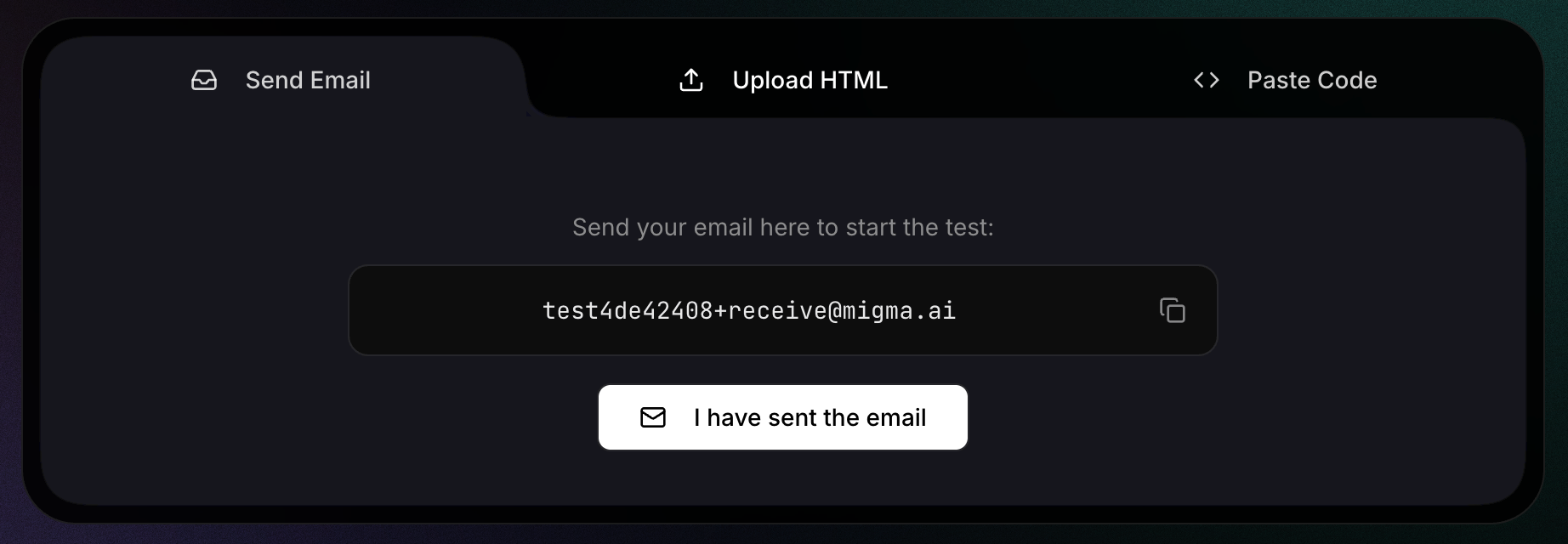
The feature is live now at MigmaAI. Completely free. No account required.
Try Email Preflight Now (Free)
Frequently Asked Questions
What is Email Preflight?
Email Preflight is a tool designed for email marketers to ensure their emails look perfect and land in the inbox. It allows users to upload emails, see how they render on 30 real devices, validate links, and check spam scores before sending.
How long did it take to build the Email Preflight feature?
The feature was built and deployed to production in just 57 minutes. It was developed using the Lovable platform during a high-intensity coding sprint attended by the Lovable founders.
What types of files can I upload to Email Preflight?
You can upload any email in HTML format, designs from Figma, or emails generated directly within Migma. Once uploaded, you can fix issues or edit the code using AI before exporting to your ESP.
Does Email Preflight check for spam and broken links?
Yes, the tool instantly validates every link within your email and provides a spam score. This ensures your email is functional and reduces the anxiety of hitting 'send' by confirming the email is ready for delivery.
Is there a cost to use the Email Preflight tool?
The feature is currently live at MigmaAI and is completely free to use. No account is required to access the tool and test your emails.