Introduction
Sending emails is easy. Knowing which version actually works is the hard part. You write a campaign, tweak a subject line, adjust the layout, but in the end, you're still guessing what made the difference. Today, that changes. With MigmaAI's built-in A/B testing, you can test multiple variations and let real data decide what performs best. And with MigmaAI learning from the results, every campaign makes the next one smarter.
TL;DR
- Multiple Variants: Create and test different versions of the same email, subject lines, layouts, full content.
- Real Audience Data: Send variants to a test audience and let performance decide the winner automatically.
- Auto-Optimization: MigmaAI learns from the results and applies those insights going forward.
- Full Campaign Wizard: Template, Recipients, Details, Sender, and Send time, everything in one place.
- No Guesswork: Make every campaign decision based on what actually works, not assumptions.
Test What Actually Works
Instead of relying on gut feel, you can now compare different versions of the same email in a structured, repeatable way. Inside the campaign wizard, toggle A/B Test on from the Campaign step, then add your variants A, B, C and beyond, each with its own email template and subject line.
Set your test size with a simple slider. Send 20% of your audience the variants, and the remaining 80% automatically receives the winning version. No manual comparisons. No spreadsheets. No waiting. Just clear answers, faster.
A Campaign Wizard Built for the Whole Workflow
A/B testing is just one part of a campaign setup that now covers everything in one place. The wizard walks you through five steps, each one building toward a complete, ready-to-send campaign without ever leaving MigmaAI.
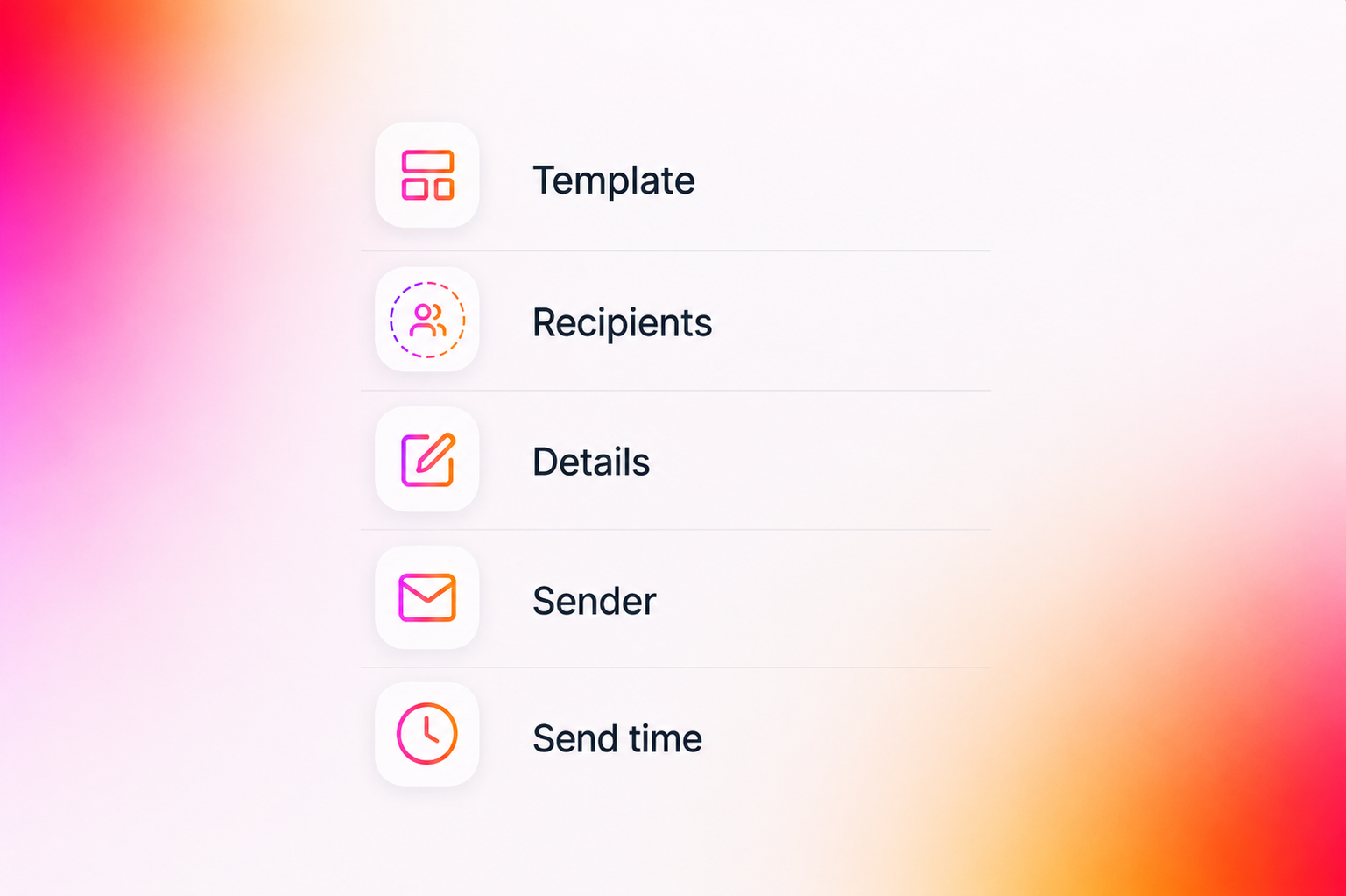
In the Campaign, select your email and toggle A/B testing on. Add as many variants as you need, set the test audience size, and assign a subject line to each variant. In Recipients, choose the segments or tags that define who receives this campaign. In Details, name your campaign and add preheader text, the preview copy that shows in the inbox before someone opens. In Sender, configure your sending provider, verified domain, from name, from email, reply-to address, and UTM tracking parameters for analytics. Finally, in Send time, choose to send immediately or schedule for a specific date and time. When everything is set, hit Start A/B Test and let MigmaAI handle the rest.
MigmaAI Optimizes From the Results
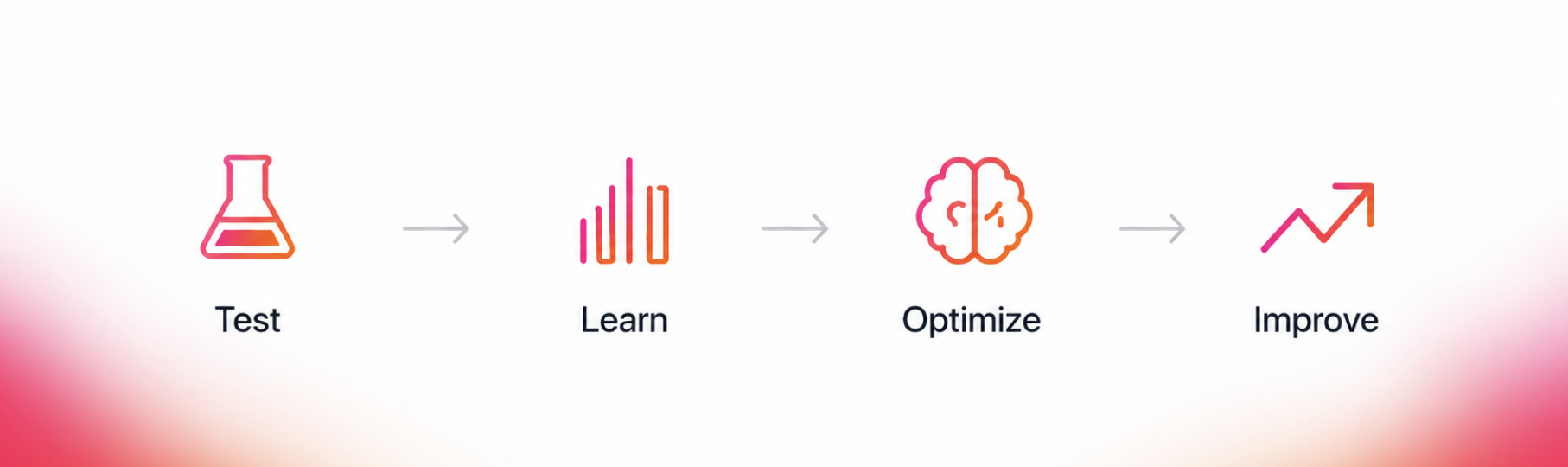
This is where it goes beyond a standard A/B test. MigmaAI doesn't just tell you which version won, it learns from the results. The insights from each campaign feed back into how MigmaAI generates and refines future emails, so your content keeps improving with every send. The more you test, the smarter it gets. Every campaign becomes a lesson, and every lesson makes the next send better.
From Testing to Better Decisions
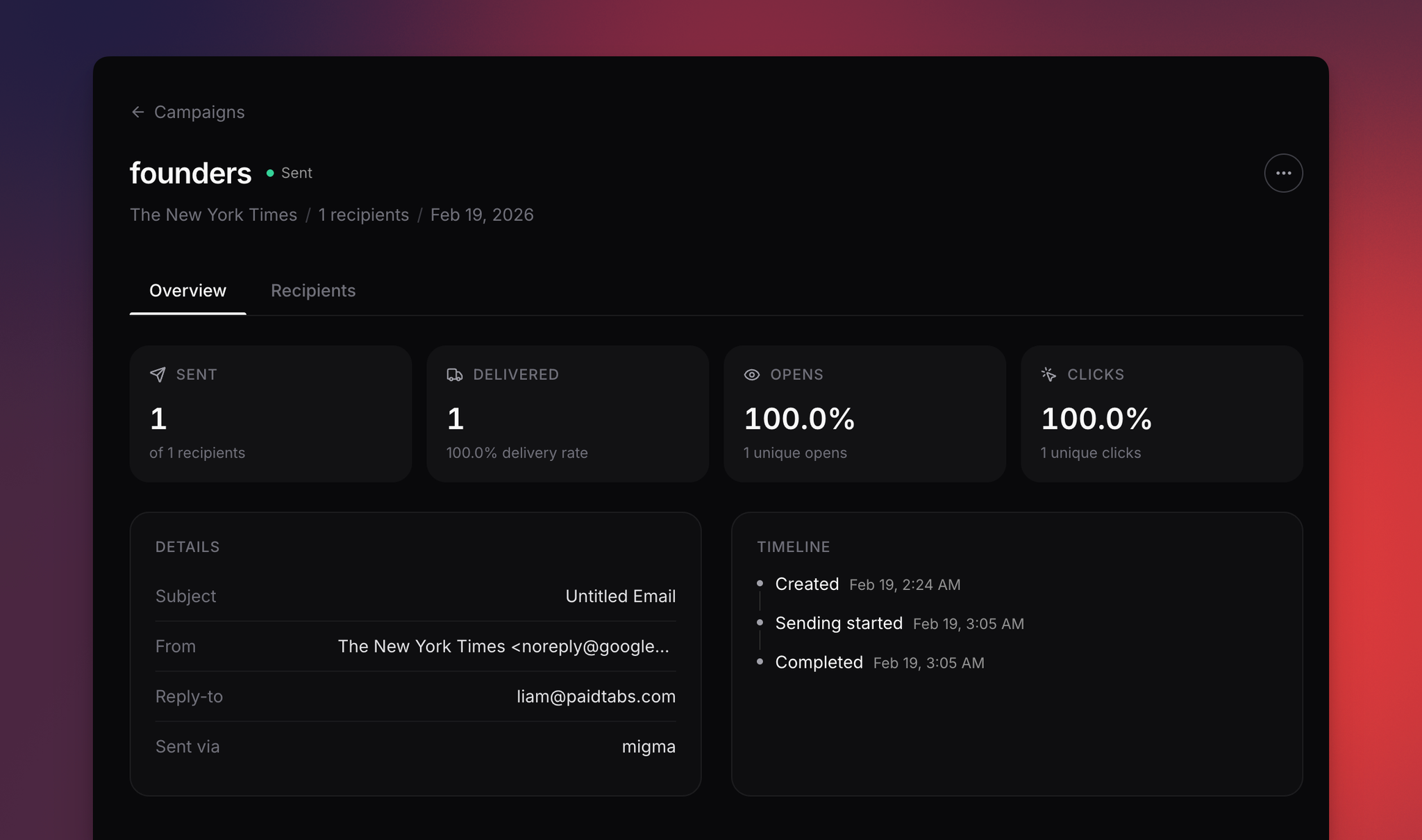
A/B testing helps you learn what works from real audience behavior, not assumptions. After sending, you can track delivery, opens, clicks, sender details, and the campaign timeline in one place.
Migma learns from these results and uses them to help you craft better emails for future campaigns. Over time, each test gives you clearer insight into which subject lines, layouts, and content perform best.
What You Can Do Now
- Toggle A/B testing on directly inside the campaign wizard
- Create multiple variants A, B, C and beyond, each with its own email and subject line
- Control your test audience size with a simple slider
- Select recipients by segment or tag
- Set your campaign name and preheader text
- Configure sender identity, domain, reply-to, and UTM tracking
- Send immediately or schedule for the right moment
- Hit Start A/B Test and let MigmaAI automatically detect the winner and deliver it to your remaining audience
Conclusion
A/B Testing brings campaign creation, editing, feedback, and performance comparison into a single workflow within MigmaAI. You can generate emails with AI, refine them visually, iterate through feedback, and test multiple versions side by side without switching tools.
By comparing campaign variations in real time, teams can identify stronger-performing content, apply winning versions instantly, and make future campaign decisions based on measurable results.
Send smarter. Learn faster. Let the data decide.
Ready to try it? Open MigmaAI and start your next campaign with testing built in.
Frequently Asked Questions
How does A/B testing work in MigmaAI?
You can toggle A/B Test on within the campaign wizard to create multiple variants (A, B, C, etc.) with different templates and subject lines. A portion of your audience receives the variants, and MigmaAI automatically identifies the winner to send to the remaining recipients.
What elements can I test in an email campaign?
MigmaAI allows you to test different versions of the same email, including subject lines, layouts, and full content. This structured approach helps you determine what performs best based on real audience data rather than assumptions.
How do I set the test audience size?
You can control the test size using a simple slider within the campaign wizard. For example, you can send variants to 20% of your audience, and the remaining 80% will automatically receive the winning version once the test is complete.
Does MigmaAI learn from A/B test results?
Yes, MigmaAI learns from the performance of each campaign and applies those insights to future emails. The more you test, the smarter the AI becomes at generating and refining content that resonates with your audience.
What steps are involved in setting up a campaign?
The campaign wizard follows a five-step workflow: selecting the Campaign type and variants, choosing Recipients via segments or tags, adding Details like preheader text, configuring Sender information and UTM tracking, and finally setting the Send time.
Can I schedule an A/B test for a later date?
Yes, the final step of the campaign wizard allows you to choose between sending the campaign immediately or scheduling it for a specific date and time.