

Email galleryPricing
Get started
Sign InGet started
Email gallery/Missive/How to use canned responses and AI
Missive logoMissiveSee all their emails

How to use canned responses and AI

A real newsletter email from Missive. Captured December 29, 2025.

Make this email yours

Migma AI designs one like it with your logo, colors, and images.
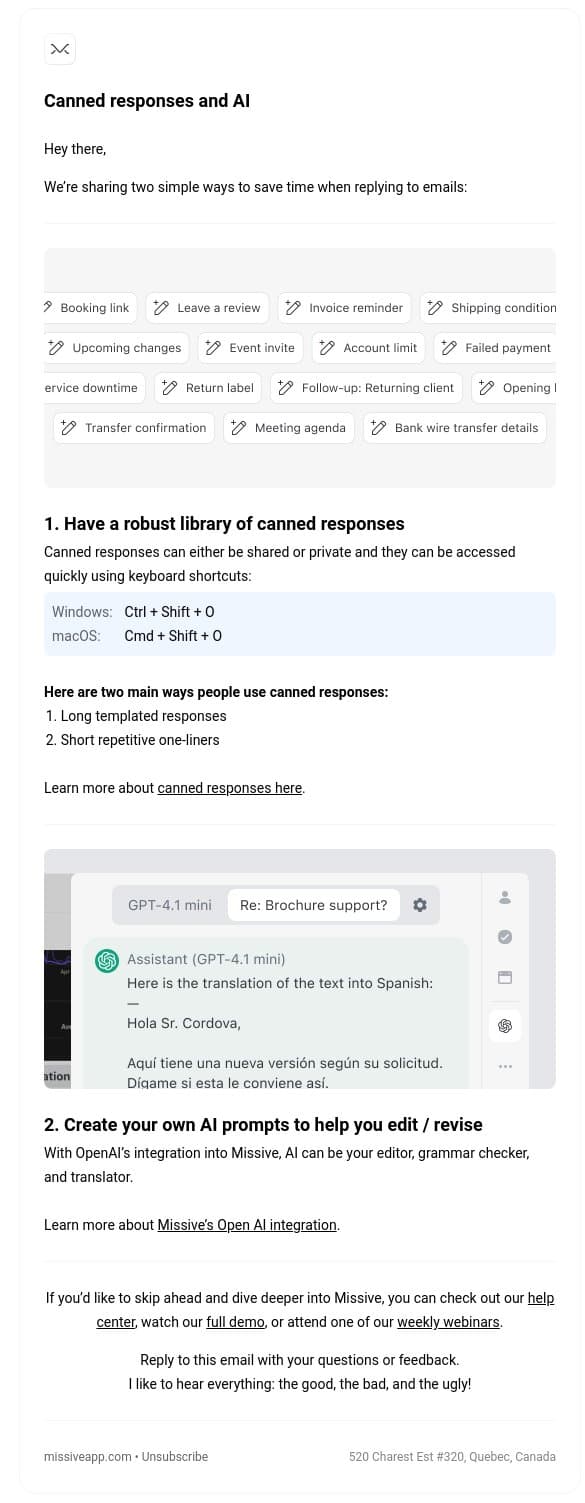
How to use canned responses and AI email from Missive screenshot

More emails like this

About this email

Captured December 29, 2025·Newsletter

Missive shares tips on using canned responses and AI to save time on email replies, with links to resources.

Minimalist layout with a clear header, text-based content sections, and inline links. Images are used to illustrate features. CTAs are placed within content sections and at the bottom.

Explore similar emails

  • Light Mode
  • Business & B2B Retail
  • Corporate
  • Modern
  • Newsletter Subscribers
  • Newsletter

Original email and brand assets belong to their respective owners. Design notes describe the creative, not campaign results.

Solutions

  • Marketers
  • Designers
  • Developers
  • Enterprise
  • Claude
  • ChatGPT
  • Grok Bot

Resources

  • Countdowns
  • Spoof checker
    New
  • BIMI logo
  • Email signature
    New
  • Email gallery
  • Tabpass
  • Pricing
  • Docs
  • Blog

Company

  • About Us
  • Brand guidelines
  • Brand kit
  • Careers
  • Support
  • FAQ

Legal

  • Privacy Policy
  • Terms & Conditions
  • Do not sell or share my personal information
  • Copyright Notice & Takedown
  • Data Processing Agreement
  • Acceptable Use

Socials

  • X / Twitter
  • Discord
  • YouTube
  • LinkedIn
MigmaAI
© 2026 MigmaAI, Inc. All rights reserved.
Backed byEWOR Logo DarkEWOR Logo Light
Built with ❤️ in Stockholm & Barcelona

More emails like this

Light Mode emails
Stop Rewriting The Same Prompt Every Day email from 未来百科
未来百科 logo未来百科

Stop Rewriting The Same Prompt Every Day

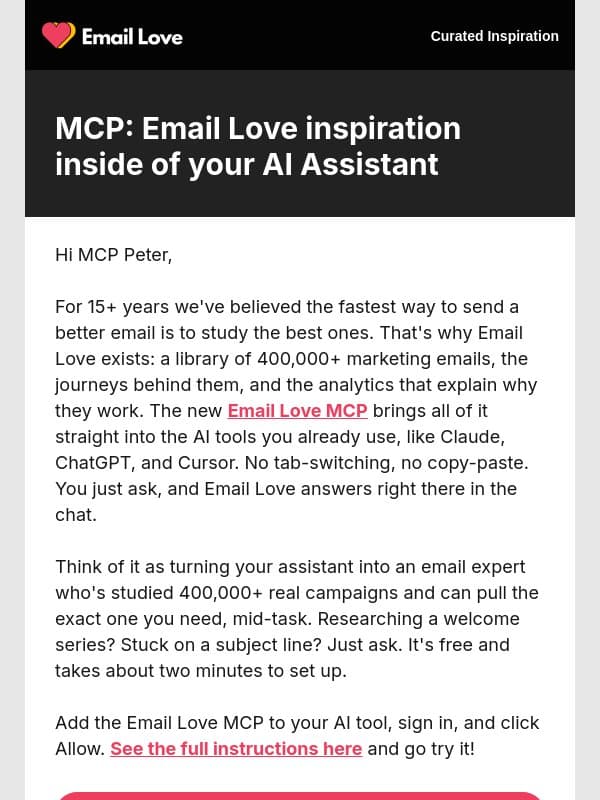
Email inspiration inside of Claude, Chat GPT, Cursor... email from Email Love
ELEmail Love

Email inspiration inside of Claude, Chat GPT, Cursor...

15 prompts for you to work more efficiently email from ProspectNow
PProspectNow

15 prompts for you to work more efficiently

AI prompts to get the most out of your engine email from Buildout
BBuildout

AI prompts to get the most out of your engine