Introduction
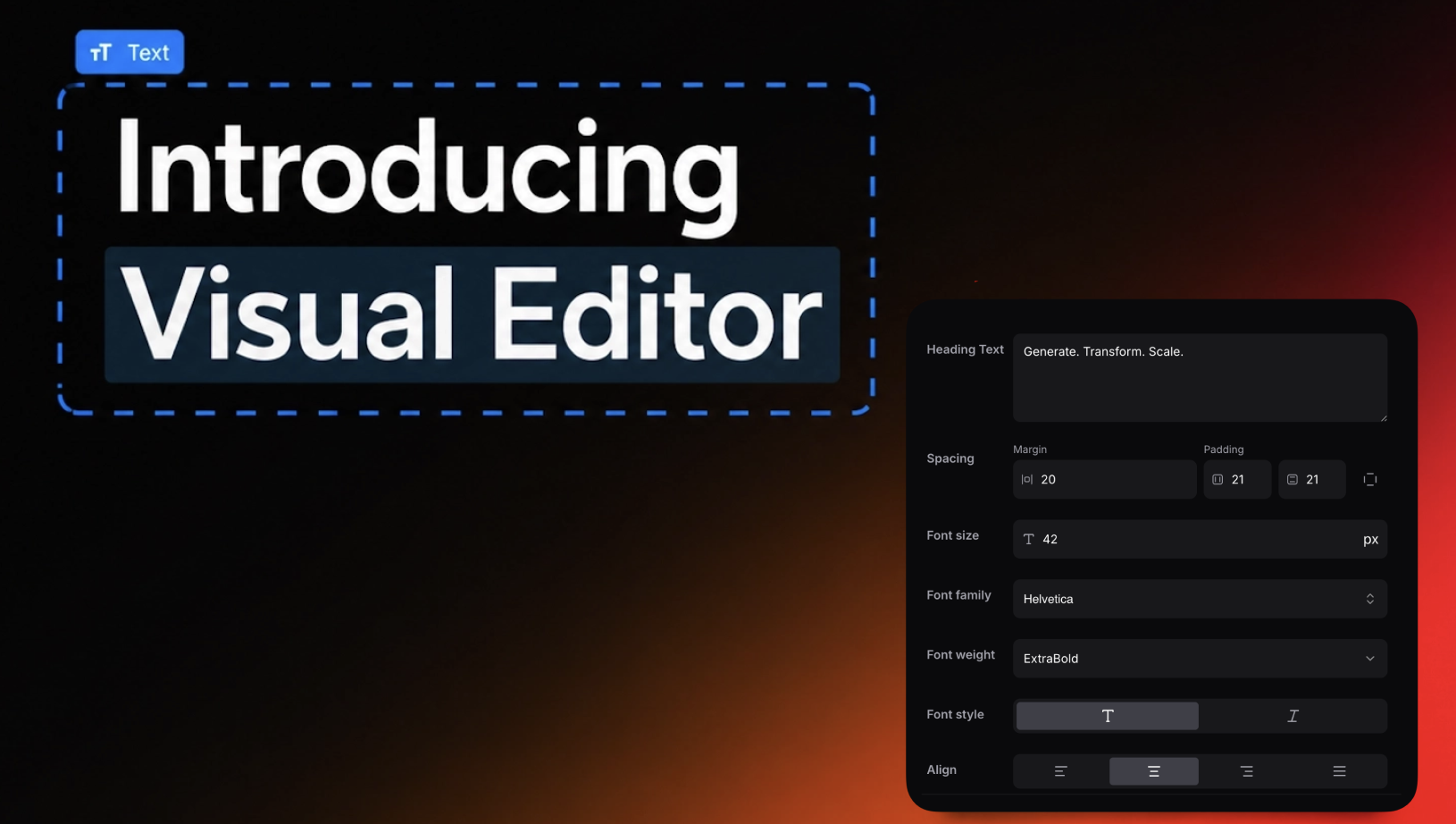
Welcome to MigmaAI's newest update, the New Visual Editor. We've heard from many users that while AI-driven email creation is fast, there are times when granular, designer-level tweaks are necessary. Starting today, you can make those precise edits directly in the email preview, bringing together the speed of MigmaAI with the control of a Figma-like design tool.
TL;DR
- Instant Edits: Change text, sizes, and styling on the fly.
- No Prompt Needed: Adjust elements without chatting with the AI.
- Full Control: Fine-tune typography, spacing, and layout with precision.
- All-in-One Workflow: Balance AI generation with the hands-on approach designers and marketers need.
What's New
Visual Edits in a Few Clicks
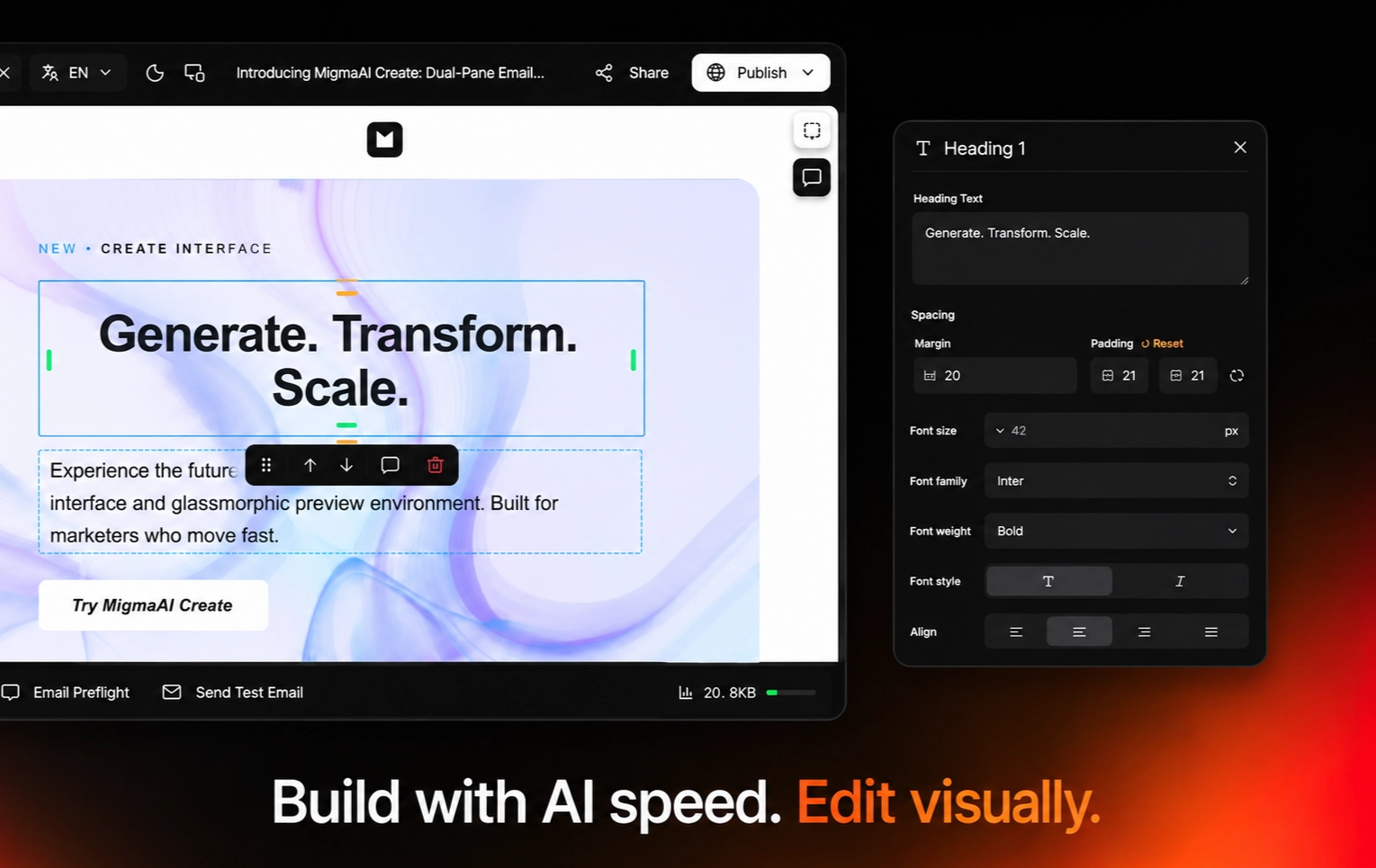
Previously, updates were handled through follow-up prompts or re-generating sections. Now, you can directly modify any element in your email preview. Simply click "Visual Editor" in the prompt box, or hit "Enable Edit Mode", then select any element, a button, headline, image, whatever needs work, and change it on the spot. Update the text, tweak the styling, or remove it entirely. When you're happy, click "Save". That's it.
Font Customization:
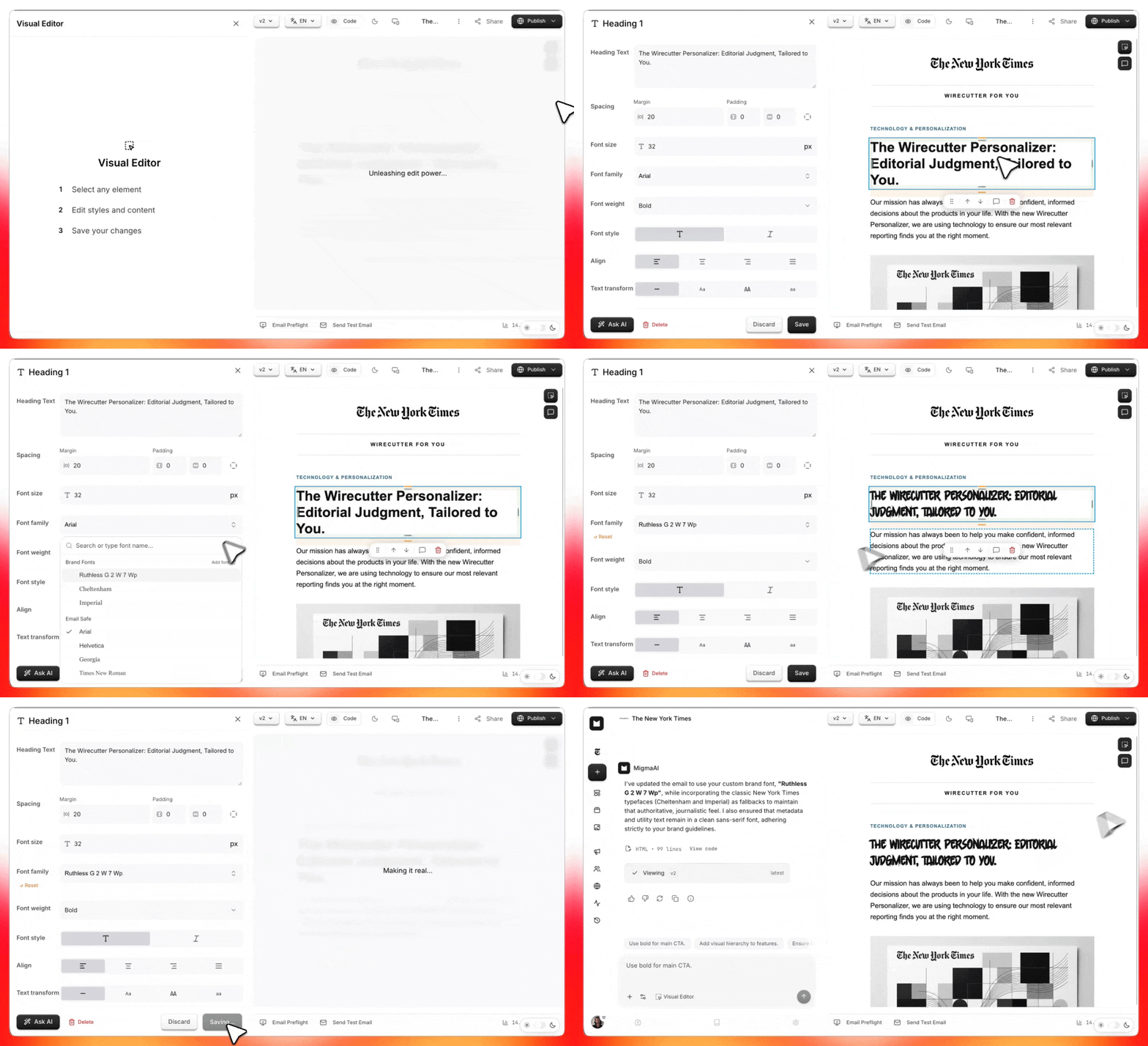
Fine-tune your typography with full control over fonts, size, weight, spacing, and alignment in real time.
Figma-Like Experience:
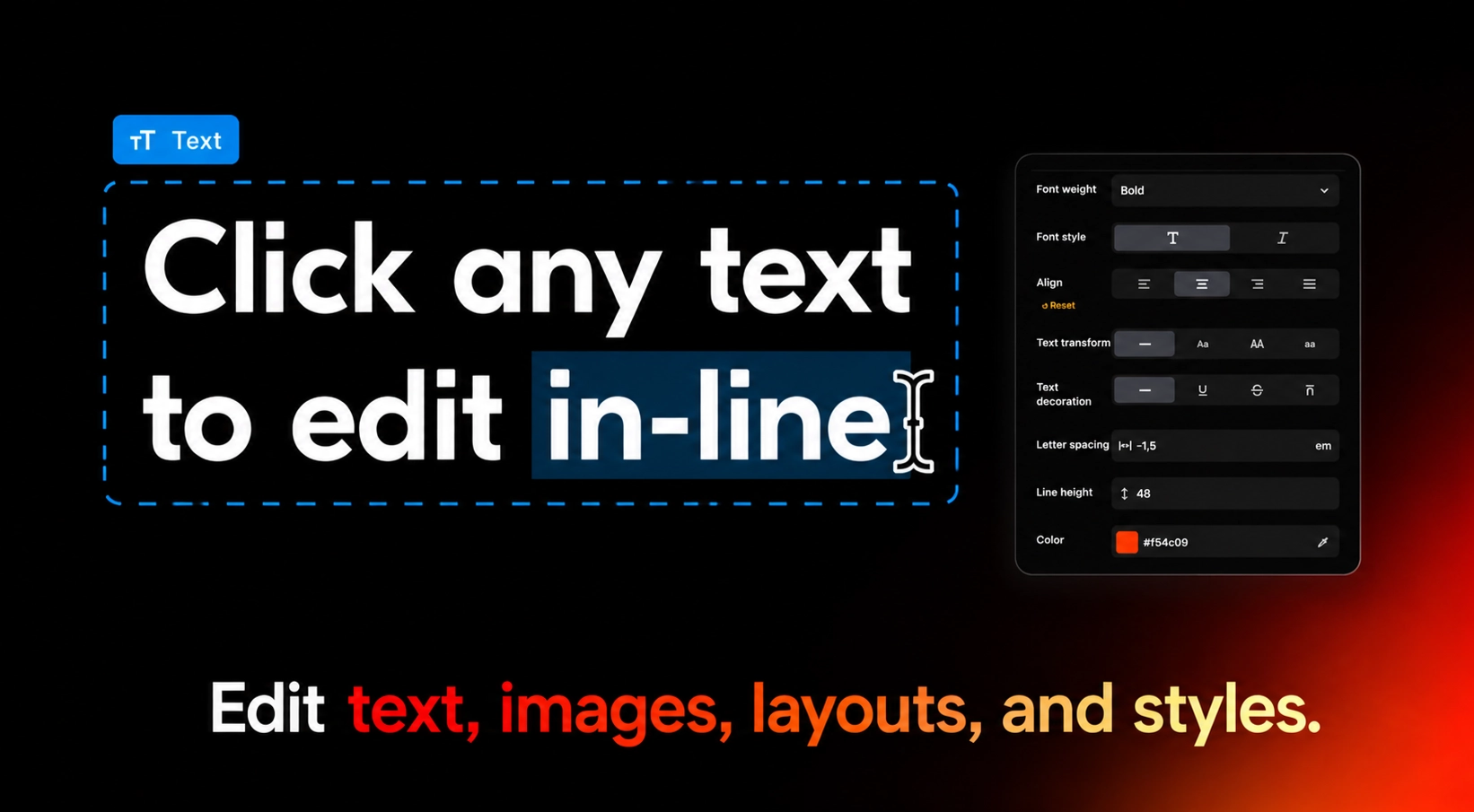
Borrowing the best elements from design tools, the Visual Editor gives you an intuitive experience to position and style every part of your email. Whether you're nudging a button's padding or reworking the spacing of an entire section, it's all done visually. Select any element and adjust margins, padding, alignment, and positioning from the sidebar, down to each individual side.
Custom Controls for Every Detail:
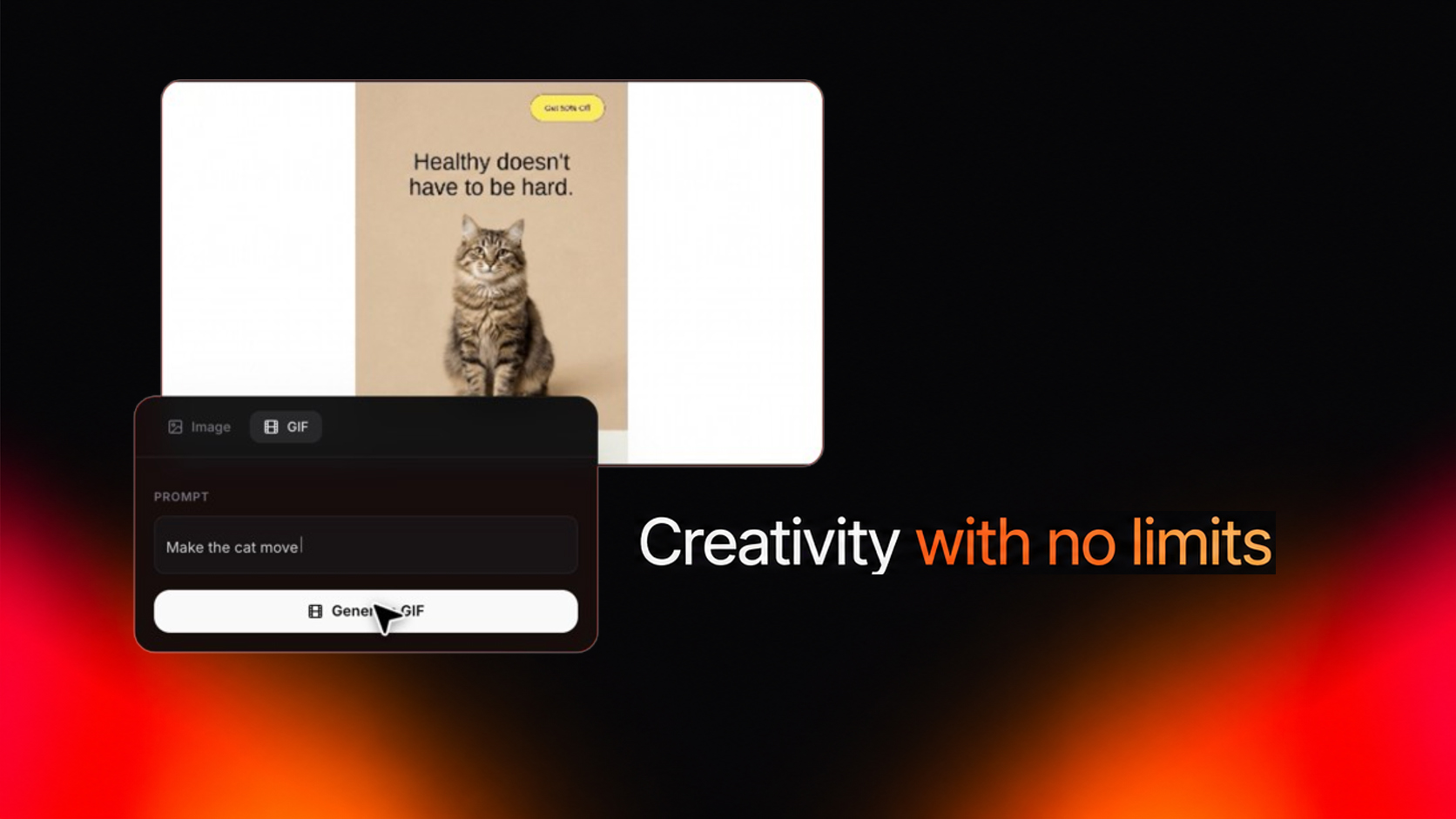
For power users who want full creative control, we've gone beyond text and spacing. Click any image to upload a file, paste a URL, or generate a new one with MigmaAI. Need motion? Create AI-generated GIFs directly from the editor without leaving your workflow. Fine-tune icons, swap visuals, and refine every element to match your exact requirements, bridging the gap between no-code speed and professional-level design.
Built for Everyone:
Whether you are a designer, a marketer, or simply someone with an idea, the Visual Editor brings a new level of flexibility to email creation. It's a key step toward our broader vision of merging AI-driven speed with the kind of creative control traditionally found in professional design suites.
Conclusion
The New Visual Editor marks an important milestone for MigmaAI. Now, you can achieve fast AI generation and refined visual editing in a single platform, no juggling multiple tools or patching together workflows. We believe it's a game-changer for anyone looking to create better emails faster without compromising on detail.
Ready to try it? Open MigmaAI and experience the seamless blend of MigmaAI efficiency and hands-on design control.
Frequently Asked Questions
What is the New Visual Editor in MigmaAI?
The New Visual Editor is a design tool that allows users to make granular, designer-level tweaks directly in the email preview. It combines the speed of AI-driven email creation with the control of a Figma-like interface for precise manual edits.
How do I enable the Visual Editor mode?
You can activate it by clicking Visual Editor in the prompt box or by selecting Enable Edit Mode. Once enabled, you can select any element in the preview to modify its text, styling, or layout.
Can I edit fonts and typography in MigmaAI?
Yes, the editor provides full control over typography in real time. You can fine-tune font selection, size, weight, spacing, and alignment to match your brand's requirements.
Does the Visual Editor allow for image and GIF customization?
Yes, you can click any image to upload a new file, paste a URL, or generate a new visual using MigmaAI. The editor also supports creating AI-generated GIFs directly within your workflow.
Do I need to use AI prompts to make changes in the new editor?
No, the Visual Editor allows for instant edits without chatting with the AI. You can manually adjust elements, nudge button padding, and rework section spacing using a sidebar with custom controls.