
Dark Mode email examples & templates
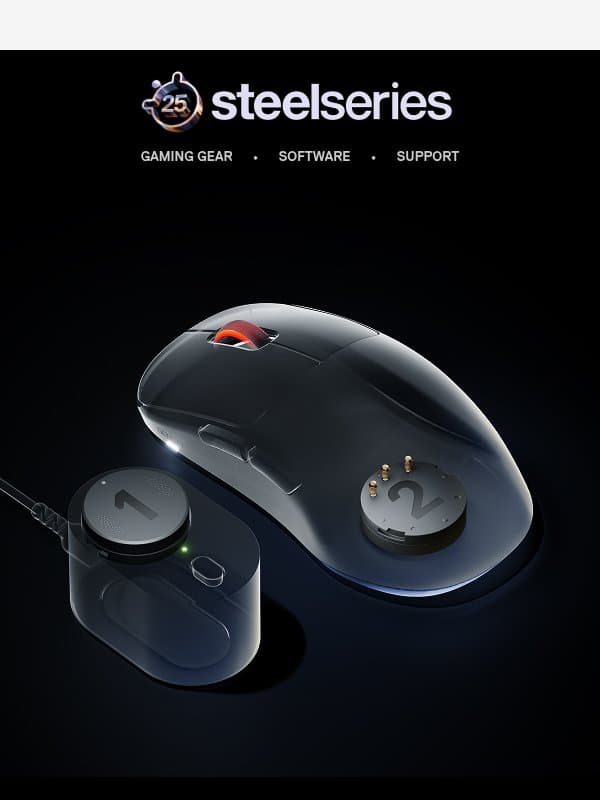
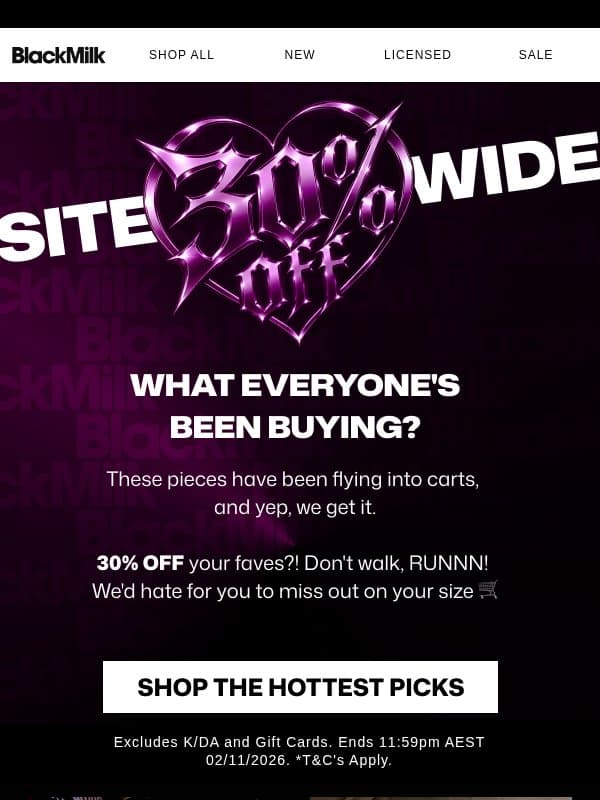
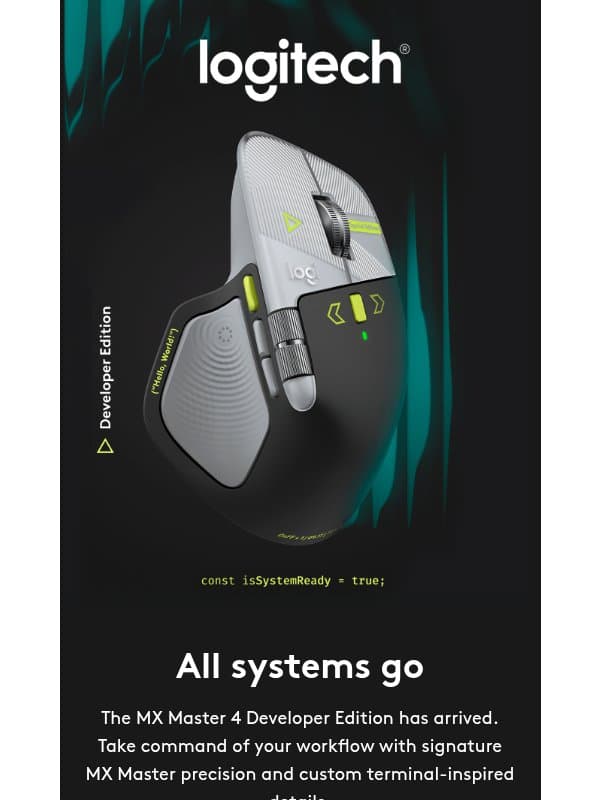
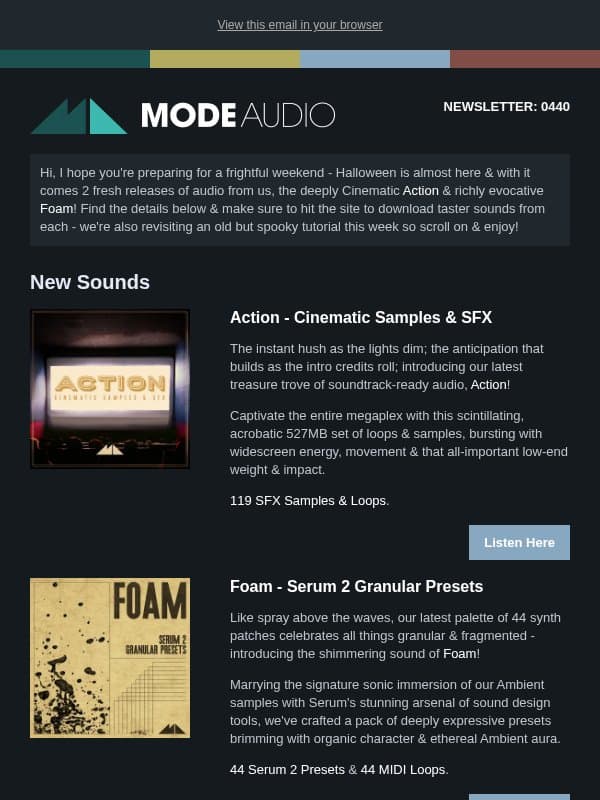
A dark-mode email uses dark surfaces as part of its intended design. It needs careful contrast, image treatment, and testing because email clients may also alter colors automatically.
24 emails on this page

















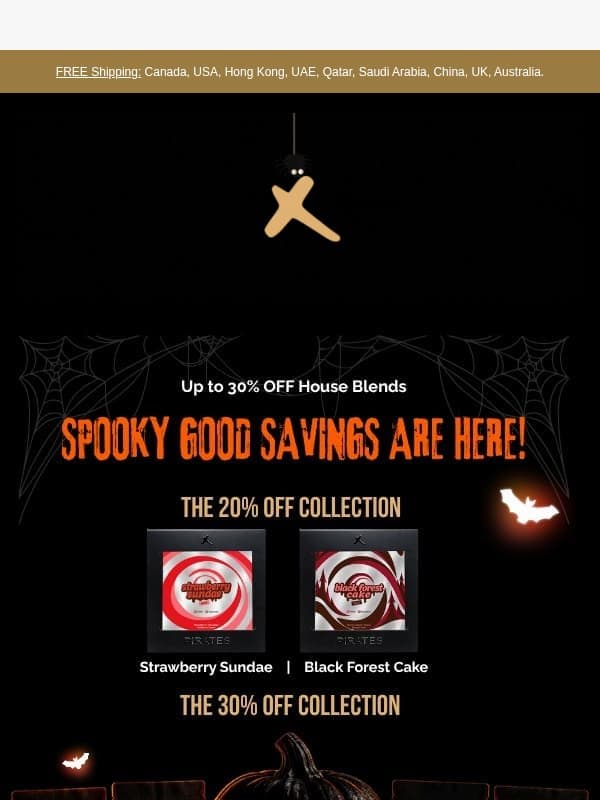









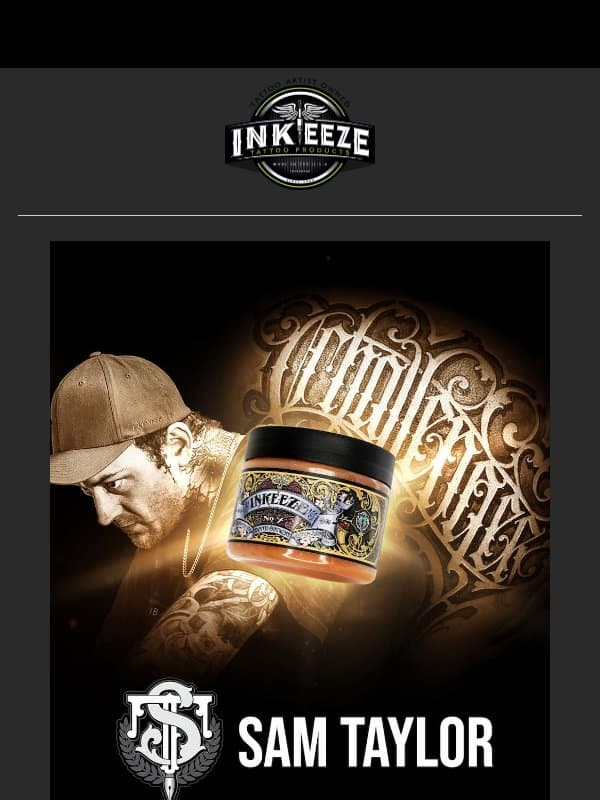





How to prepare a dark email design
Check text contrast
Test body copy, secondary text, links, and buttons against every dark surface.
Prepare image edges
Avoid unintended white boxes and make logos or transparent assets visible on dark and light backgrounds.
Test color changes
Review major email clients and keep the reading order clear if colors are transformed.
Is a dark design the same as dark-mode support?
No. A dark design chooses a dark palette; dark-mode support also accounts for client color transformations and user settings.
Make an example your own
Open a dark mode email to inspect its full design and source brand. Choose Remix to use it as a reference in Migma, then replace the brand assets, offer, and copy with your own. You can export your finished email from the editor.