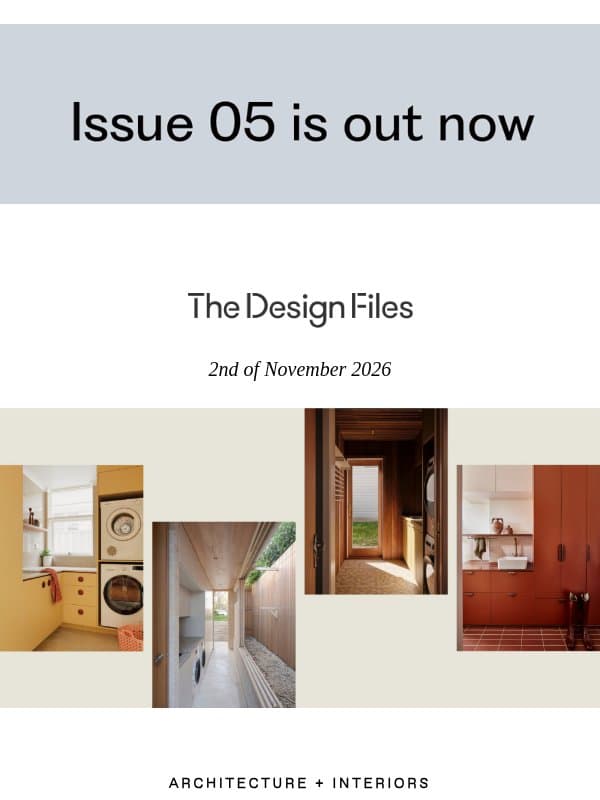
Image Heavy email examples & templates
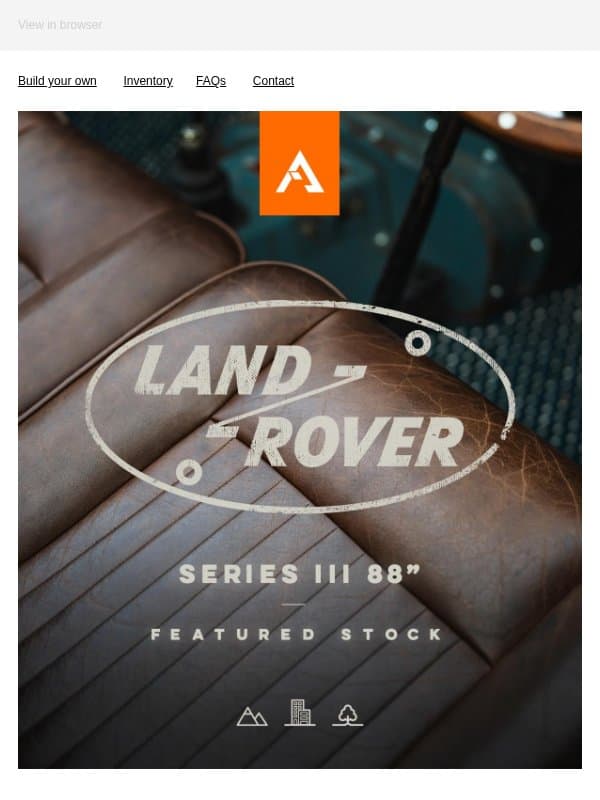
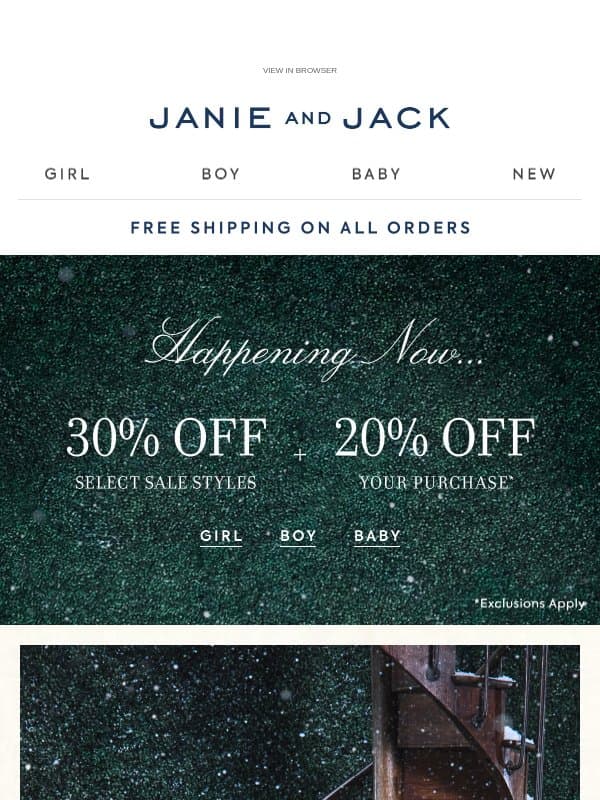
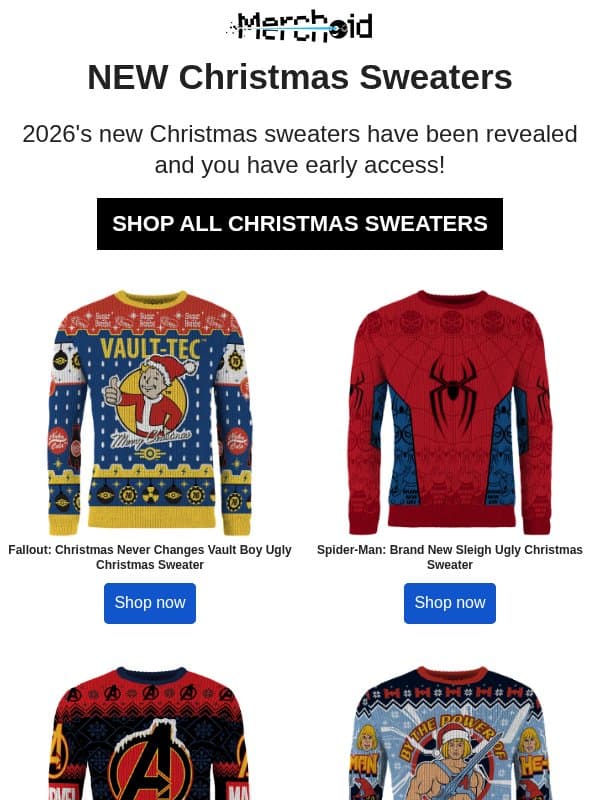
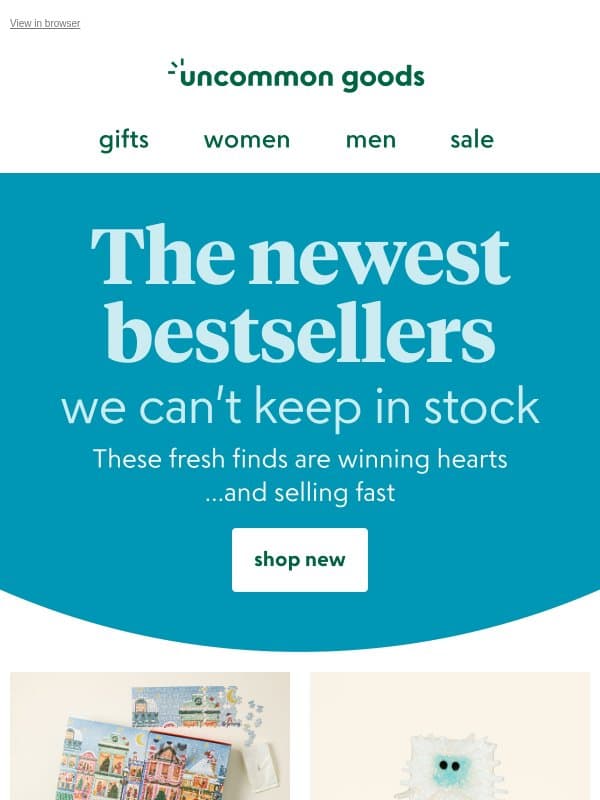
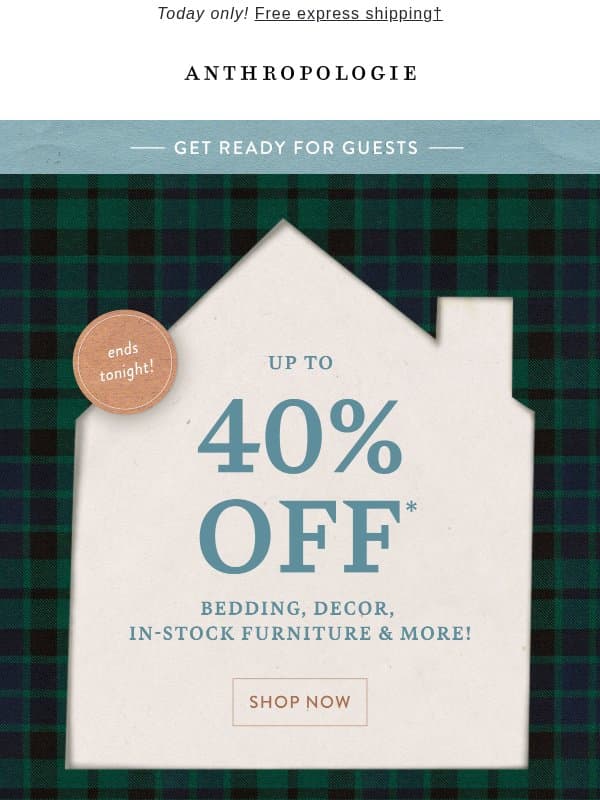
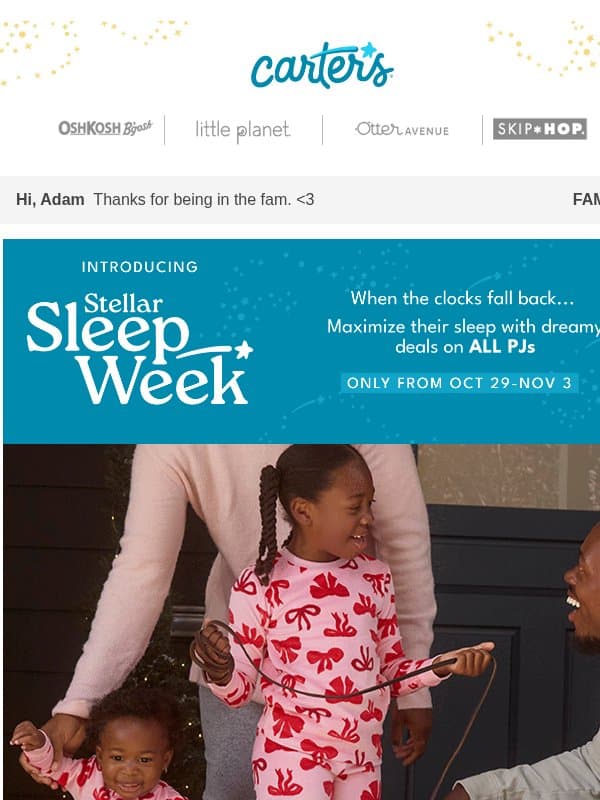
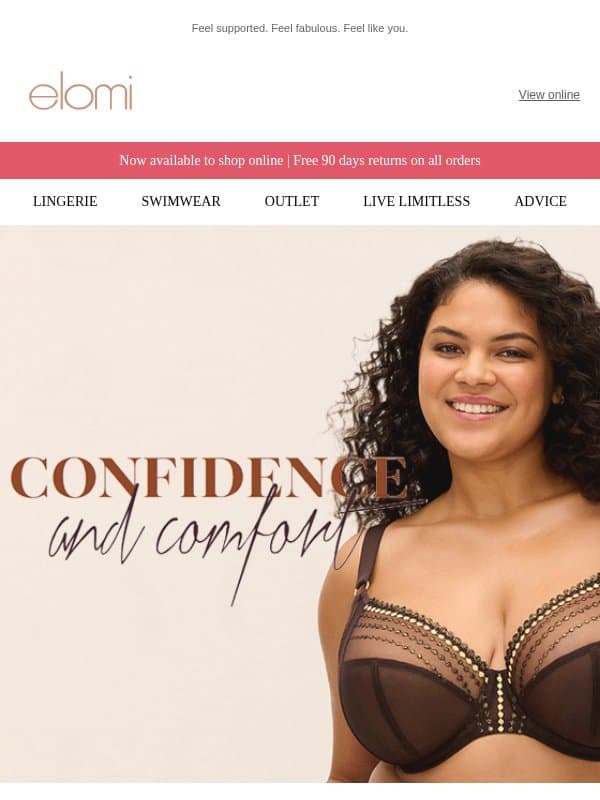
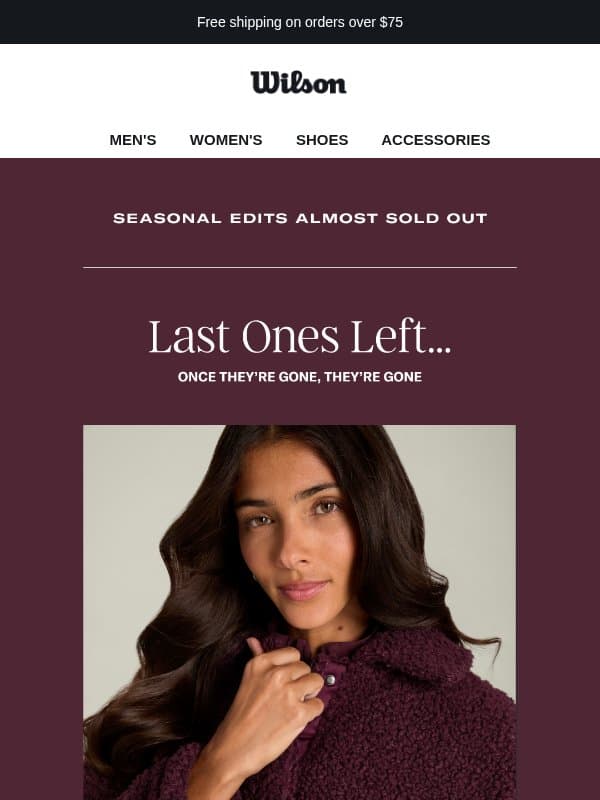
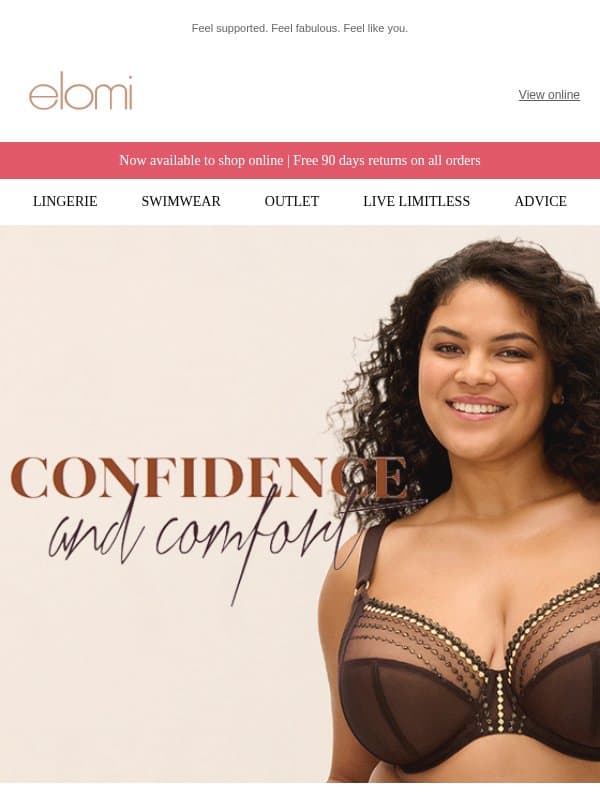
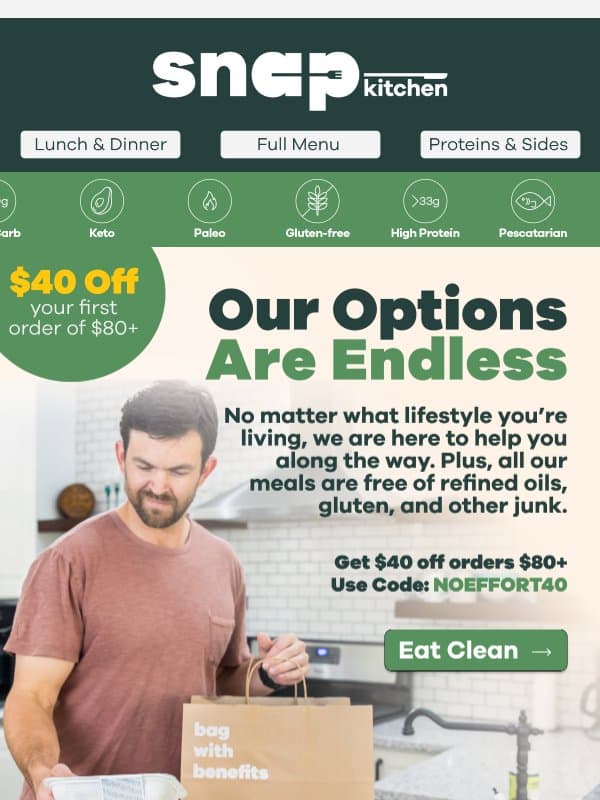
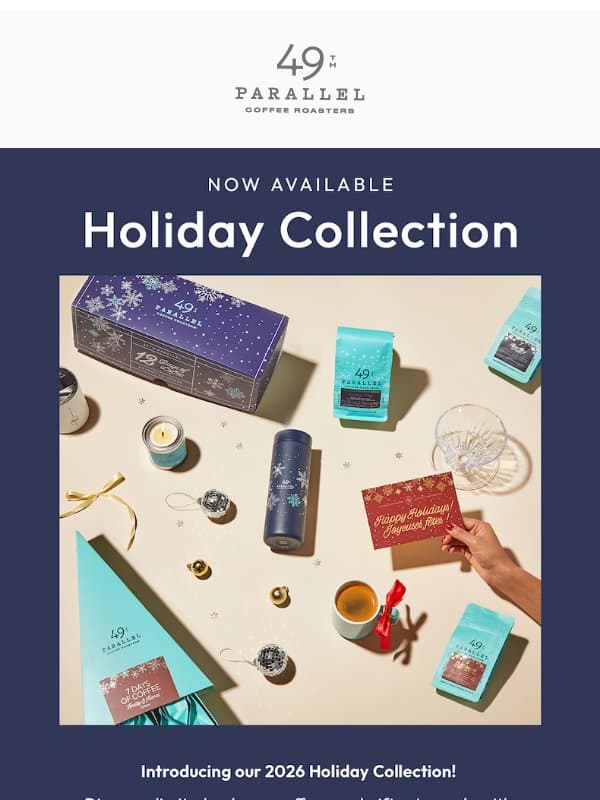
An image-heavy email uses photography or illustration as the main storytelling layer. It still needs readable live text, useful links, and a coherent fallback when images are blocked.
24 emails on this page





























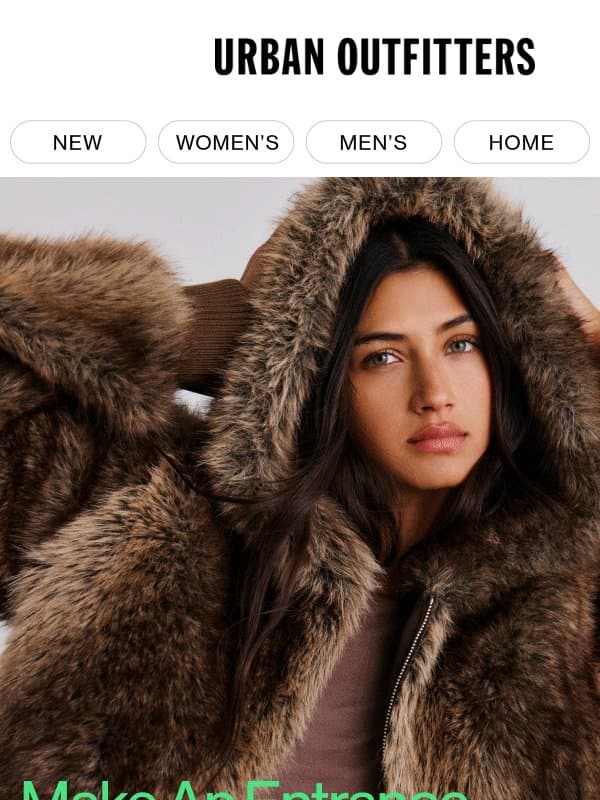
How to use images without losing the message
Keep essential copy live
Place key meaning, terms, and calls to action in HTML text where possible.
Write useful alternatives
Add concise alternative text for informative images and avoid repeating nearby captions.
Control file weight
Resize and compress assets for their display size so the email remains practical to load.
Can the whole email be one image?
That makes the message fragile and hard to access. Use structured content with images supporting the main hierarchy.
Make an example your own
Open a image heavy email to inspect its full design and source brand. Choose Remix to use it as a reference in Migma, then replace the brand assets, offer, and copy with your own. You can export your finished email from the editor.