
Countdown And Timer email examples & templates
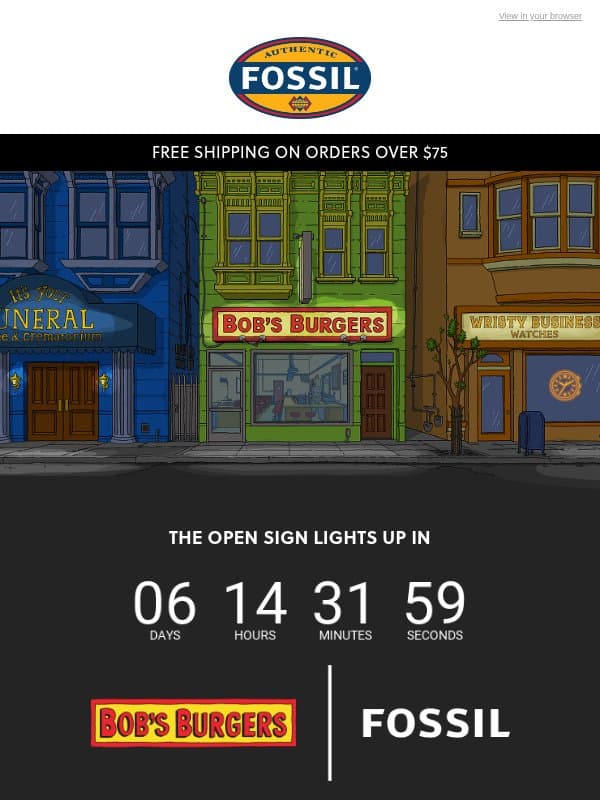
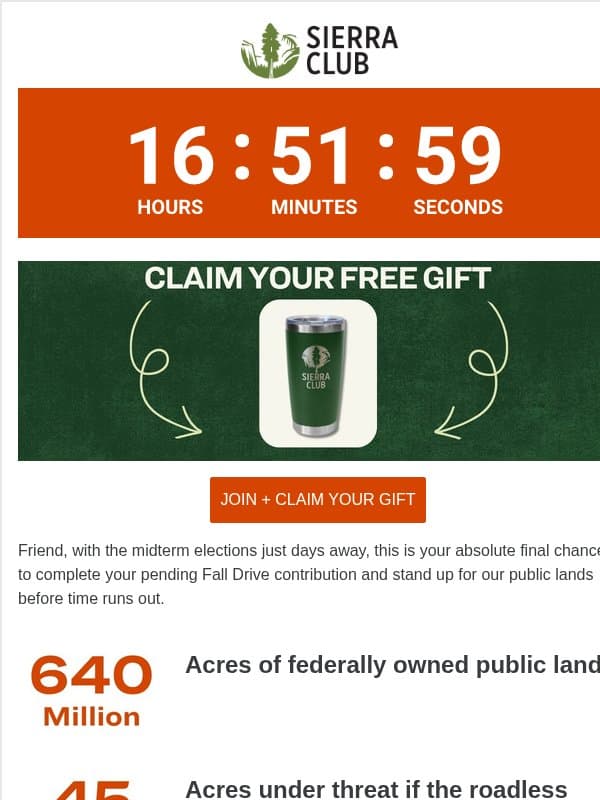
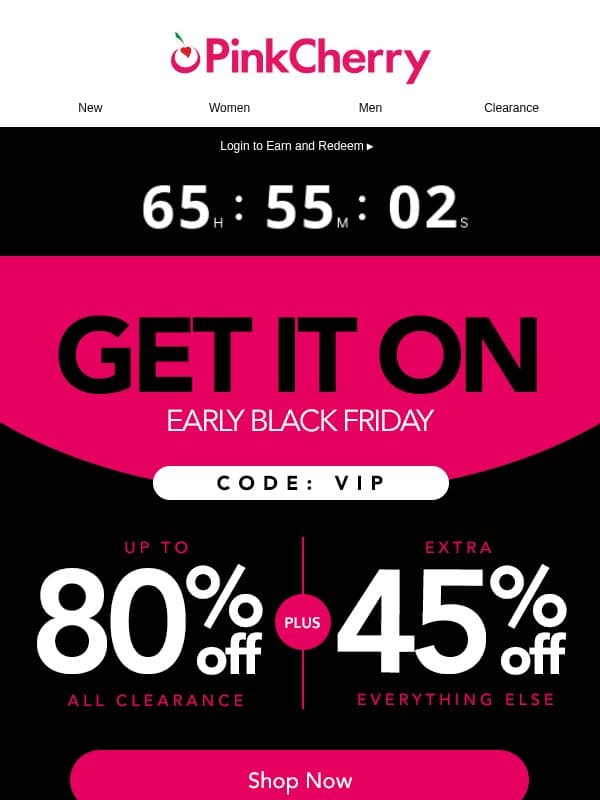
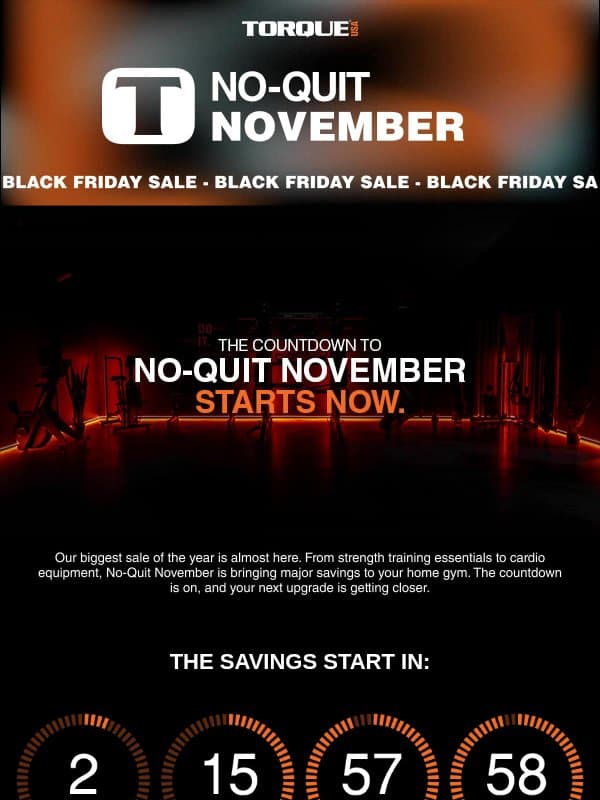
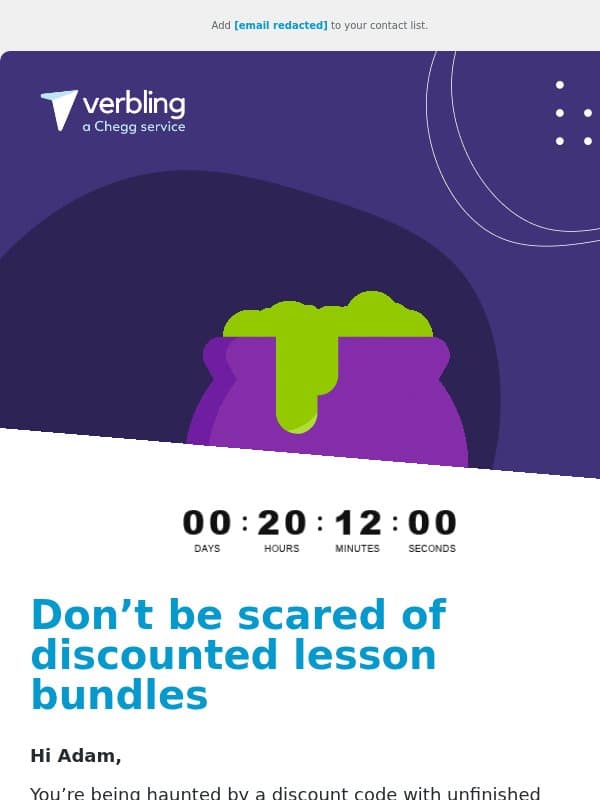
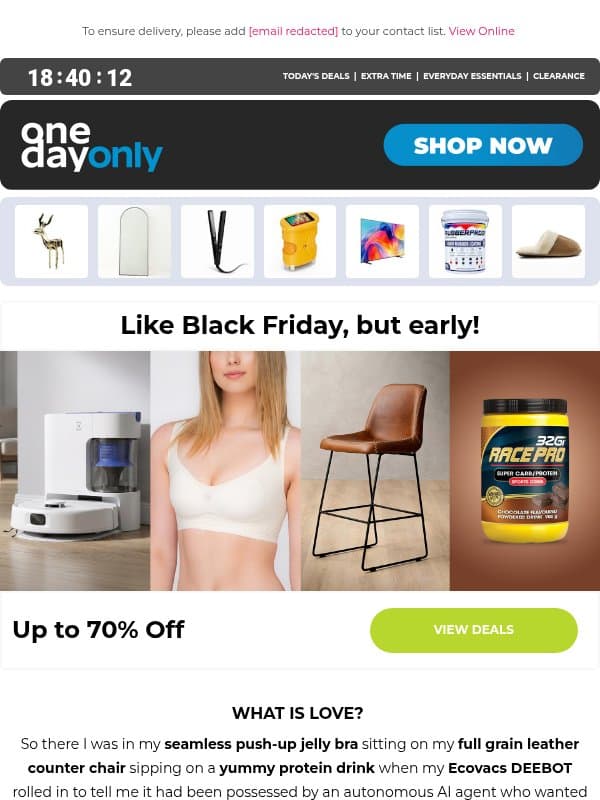
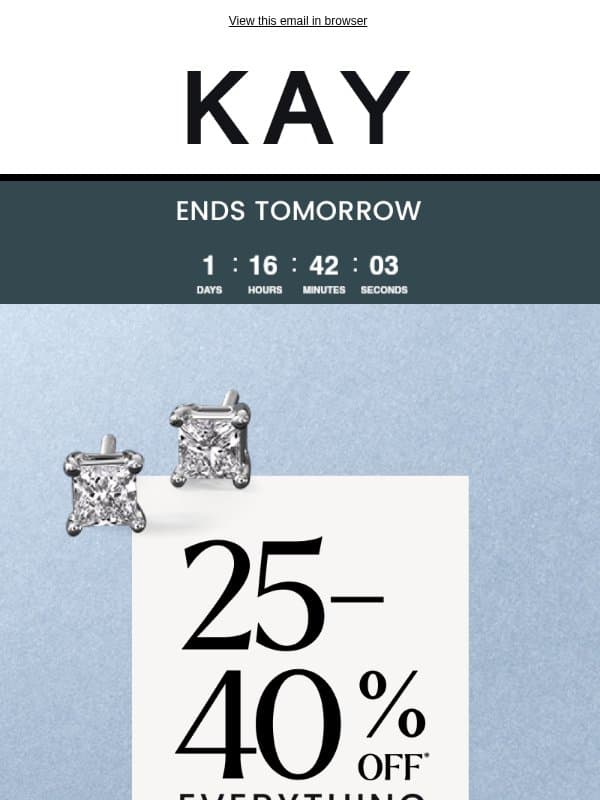
A countdown timer visualizes time remaining before a real deadline. Pair it with a written end date and a useful expired state so the message stays accurate whenever it is opened.
24 emails on this page

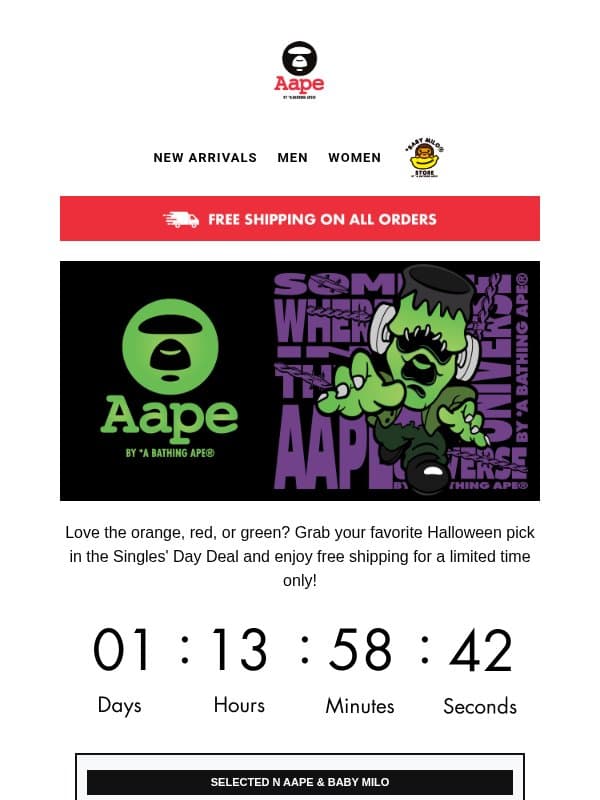



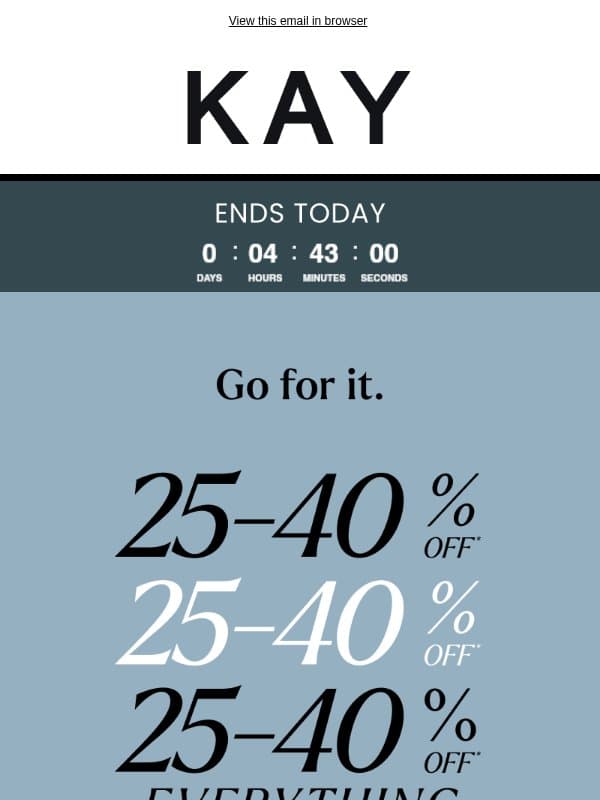
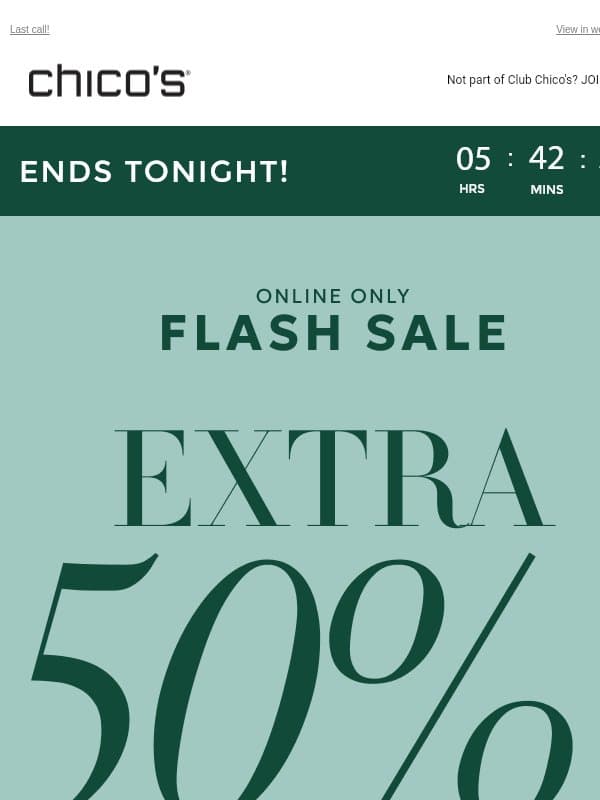

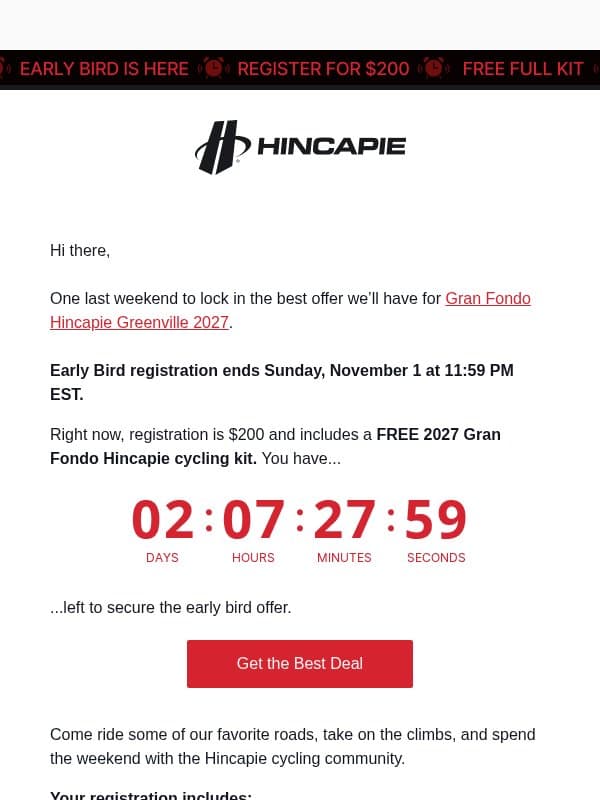





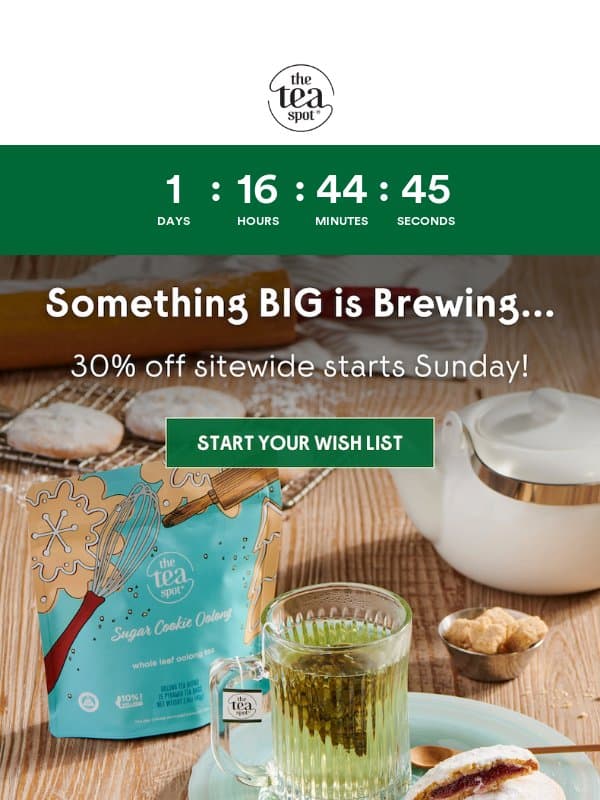



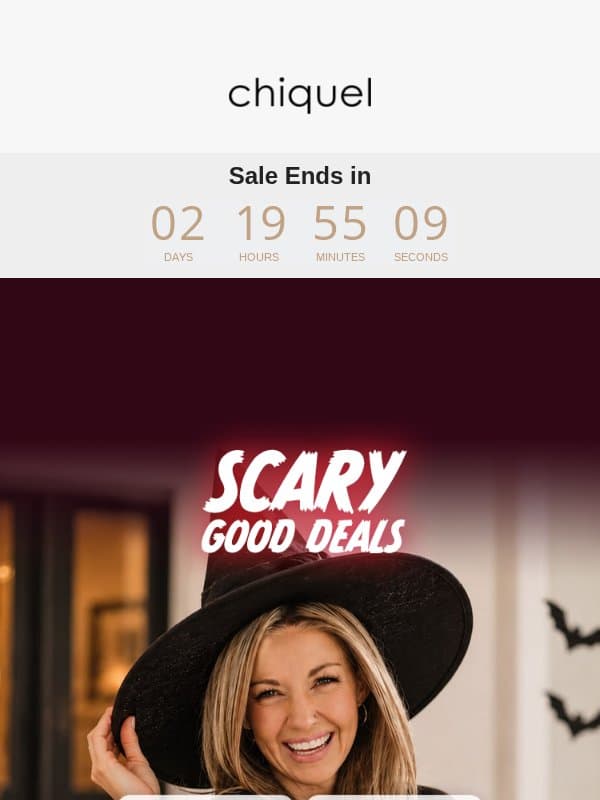
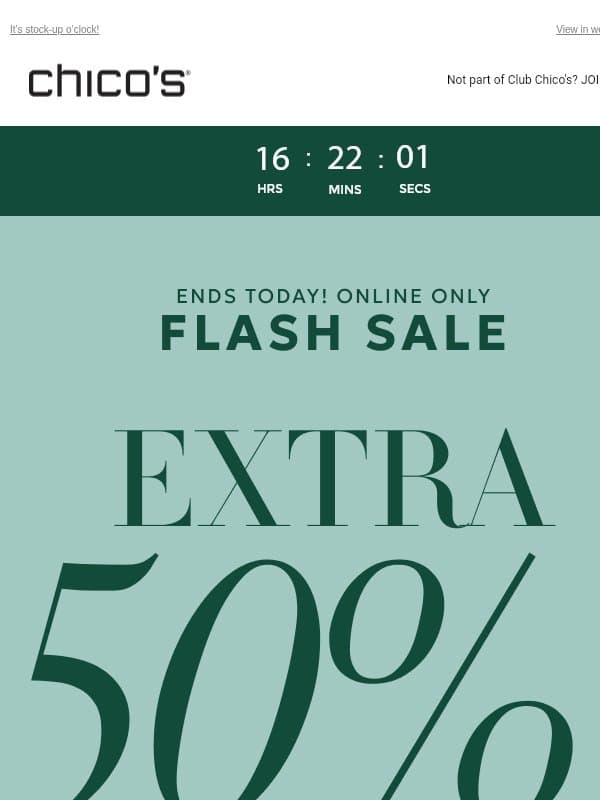
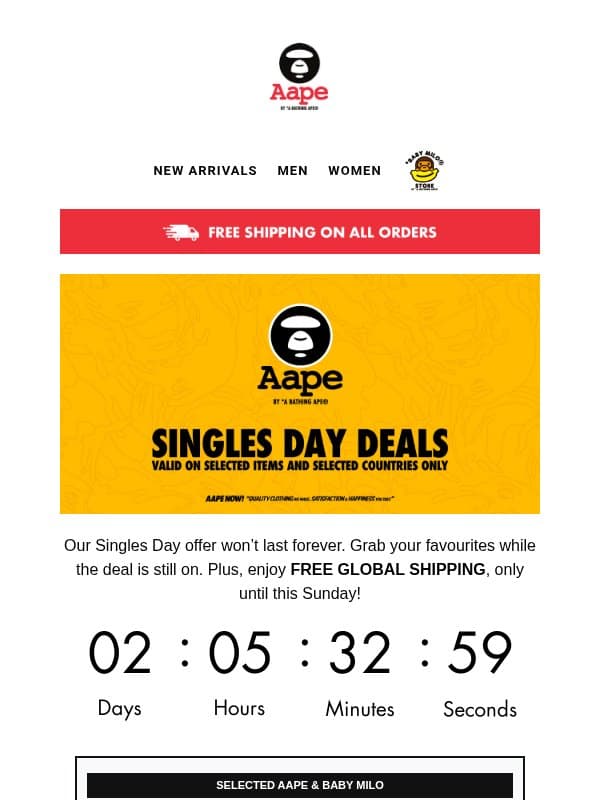








How to use a countdown responsibly
Tie it to a real event
Use the timer for a sale, registration, launch, or booking deadline that has a fixed end.
Write the deadline too
Show the date, time, and time zone in live text near the timer.
Plan the expired state
Replace or redirect the timer and offer appropriately after the deadline passes.
Does a countdown replace the written deadline?
No. The exact deadline gives the reader durable context and remains available if the timer cannot load.
Where should the timer appear?
Place it near the deadline or primary action it supports, without letting it compete with the offer itself.
Make an example your own
Open a countdown and timer email to inspect its full design and source brand. Choose Remix to use it as a reference in Migma, then replace the brand assets, offer, and copy with your own. You can export your finished email from the editor.