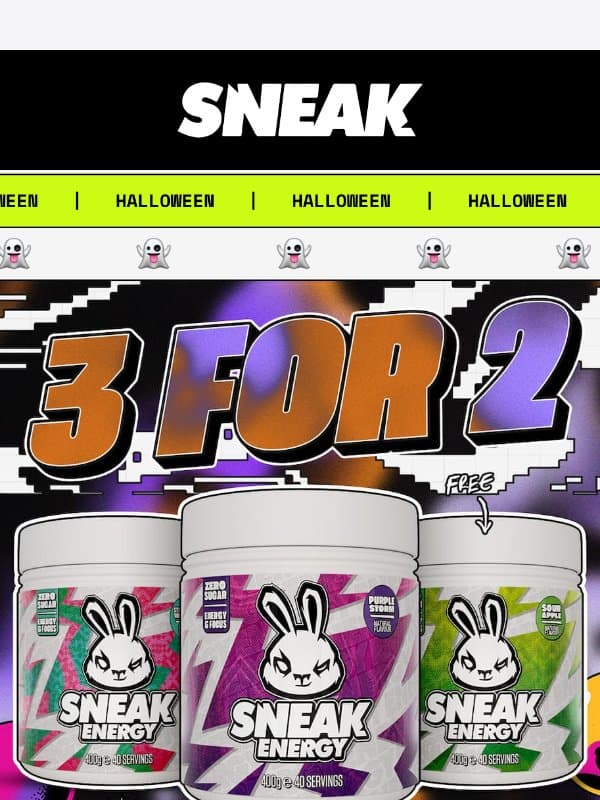
GIF email examples & templates
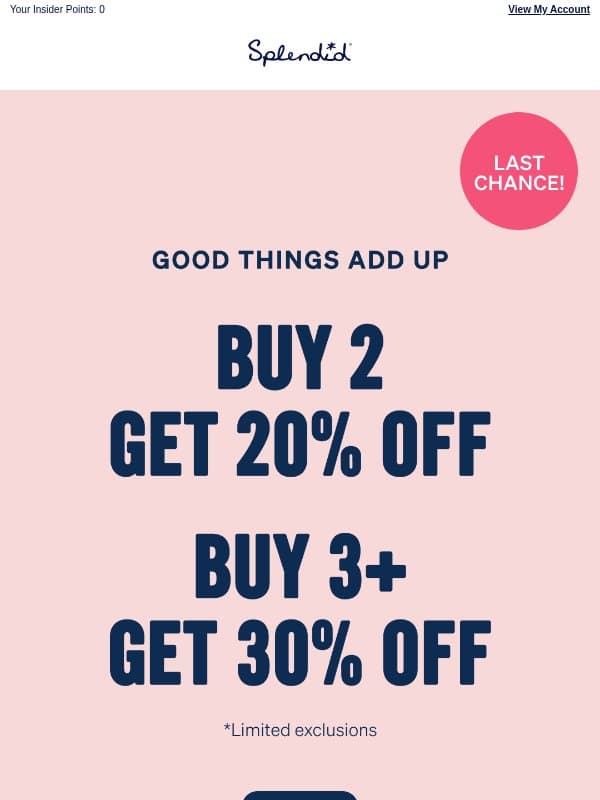
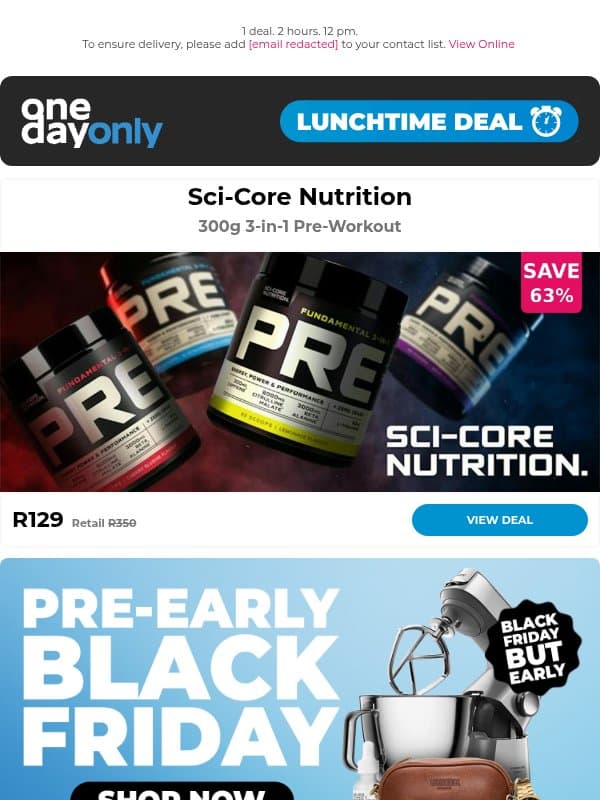
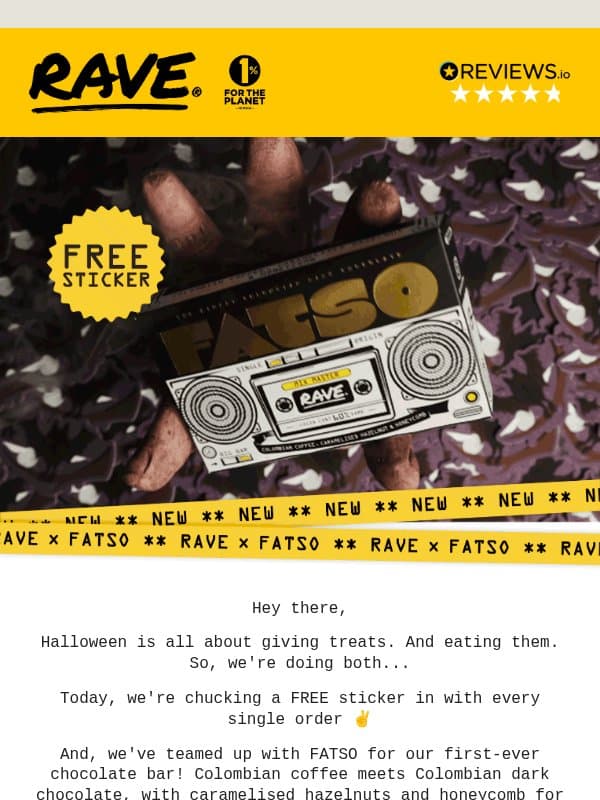
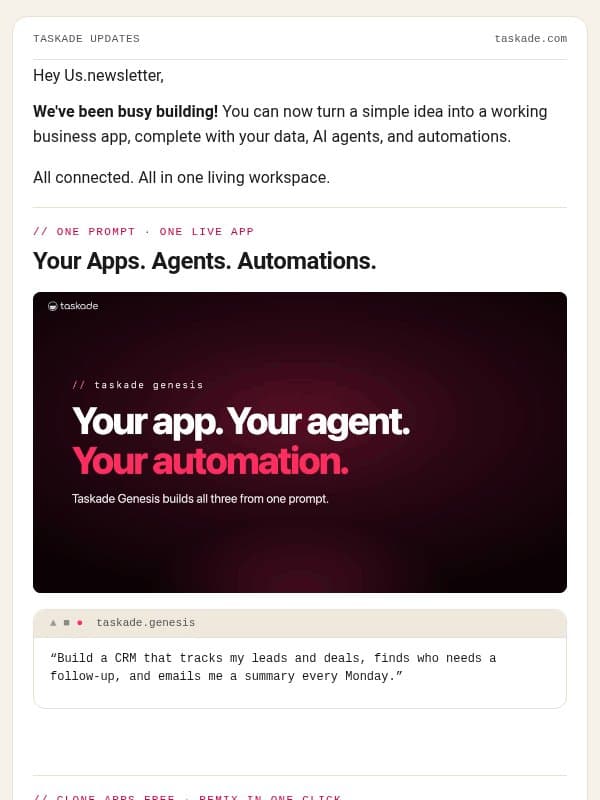
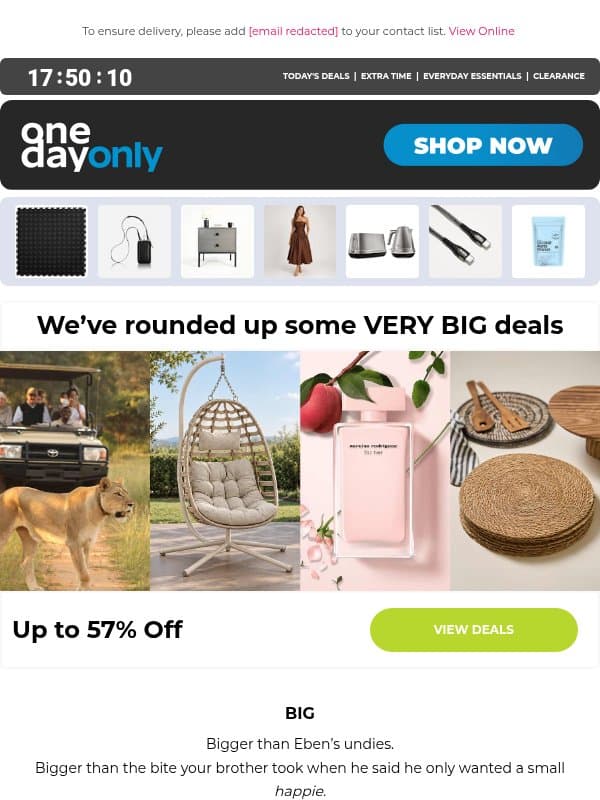
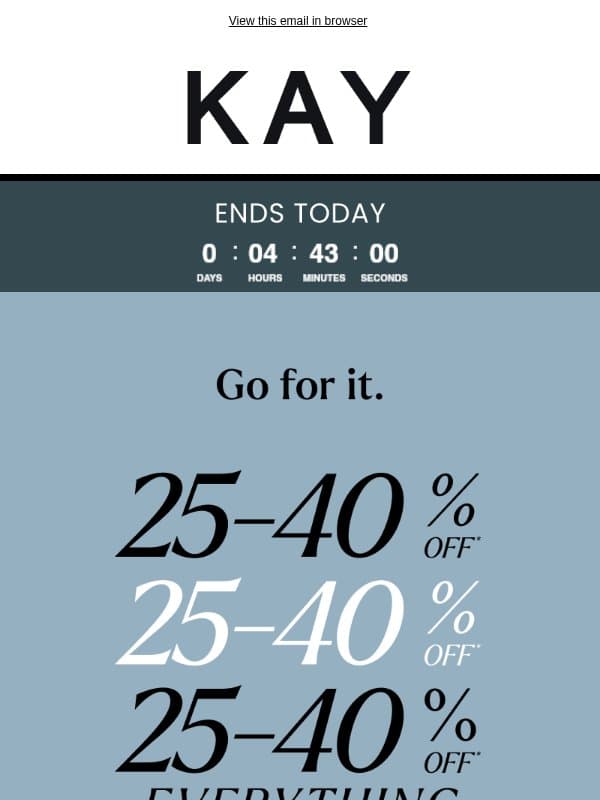
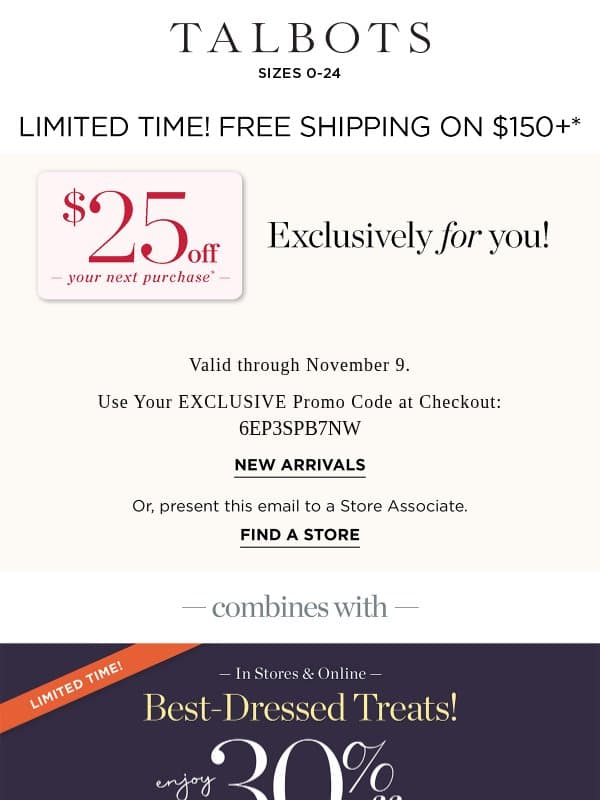
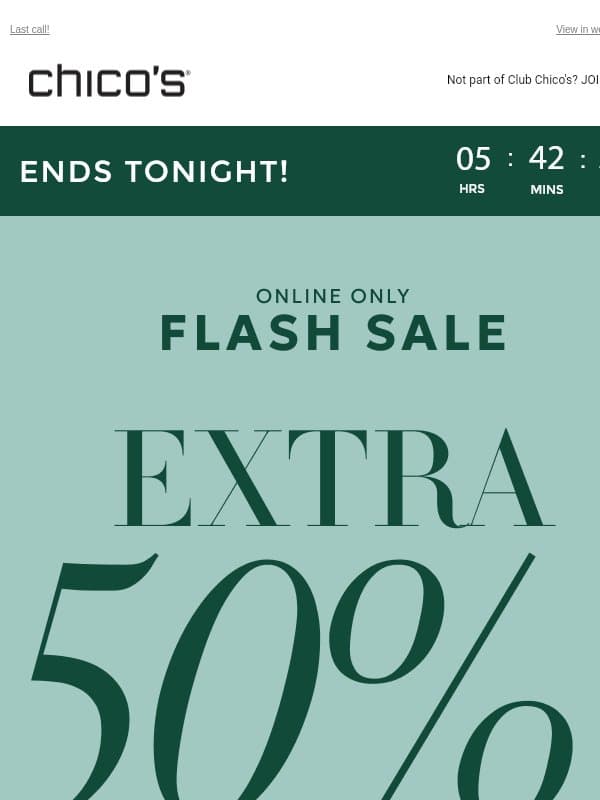
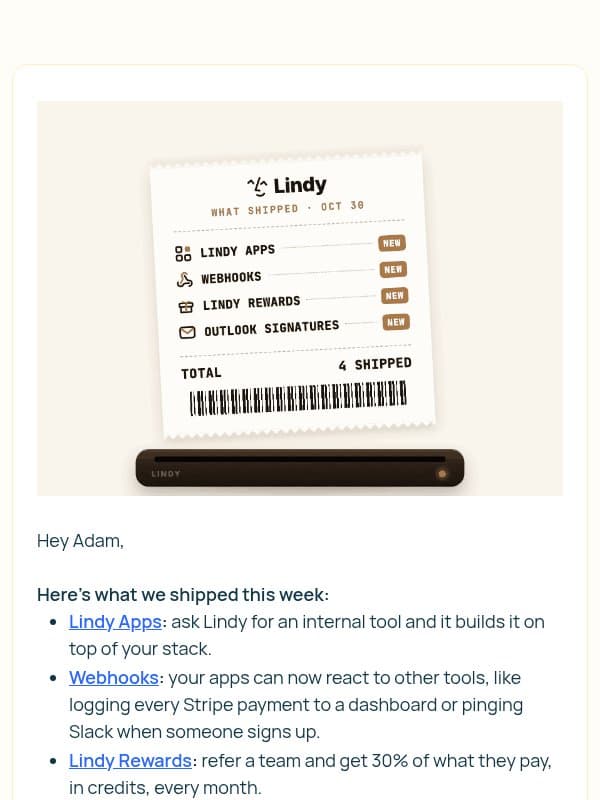
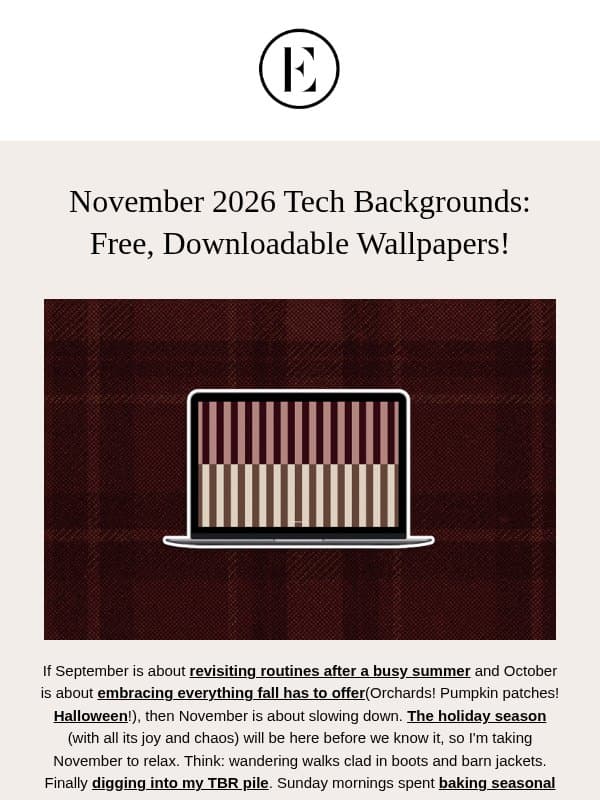
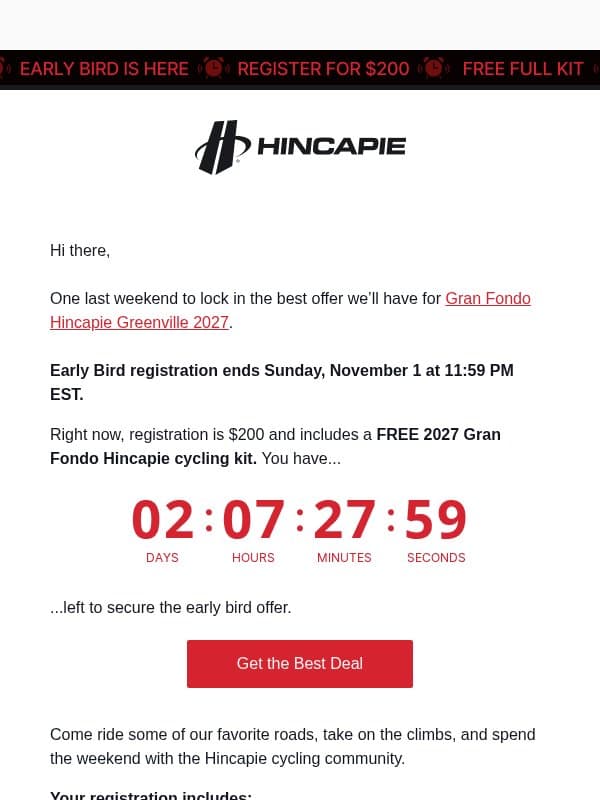
A GIF can demonstrate motion, reveal several views, or draw attention to one change. Design the first frame as a useful fallback and keep movement focused.
24 emails on this page























How to use a GIF in email
Give motion one job
Use animation to explain a feature, sequence, transformation, or focal detail.
Design the first frame
Include enough meaning for clients that show only the opening frame.
Keep it comfortable
Avoid rapid flashing, long loops, and unnecessary file size.
Should the call to action be inside the GIF?
Keep an HTML action nearby so it stays readable and usable when the animation does not play.
Make an example your own
Open a gif email to inspect its full design and source brand. Choose Remix to use it as a reference in Migma, then replace the brand assets, offer, and copy with your own. You can export your finished email from the editor.